If you’ve ever finished a marathon gaming session and felt that familiar, nagging ache in your wrist, you’re not alone. We spend hours perfecting our aim and strategy, but often neglect the one thing that connects us to the game: our physical comfort. The traditional gaming mouse has served us well, but its design can force our arm and wrist into an unnatural position. This is where the Vertical Gaming Mouse enters the arena, not just as a novelty, but as a serious contender for a place on your desk.
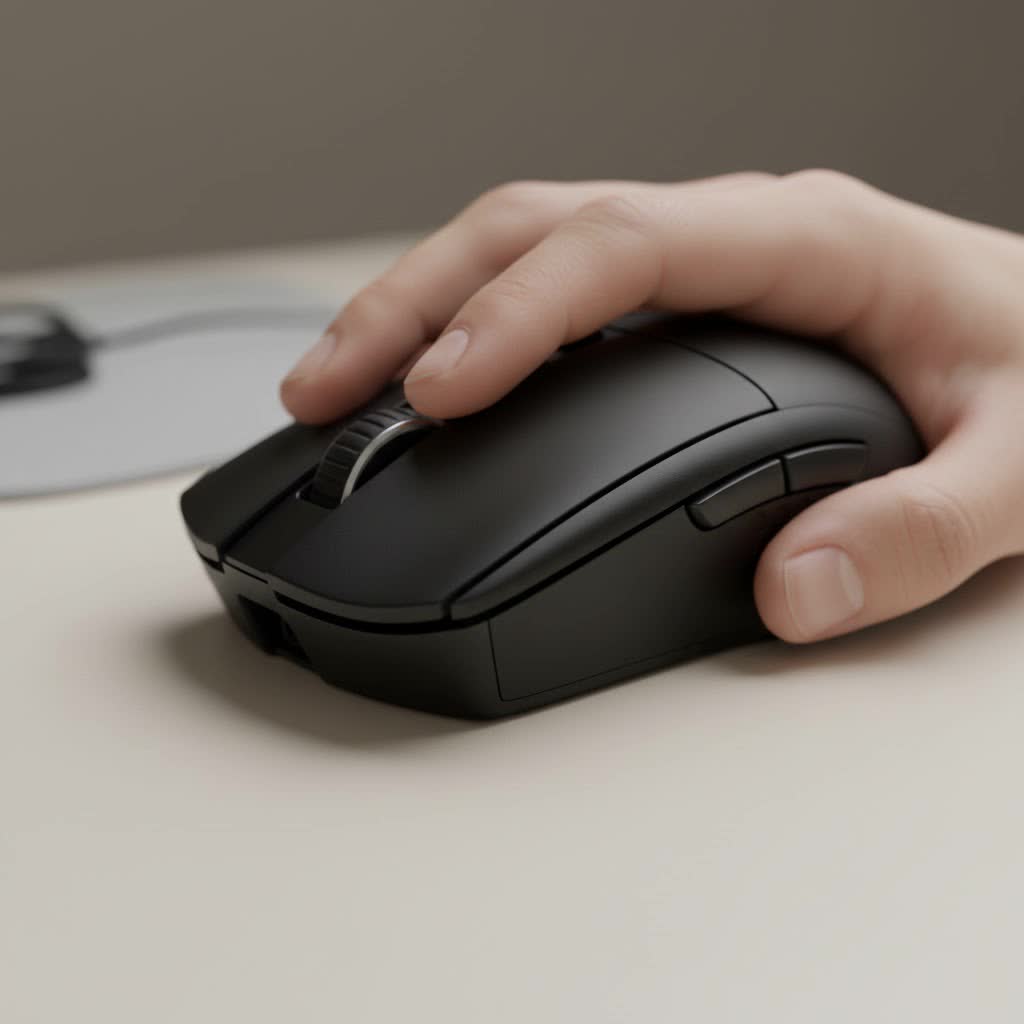
As the main voice behind Cyexx, I’ve tested countless peripherals, and the shift to vertical mice is one of the most interesting ergonomic trends in gaming. It’s a complete redesign of how we interact with our PC, prioritizing long-term health without completely sacrificing performance. But is it right for you? Let’s dive in.
What is a Vertical Gaming Mouse, Anyway?
Imagine shaking someone’s hand. That comfortable, neutral position is the entire philosophy behind a vertical mouse. Instead of forcing your palm to face down, a vertical mouse is designed to be held in a “handshake” grip. Your thumb rests in a groove on one side, and your fingers naturally drape over the buttons on the other.
This orientation keeps your radius and ulna—the two main bones in your forearm—from twisting over each other. A standard mouse causes what’s known as forearm pronation, a subtle but constant source of muscular strain. Over hundreds or thousands of hours, that strain can lead to discomfort, fatigue, and even more serious repetitive strain injuries (RSI).
The Main Quest: Ergonomics and Comfort
The number one reason gamers switch to a vertical mouse is comfort. The design isn’t just a gimmick; it’s based on fundamental ergonomic principles aimed at reducing physical stress during long periods of use.
- Reduced Muscle Strain: By keeping your wrist and forearm in a more natural alignment, a vertical mouse reduces the tension required to hold and move it. This means less fatigue during those “just one more round” nights.
- Alleviation of Wrist Pressure: With a traditional mouse, many players rest the full weight of their hand on the delicate carpal tunnel area of their wrist. A vertical grip encourages movement from the elbow and shoulder, taking direct pressure off the wrist joint.
- Proactive Health: For many, a vertical mouse is a preventative measure. It’s a way to safeguard your gaming career and overall well-being before pain becomes a chronic problem.
As ergonomics specialist Dr. Alistair Finch notes, “The handshake posture is biomechanically neutral for the human arm. By aligning our tools to our natural physiology, rather than forcing our bodies to conform to our tools, we significantly reduce the cumulative micro-traumas that lead to conditions like carpal tunnel syndrome and tendonitis.”
The Boss Battle: Is a Vertical Mouse Good for Gaming?
This is the critical question. A mouse can be the most comfortable device in the world, but if you can’t land a headshot or execute a complex command sequence, it’s useless for gaming. The answer isn’t a simple yes or no; it largely depends on the games you play.
For Strategy, MMOs, and Slower-Paced Games
|
Our Picks for the Best Gaming Mouse in 2026
As an Amazon Associate I earn from qualifying purchases.
|
||
| Num | Product | Action |
|---|---|---|
| 1 | Razer Naga V2 HyperSpeed Wireless MMO Gaming Mouse: 19 Programmable Buttons - HyperScroll Technology - Focus Pro 30K Optical Sensor - Mechanical Mouse Switches Gen-2 - Up to 400 Hr Battery Life |

|
| 2 | Razer DeathAdder Essential Gaming Mouse: 6400 DPI Optical Sensor - 5 Programmable Buttons - Mechanical Switches - Rubber Side Grips - Classic Black |
|
| 3 | Logitech G703 Lightspeed Wireless Gaming Mouse W/Hero 25K Sensor, PowerPlay Compatible, Lightsync RGB, Lightweight 95G+10G Optional, 100-25, 600 DPI, Rubber Side Grips - Black |
|
| 4 | Logitech G PRO X SUPERLIGHT Wireless Gaming Mouse, Ultra-Lightweight, HERO 25K Sensor, 25,600 DPI, 5 Programmable Buttons, Long Battery Life, Compatible with PC / Mac - Black |
|
| 5 | Razer Viper V3 Pro Wireless Esports Gaming Mouse: Symmetrical - 54g Lightweight - 8K Polling - 35K DPI Optical Sensor - Gen3 Optical Switches - 8 Programmable Buttons - 95 Hr Battery - Black |
|
| 6 | Razer Basilisk V3 X HyperSpeed Customizable Wireless Gaming Mouse: Mechanical Switches Gen-2-5G Advanced 18K Optical Sensor - Chroma RGB 9 Programmable Controls 535 Hr Battery Classic Black |
|
| 7 | Logitech G502 X Plus Wireless Gaming Mouse - LIGHTSPEED Optical, LIGHTFORCE Switches, LIGHTSYNC RGB, HERO 25K Sensor for PC/Mac - Black |
|
| 8 | Logitech G502 Lightspeed Wireless Gaming Mouse with Hero 25K Sensor, PowerPlay Compatible, Tunable Weights and Lightsync RGB - Black |
|
| 9 | Razer Viper V3 HyperSpeed Wireless Esports Gaming Mouse: 82g Lightweight - Up to 280 Hr Battery - 30K DPI Optical Sensor - Gen-2 Mechanical Switches - 8 Programmable Controls - Classic Black |
|
| 10 | Razer Basilisk V3 Customizable Ergonomic Gaming Mouse: Fastest Gaming Mouse Switch - Chroma RGB Lighting - 26K DPI Optical Sensor - 11 Programmable Buttons - HyperScroll Tilt Wheel - Classic Black |
|
In genres where precision is important but lightning-fast flick shots are not, a vertical mouse shines. For games like Civilization, World of Warcraft, or Baldur’s Gate 3, you spend hours making thousands of clicks and movements. The ergonomic benefit here is massive, leading to greater comfort and endurance over long campaigns and raids. The deliberate movements in these games are perfectly suited to the vertical grip.
The FPS and Competitive Gaming Dilemma
For fast-paced shooters like Valorant, CS:GO, or Apex Legends, the conversation gets more complex. These games rely on muscle memory built around rapid, precise wrist movements—something the vertical mouse actively discourages.
- The Learning Curve: Be prepared for an adjustment period. Your aim will likely suffer at first. It can take anywhere from a few days to a few weeks to retrain your muscle memory to aim with your arm instead of your wrist.
- Precision and Control: Many gamers find it harder to make micro-adjustments and sweeping “flick” shots with a vertical mouse. The taller profile can feel less stable during intense moments, and lifting the mouse to reset its position (a common low-DPI player technique) can be awkward.
- The Verdict: While it’s not impossible to become proficient in FPS games with a vertical mouse, it presents a significant challenge. If you’re a competitive player who is not experiencing pain, a traditional ergonomic gaming mouse is probably a safer bet for pure performance. However, if wrist pain is forcing you to play less, adapting to a vertical mouse is a far better alternative than not playing at all.
Leveling Up: What to Look for in a Vertical Gaming Mouse
Not all vertical mice are created equal. If you’re looking for a model specifically for gaming, office-grade ergonomics won’t be enough. Here’s what to look for:
- High-Quality Sensor: This is non-negotiable. Look for a mouse with a reputable optical or laser sensor that offers a wide DPI (Dots Per Inch) range. A gaming-grade sensor ensures your movements are tracked accurately, without lag or jitter.
- Adjustable DPI: The ability to switch DPI on the fly is crucial. You might want a lower DPI for precise aiming and a higher one for quick turns.
- High Polling Rate: A polling rate of 1000Hz is the standard for gaming mice. This means the mouse reports its position to your computer 1,000 times per second, resulting in a responsive, near-instantaneous feel.
- Programmable Buttons: Just like a traditional mouse, having accessible, programmable side buttons is key for binding abilities, items, or other commands. Check that you can comfortably reach them in the handshake grip.
- Weight and Build: A lighter mouse is generally better for fast movements, but balance and build quality are also important. It should feel solid, not hollow or cheap.
Frequently Asked Questions (FAQ)
How long does it take to get used to a vertical mouse?
Most users report an adjustment period of one to two weeks for regular use and potentially longer to feel fully comfortable in competitive games. Be patient and don’t get discouraged if your performance dips initially.
Can a vertical mouse fix my carpal tunnel syndrome?
A vertical mouse can help alleviate the symptoms and prevent the worsening of RSI like carpal tunnel by reducing strain, but it is not a medical cure. If you have persistent pain, you should consult a doctor.
Will my K/D ratio drop if I switch?
Almost certainly, yes—at first. You are fundamentally changing the way you aim. With practice, you can recover your skill, but expect a temporary dip in performance in fast-paced games.
Are vertical mice heavier than normal gaming mice?
They are often slightly heavier due to their larger size and construction, but many gaming-focused vertical mice are designed to be as lightweight as possible.
Are there left-handed vertical gaming mice?
Yes, but the options are more limited. Because of their specific ergonomic shape, they cannot be ambidextrous. Companies like Logitech and a few others offer dedicated left-handed models.
The Final Verdict: Should You Make the Switch?
A vertical gaming mouse is an excellent choice for gamers who prioritize long-term comfort and health. It represents a smart, proactive approach to avoiding the physical tolls of a hobby we love.
You should seriously consider a vertical gaming mouse if:
- You experience wrist, hand, or forearm pain after gaming.
- You play mostly strategy, MMO, RPG, or other non-twitch-based games.
- You are willing to endure a learning curve to protect your physical health.
You might want to stick with a traditional mouse if:
- You are a highly competitive FPS or MOBA player and have no physical discomfort.
- You are unwilling to go through a period of decreased performance to adapt.
Ultimately, the best mouse is one that allows you to play comfortably and consistently. For a growing number of gamers, the vertical gaming mouse is the perfect way to level up their ergonomic setup and ensure they can stay in the game for years to come.
