In the world of competitive gaming, every millisecond and every millimeter counts. You might have the best gaming mouse on the market, but without the right surface, you’re not unlocking its full potential. A high-quality Gaming Mouse Pad isn’t just a coaster for your mouse; it’s a critical piece of equipment that directly impacts your aim, consistency, and overall performance. At Cyexx, we’ve spent years testing every surface imaginable, and we’re here to guide you through the process of finding the perfect pad for your setup.
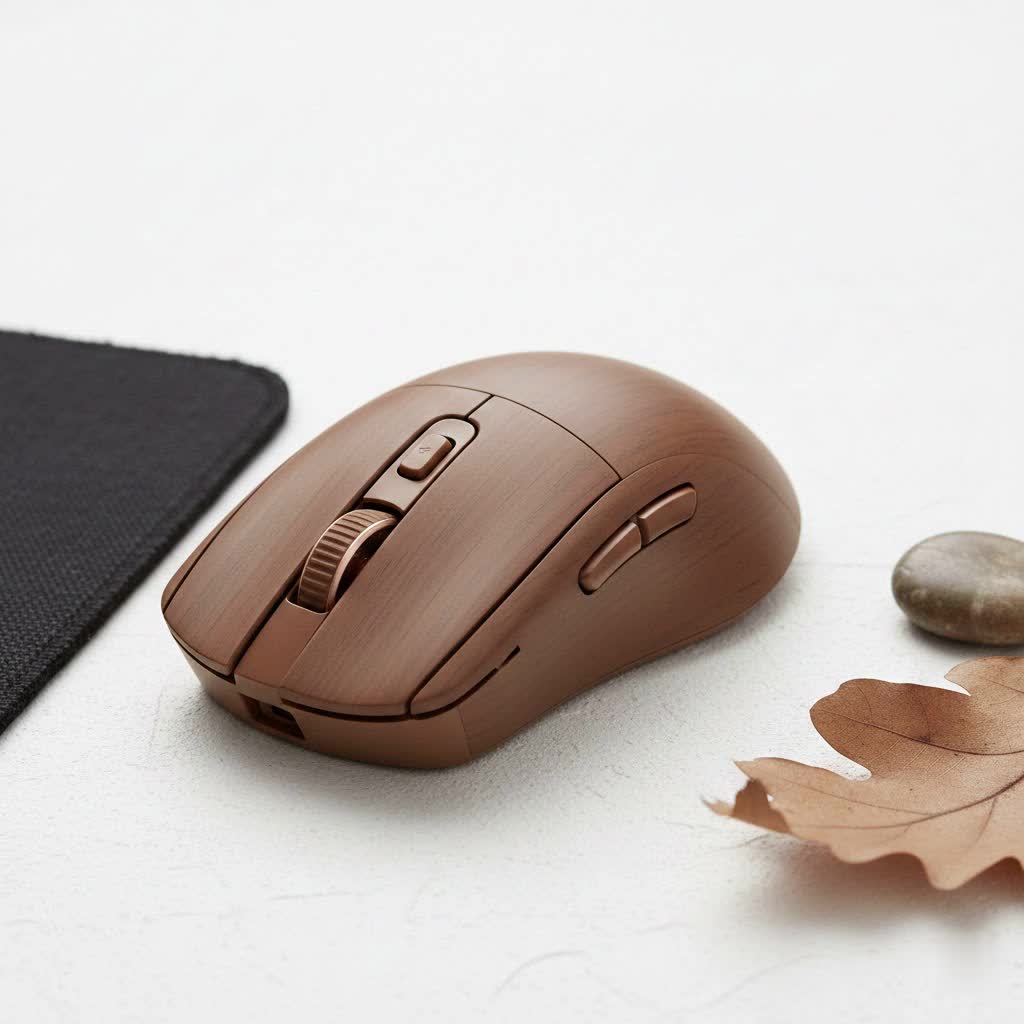
This guide will break down everything you need to know, from surface materials and sizes to the subtle features that separate a good mouse pad from a great one. Whether you’re a professional esports athlete or just starting your PC gaming journey, choosing the right foundation for your mouse is a game-changer.
What is a Gaming Mouse Pad and Why Do You Need One?
A standard office mouse pad is designed for basic navigation, but a gaming mouse pad is engineered for precision, speed, and consistency. The surface is specifically created to provide optimal tracking for high-performance optical and laser sensors found in gaming mice. This ensures that every movement you make is translated perfectly on-screen, with no jitters, skips, or tracking loss.
“Think of a gaming mouse pad as the tires on a race car,” says Alex ‘Glider’ Chen, our lead hardware analyst at Cyexx. “You can have the most powerful engine in the world, but without the right tires to grip the track, you’ll just spin your wheels. The right pad ensures your mouse’s sensor has the perfect ‘grip’ to perform at its peak.”
A dedicated gaming surface provides a consistent and reliable area of operation, which is crucial for building muscle memory—the bedrock of precise aim in any game.
The Great Debate: Cloth vs. Hard Gaming Mouse Pads
The most significant decision you’ll make is choosing between a soft (cloth) and a hard surface. There’s no single “best” option; it all comes down to personal preference and playstyle.
Cloth Mouse Pads: The Control Freaks
Cloth pads are the most popular choice for a reason. They are typically made from a woven fabric that offers a higher degree of friction. This friction provides excellent stopping power, giving you more control over your micro-adjustments and flicks. They are also flexible, comfortable on the wrist for long sessions, and easy to roll up for travel.
- Best for: Players who prioritize precision and control, especially in tactical shooters like Valorant or CS:GO.
- Pros: Excellent control, comfortable, portable, generally quieter.
- Cons: Harder to clean, can wear down over time, can be affected by humidity.
|
Our Picks for the Best Gaming Mouse in 2026
As an Amazon Associate I earn from qualifying purchases.
|
||
| Num | Product | Action |
|---|---|---|
| 1 | Razer Basilisk V3 Customizable Ergonomic Gaming Mouse: Fastest Gaming Mouse Switch - Chroma RGB Lighting - 26K DPI Optical Sensor - 11 Programmable Buttons - HyperScroll Tilt Wheel - Classic Black |

|
| 2 | Razer DeathAdder Essential Gaming Mouse: 6400 DPI Optical Sensor - 5 Programmable Buttons - Mechanical Switches - Rubber Side Grips - Classic Black |
|
| 3 | Logitech G PRO X SUPERLIGHT Wireless Gaming Mouse, Ultra-Lightweight, HERO 25K Sensor, 25,600 DPI, 5 Programmable Buttons, Long Battery Life, Compatible with PC / Mac - Black |
|
| 4 | Logitech G502 Lightspeed Wireless Gaming Mouse with Hero 25K Sensor, PowerPlay Compatible, Tunable Weights and Lightsync RGB - Black |
|
| 5 | Razer Basilisk V3 X HyperSpeed Customizable Wireless Gaming Mouse: Mechanical Switches Gen-2-5G Advanced 18K Optical Sensor - Chroma RGB 9 Programmable Controls 535 Hr Battery Classic Black |
|
| 6 | Razer Viper V3 HyperSpeed Wireless Esports Gaming Mouse: 82g Lightweight - Up to 280 Hr Battery - 30K DPI Optical Sensor - Gen-2 Mechanical Switches - 8 Programmable Controls - Classic Black |
|
| 7 | Logitech G502 X Plus Wireless Gaming Mouse - LIGHTSPEED Optical, LIGHTFORCE Switches, LIGHTSYNC RGB, HERO 25K Sensor for PC/Mac - Black |
|
| 8 | Razer Viper V3 Pro Wireless Esports Gaming Mouse: Symmetrical - 54g Lightweight - 8K Polling - 35K DPI Optical Sensor - Gen3 Optical Switches - 8 Programmable Buttons - 95 Hr Battery - Black |
|
| 9 | Logitech G703 Lightspeed Wireless Gaming Mouse W/Hero 25K Sensor, PowerPlay Compatible, Lightsync RGB, Lightweight 95G+10G Optional, 100-25, 600 DPI, Rubber Side Grips - Black |
|
| 10 | Razer Naga V2 HyperSpeed Wireless MMO Gaming Mouse: 19 Programmable Buttons - HyperScroll Technology - Focus Pro 30K Optical Sensor - Mechanical Mouse Switches Gen-2 - Up to 400 Hr Battery Life |
|
Hard Mouse Pads: The Speed Demons
Hard surface pads are usually crafted from plastic, polycarbonate, or even aluminum. Their smooth, low-friction surfaces allow for incredibly fast and effortless mouse movements. If you need to make rapid, large-scale movements across the screen, a hard pad will feel liberating. They are also incredibly durable and exceptionally easy to wipe clean.
- Best for: Gamers who play at high sensitivity (DPI) or in fast-paced games like Apex Legends or Overwatch, where quick target switching is key.
- Pros: Maximum speed, durable, easy to clean, unaffected by moisture.
- Cons: Can be less comfortable on the wrist, louder, may wear down mouse feet faster.
Here’s a quick comparison to help you decide:
| Feature | Cloth Mouse Pad | Hard Mouse Pad |
|---|---|---|
| Primary Trait | Control | Speed |
| Friction | Higher | Lower |
| Comfort | High | Moderate |
| Durability | Good | Excellent |
| Portability | Excellent | Poor |
| Maintenance | Harder to clean | Easy to clean |
Finding the Perfect Size: Does It Matter?
Yes, size absolutely matters. The ideal size for your gaming mouse pad depends on your mouse sensitivity (DPI) and the amount of desk space you have.
- Small (Around 250x210mm): Best suited for very high-sensitivity players who only need to move their wrist. Not generally recommended as they can feel restrictive.
- Medium (Around 320x270mm): A good middle ground for many players, offering enough space for most sensitivity settings without taking up too much desk real estate.
- Large (Around 450x400mm): The most popular size for serious gamers, especially those who use low sensitivity settings and make large arm movements to aim.
- Extended/Desk Mat (900x400mm or larger): These pads cover a large portion of your desk, providing a consistent surface for both your mouse and keyboard. They are fantastic for aesthetics and offer a massive mousing area, ensuring you never run out of space.
A simple rule of thumb: if you ever find yourself lifting your mouse to reset its position in the middle of a firefight, you need a bigger mouse pad.
Key Features to Look For in a Gaming Mouse Pad
Beyond the surface type and size, several other features can enhance your experience.
Stitched Edges
This is a crucial feature for cloth pads. Stitched edges prevent the fabric from fraying or separating from the rubber base over time, significantly increasing the pad’s lifespan.
Non-Slip Rubber Base
A mouse pad that slides around your desk is useless. Look for a pad with a textured, non-slip rubber base that grips the desk firmly, ensuring it stays put even during the most intense gaming moments.
Thickness
Mouse pads typically range from 2mm to 5mm thick. Thicker pads (4mm+) can offer more wrist comfort and can help mask imperfections on your desk’s surface. Thinner pads (2-3mm) provide a more solid, direct feel.
Hybrid Surfaces
A growing category, hybrid pads attempt to offer the best of both worlds. They often use a unique, textured cloth material that provides a faster glide than traditional cloth but more stopping power than a hard pad. They are an excellent option for players who want a balance of speed and control.
Frequently Asked Questions
Are expensive gaming mouse pads worth it?
Often, yes. A higher price usually means more durable materials, better construction (like quality stitching), and a more consistent and well-researched surface material. It’s an investment in your consistency and the longevity of your gear.
How do I clean my gaming mouse pad?
For a cloth pad, use a bit of mild soap, warm water, and a soft brush or cloth. Gently scrub the surface, rinse thoroughly, and let it air dry completely before use. For a hard pad, simply use a damp cloth or an electronics-safe cleaning wipe.
Do RGB mouse pads affect performance?
No, RGB lighting is purely for aesthetics and does not impact the tracking performance of the surface itself. However, make sure the surface material and build quality of the RGB pad meet your performance needs.
How often should I replace my gaming mouse pad?
For cloth pads, it depends on usage, but a good rule of thumb is to consider a replacement every 1-2 years, or when you notice the glide has become inconsistent or worn down. Hard pads can last much longer, often for many years.
Can a mouse pad’s color affect sensor tracking?
Modern gaming sensors are incredibly advanced and can track on almost any color. While in the past, complex, multi-colored graphics could sometimes cause issues, today’s top-tier sensors will perform flawlessly on any solid color or design.
The Final Verdict
Choosing the right gaming mouse pad is a deeply personal journey, but it’s one of the most cost-effective upgrades you can make to your setup. Don’t overlook this crucial component. By considering your primary games, your mouse sensitivity, and your personal preference for speed versus control, you can select a surface that will elevate your play. Take your time, analyze your needs, and invest in a quality pad. Your future self will thank you after landing that impossible flick shot.
