The debate is over. Modern wireless gaming mice are no longer the laggy, unreliable peripherals they once were. Thanks to massive leaps in technology, a Good Wireless Gaming Mouse now offers the same pinpoint accuracy and split-second response time as its wired counterparts, all while giving you the freedom of a cable-free setup. But with a sea of options, how do you separate the best from the rest? As the lead analyst at Cyexx.com, I’ve spent years testing these devices, and I’m here to guide you through everything you need to know.
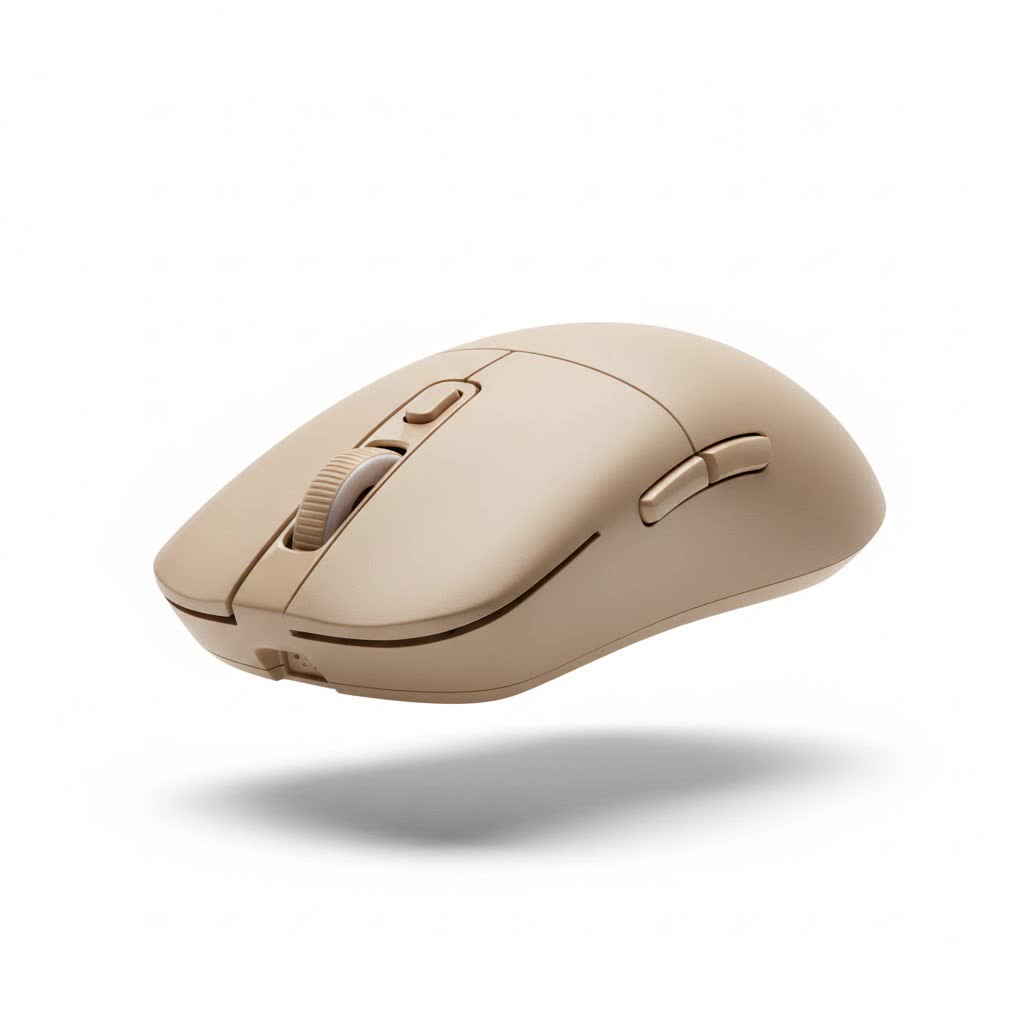
This guide will break down the essential features that define a top-tier wireless mouse, helping you make an informed decision. We’ll explore sensors, weight, battery life, and connectivity to ensure you find the perfect partner for your gaming sessions.
Why Go Wireless in Modern Gaming?
For years, competitive gamers swore by wired mice, fearing the dreaded input lag of a wireless connection. That fear is now a thing of the past. Modern wireless technology, specifically 2.4GHz connections via a USB dongle, has virtually eliminated latency. The performance is now indistinguishable from wired mice, a fact proven by the countless esports professionals who have made the switch. The primary benefit is clear: unrestricted movement. Without a cable to snag or create drag, your aim becomes smoother and more consistent.
The Core Components of a Good Wireless Gaming Mouse
Choosing the right mouse comes down to understanding its core components. These features determine its performance, comfort, and reliability in the heat of battle.
The Sensor: The Heart of Accuracy
The sensor is arguably the most critical part of any gaming mouse. It’s the eye that tracks your movement and translates it onto the screen. Here’s what to look for:
- DPI (Dots Per Inch): This measures mouse sensitivity. A higher DPI means the cursor moves further with less physical movement. While manufacturers tout massive DPI numbers (upwards of 30,000), most pro gamers play between 400 and 1600 DPI. Don’t get fixated on a huge number; focus on a sensor that is flawless and offers a stable range.
- IPS (Inches Per Second): This indicates the maximum speed the mouse can be moved before the sensor loses tracking accuracy. A higher IPS is better, ensuring that even the quickest flick shots in an FPS game are registered perfectly. Look for a mouse with at least 400 IPS.
- Polling Rate: Measured in Hertz (Hz), this is how often the mouse reports its position to the computer. The standard for gaming is 1000Hz, meaning it reports 1,000 times per second (a 1ms response time). Some newer mice offer 4000Hz or even 8000Hz polling rates for even smoother tracking, but 1000Hz is the gold standard for a lag-free experience.
|
Our Picks for the Best Gaming Mouse in 2026
As an Amazon Associate I earn from qualifying purchases.
|
||
| Num | Product | Action |
|---|---|---|
| 1 | Razer Naga V2 HyperSpeed Wireless MMO Gaming Mouse: 19 Programmable Buttons - HyperScroll Technology - Focus Pro 30K Optical Sensor - Mechanical Mouse Switches Gen-2 - Up to 400 Hr Battery Life |

|
| 2 | Razer DeathAdder Essential Gaming Mouse: 6400 DPI Optical Sensor - 5 Programmable Buttons - Mechanical Switches - Rubber Side Grips - Classic Black |
|
| 3 | Razer Basilisk V3 X HyperSpeed Customizable Wireless Gaming Mouse: Mechanical Switches Gen-2-5G Advanced 18K Optical Sensor - Chroma RGB 9 Programmable Controls 535 Hr Battery Classic Black |
|
| 4 | Logitech G502 X Plus Wireless Gaming Mouse - LIGHTSPEED Optical, LIGHTFORCE Switches, LIGHTSYNC RGB, HERO 25K Sensor for PC/Mac - Black |
|
| 5 | Razer Basilisk V3 Customizable Ergonomic Gaming Mouse: Fastest Gaming Mouse Switch - Chroma RGB Lighting - 26K DPI Optical Sensor - 11 Programmable Buttons - HyperScroll Tilt Wheel - Classic Black |
|
| 6 | Razer Viper V3 HyperSpeed Wireless Esports Gaming Mouse: 82g Lightweight - Up to 280 Hr Battery - 30K DPI Optical Sensor - Gen-2 Mechanical Switches - 8 Programmable Controls - Classic Black |
|
| 7 | Logitech G PRO X SUPERLIGHT Wireless Gaming Mouse, Ultra-Lightweight, HERO 25K Sensor, 25,600 DPI, 5 Programmable Buttons, Long Battery Life, Compatible with PC / Mac - Black |
|
| 8 | Logitech G703 Lightspeed Wireless Gaming Mouse W/Hero 25K Sensor, PowerPlay Compatible, Lightsync RGB, Lightweight 95G+10G Optional, 100-25, 600 DPI, Rubber Side Grips - Black |
|
| 9 | Razer Viper V3 Pro Wireless Esports Gaming Mouse: Symmetrical - 54g Lightweight - 8K Polling - 35K DPI Optical Sensor - Gen3 Optical Switches - 8 Programmable Buttons - 95 Hr Battery - Black |
|
| 10 | Logitech G502 Lightspeed Wireless Gaming Mouse with Hero 25K Sensor, PowerPlay Compatible, Tunable Weights and Lightsync RGB - Black |
|
Weight and Ergonomics: Comfort is Key
You’ll be holding this mouse for hours, so comfort is non-negotiable. This is largely determined by weight and shape.
- Weight: The trend is toward lightweight mice, typically under 70 grams. A lighter mouse is easier to move quickly and can reduce wrist fatigue over long sessions. However, some players prefer the stability of a heavier mouse. There is no right answer—it’s a matter of personal preference.
- Shape and Grip Style: The mouse’s shape should complement your grip style. The three main styles are:
- Palm Grip: Your entire palm rests on the mouse. This calls for a larger, more ergonomic mouse.
- Claw Grip: Your palm touches the back of the mouse, but your fingers are arched in a claw-like shape. This grip works well with medium-sized, ambidextrous mice.
- Fingertip Grip: Only your fingertips touch the mouse. This style is best suited for small, lightweight mice.
Battery Life: Powering Your Play
A dead mouse is a useless mouse. A good wireless gaming mouse should offer enough battery life to get you through several long gaming sessions. Most modern gaming mice provide anywhere from 40 to over 100 hours of continuous use on a single charge. Look for features like USB-C charging for quick top-ups and an accurate battery indicator in the software.
“A common mistake is prioritizing maximum battery life over performance features,” notes our in-house hardware expert, David Chen. “A mouse with a 70-hour battery and a top-tier sensor is far more valuable than one with a 200-hour battery and a mediocre sensor. You can always plug it in between sessions.”
Connectivity: The Unseen Hero
The stability of your wireless connection is paramount. There are two main types:
- 2.4GHz Wireless: This is the standard for gaming. It uses a dedicated USB dongle to create a low-latency, high-performance link between the mouse and your PC. This is the connection you should always use for gaming.
- Bluetooth: Many wireless gaming mice also offer Bluetooth as a secondary connection option. While it’s great for productivity or connecting to a laptop on the go, it has higher latency and is not recommended for serious gaming.
What Makes a Wireless Gaming Mouse Good for Different Games?
The ideal mouse can vary depending on the types of games you play most often.
For FPS Games (CS:GO, Valorant, Call of Duty)
In first-person shooters, speed and precision are everything.
- Focus on: A lightweight design (under 65g), a flawless optical sensor, and a simple, comfortable shape.
- Avoid: Mice with too many side buttons, as they can add weight and be accidentally clicked during intense moments.
For MOBA/MMO Games (League of Legends, World of Warcraft)
These games require access to numerous abilities and macros.
- Focus on: Mice with multiple programmable side buttons (sometimes up to 12).
- Consider: A slightly heavier mouse might be acceptable here, as pinpoint aiming is often less critical than ability management.
Frequently Asked Questions (FAQ)
Q: Is wireless mouse latency still a problem for gaming?
A: No. With modern 2.4GHz technology, the latency of a good wireless gaming mouse is virtually identical to its wired counterparts, typically around 1ms.
Q: How long should the battery on a wireless gaming mouse last?
A: A good benchmark is at least 40 hours of active use. Many top models today easily surpass 70-80 hours, which is more than enough for several days of heavy gaming before needing a recharge.
Q: Do I need to install software for my wireless gaming mouse?
A: While most mice work out-of-the-box, installing the manufacturer’s software is highly recommended. It allows you to customize DPI settings, polling rate, button assignments, and RGB lighting.
Q: Can I use a wireless gaming mouse while it’s charging?
A: Yes, nearly all wireless gaming mice can be used with their charging cable plugged in. This effectively turns them into a wired mouse, so you can continue playing without interruption.
Q: Are optical or mechanical switches better?
A: Optical switches are becoming more popular because they use a light beam to register clicks, making them faster and more durable than traditional mechanical switches. However, some users still prefer the tactile feel of a high-quality mechanical switch. Both are excellent options.
Conclusion: Your Perfect Mouse Awaits
Finding a good wireless gaming mouse is about matching the right technology to your personal preferences and playstyle. The era of compromising performance for wireless freedom is officially over. Focus on the core pillars: a flawless sensor, a shape and weight that feel like an extension of your hand, reliable battery life, and a rock-solid 2.4GHz connection. By understanding these key elements, you can confidently cut the cord and elevate your gaming experience.
