The best gaming mouse pad for pinpoint accuracy is one that matches your playstyle, offering either the control of a soft cloth surface for tactical shooters or the speed of a hard surface for fast-paced games. Most esports professionals prefer large, soft cloth pads for their consistent glide and stopping power, crucial for low-DPI aiming. A quality mouse pad provides a consistent surface for your mouse’s sensor, eliminating jitter and improving accuracy.
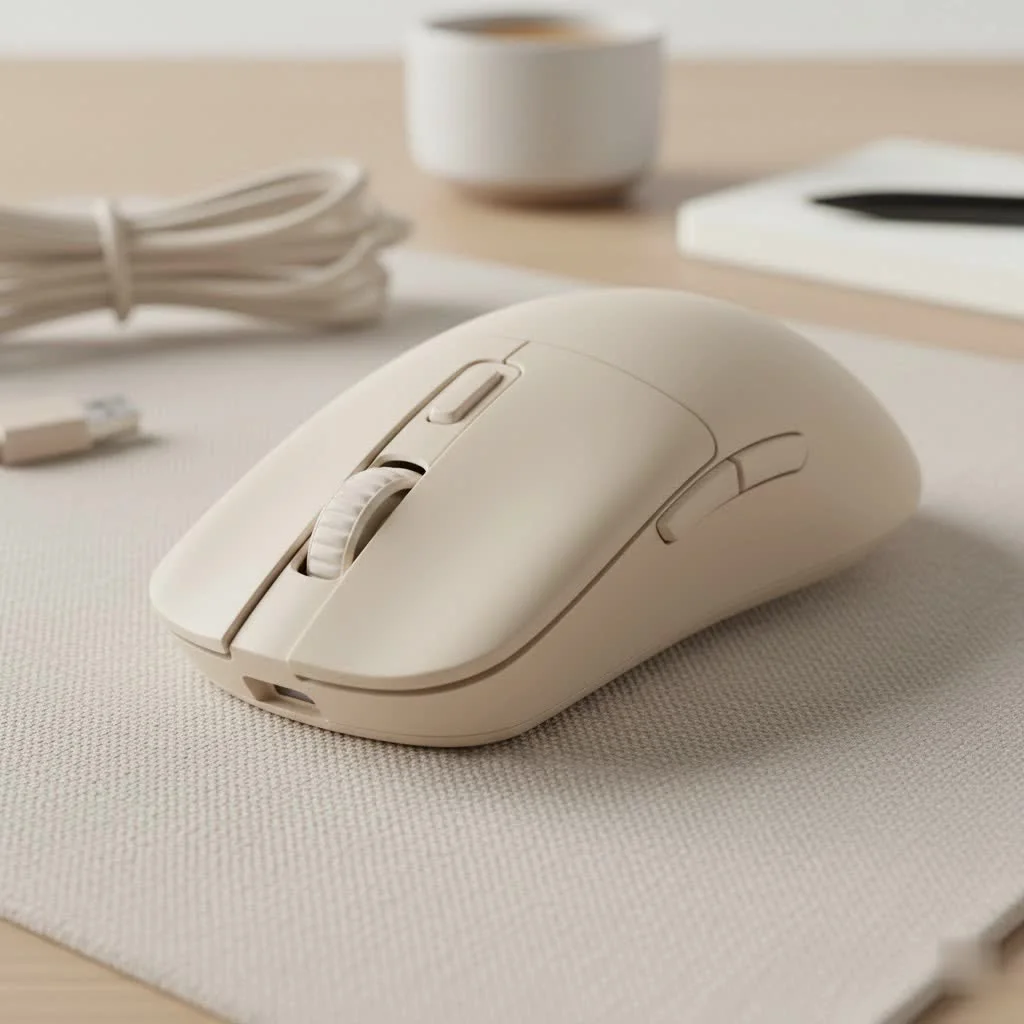
At Cyexx, we know that the surface you play on is just as important as the mouse you use. A great mouse pad provides the consistency and control your mouse’s sensor needs to translate your every micro-adjustment into in-game action with perfect precisionLet’s dive into what makes a gaming mouse pad an essential piece of your setup.
Why Your Gaming Mouse Pad Matters More Than You Think
A high-quality gaming mouse pad is engineered for one primary purpose: to provide a consistent and reliable surface for your mouse’s sensor. Unlike a standard desk surface, which can have microscopic imperfections, textures, or even reflective spots, a dedicated pad ensures flawless tracking.
This translates to several key benefits:
- Improved Accuracy: A uniform surface allows your mouse sensor to read data without interruption, eliminating jitter or cursor skipping that can ruin a critical shot.
- Enhanced Consistency: Muscle memory is key in competitive gaming. A consistent glide means your movements will produce the same result every single time, allowing you to build reliable aim.
- Mouse and Desk Protection: It reduces wear and tear on your mouse feet (skates) and protects your desk from scratches.
- Comfort: A quality pad provides a cushioned surface for your wrist, reducing fatigue during long gaming sessions.
The Big Debate: Hard vs. Soft Mouse Pads
The most fundamental choice you’ll make is between a hard and a soft surface. There’s no single “best” option; it comes down to personal preference and the types of games you play.
Soft (Cloth) Pads: The King of Control
The majority of gamers, including most esports professionals, lean towards soft cloth mouse pads. These pads are made from woven fabric and offer a higher degree of friction.
- Best For: Tactical shooters like Valorant or CS:GO, where precise, small adjustments and stopping power are crucial.
- Feel: More “stopping power.” The slight give in the fabric allows you to press down lightly to stop your mouse on a dime.
- Pros: Excellent control, comfortable for your wrist, generally quieter.
- Cons: Harder to clean, can wear down over time, susceptible to humidity changes.
Hard Pads: The Speed Demon
|
Our Picks for the Best Gaming Mouse in 2026
As an Amazon Associate I earn from qualifying purchases.
|
||
| Num | Product | Action |
|---|---|---|
| 1 | Logitech G PRO X SUPERLIGHT Wireless Gaming Mouse, Ultra-Lightweight, HERO 25K Sensor, 25,600 DPI, 5 Programmable Buttons, Long Battery Life, Compatible with PC / Mac - Black |

|
| 2 | Logitech G502 Lightspeed Wireless Gaming Mouse with Hero 25K Sensor, PowerPlay Compatible, Tunable Weights and Lightsync RGB - Black |
|
| 3 | Razer Basilisk V3 X HyperSpeed Customizable Wireless Gaming Mouse: Mechanical Switches Gen-2-5G Advanced 18K Optical Sensor - Chroma RGB 9 Programmable Controls 535 Hr Battery Classic Black |
|
| 4 | Razer Naga V2 HyperSpeed Wireless MMO Gaming Mouse: 19 Programmable Buttons - HyperScroll Technology - Focus Pro 30K Optical Sensor - Mechanical Mouse Switches Gen-2 - Up to 400 Hr Battery Life |
|
| 5 | Logitech G703 Lightspeed Wireless Gaming Mouse W/Hero 25K Sensor, PowerPlay Compatible, Lightsync RGB, Lightweight 95G+10G Optional, 100-25, 600 DPI, Rubber Side Grips - Black |
|
| 6 | Razer DeathAdder Essential Gaming Mouse: 6400 DPI Optical Sensor - 5 Programmable Buttons - Mechanical Switches - Rubber Side Grips - Classic Black |
|
| 7 | Razer Viper V3 Pro Wireless Esports Gaming Mouse: Symmetrical - 54g Lightweight - 8K Polling - 35K DPI Optical Sensor - Gen3 Optical Switches - 8 Programmable Buttons - 95 Hr Battery - Black |
|
| 8 | Razer Viper V3 HyperSpeed Wireless Esports Gaming Mouse: 82g Lightweight - Up to 280 Hr Battery - 30K DPI Optical Sensor - Gen-2 Mechanical Switches - 8 Programmable Controls - Classic Black |
|
| 9 | Razer Basilisk V3 Customizable Ergonomic Gaming Mouse: Fastest Gaming Mouse Switch - Chroma RGB Lighting - 26K DPI Optical Sensor - 11 Programmable Buttons - HyperScroll Tilt Wheel - Classic Black |
|
| 10 | Logitech G502 X Plus Wireless Gaming Mouse - LIGHTSPEED Optical, LIGHTFORCE Switches, LIGHTSYNC RGB, HERO 25K Sensor for PC/Mac - Black |
|
Hard surface pads are typically made from plastic, aluminum, or even glass. They offer a near-frictionless glide, allowing for incredibly fast movements.
- Best For: Fast-paced arena shooters or battle royales like Apex Legends or Overwatch, where rapid 180-degree turns and tracking fast-moving targets are common.
- Feel: Incredibly slick and fast. Your mouse will feel like it’s floating.
- Pros: Very durable, easy to clean, unaffected by spills.
- Cons: Less stopping power, can be noisy, may wear down mouse feet faster.
As our in-house hardware analyst, Alex “Glider” Chen, puts it: “Don’t think of it as speed versus control. Think of it as your aiming style. Do you need to stop on a single pixel, or do you need to track a target across the entire screen in an instant? Your answer will point you to the right surface.”
Finding Your Perfect Size: Desk Mat vs. Standard
Size is another critical factor that depends entirely on your setup and play style.
Standard Size
A standard or medium-sized pad is great for players who use a high DPI (Dots Per Inch) setting, meaning they don’t need to move their mouse very far to move the cursor across the screen. They fit well on smaller desks.
Extended/Desk Mat Size
These are the large mats that cover a significant portion of your desk, often sitting under your keyboard as well. They are ideal for low-DPI players who use large, sweeping arm movements to aim. They also provide a massive, consistent surface, so you never have to worry about running off the edge of the pad in a critical moment.
Key Features in the Best Gaming Mouse Pad
Beyond material and size, a few other features separate the best from the rest.
- Stitched Edges: This is a must-have for cloth pads. Stitched edges prevent the fabric from fraying and peeling away from the rubber base, dramatically increasing the lifespan of your pad.
- Non-Slip Rubber Base: The last thing you want is your mouse pad sliding around during an intense firefight. A thick, textured rubber base will grip your desk firmly and stay put.
- Thickness: Mouse pads typically range from 2mm to 5mm thick. A thicker pad can offer more wrist comfort and help smooth out any imperfections on the desk surface underneath. However, some players prefer a thinner pad for a more direct connection to the desk.
- Surface Finish: Even within cloth pads, there are variations. Some have a “speed” finish with a tighter, smoother weave for less friction, while others have a “control” finish with a rougher texture for more feedback and stopping power.
How to Clean Your Gaming Mouse Pad
A dirty mouse pad can ruin your aim. Dust, skin cells, and snack crumbs can build up, creating an inconsistent surface.
-
For Cloth Pads:
- Fill a sink or tub with cool water and a small amount of gentle soap (like dish soap).
- Submerge the pad and gently scrub the surface with your hands or a soft brush.
- Rinse it thoroughly with clean, cool water until all soap is gone.
- Pat it down with a towel and let it air dry completely. Do not put it in the dryer!
-
For Hard Pads:
- Simply wipe it down with a damp microfiber cloth.
- For tougher grime, you can use a bit of mild cleaner.
- Dry it completely before use.
Frequently Asked Questions (FAQ)
What size mouse pad do pro gamers use?
Most professional players, especially in FPS titles, use large or extra-large mouse pads. This accommodates the low-sensitivity and low-DPI settings they prefer, which require large arm movements for aiming.
Are glass mouse pads any good?
Glass mouse pads are an ultra-niche, premium option. They offer the fastest possible glide and are incredibly durable. However, they are expensive, require pristine mouse feet, and provide almost zero stopping power, which can be difficult for many players to control.
How often should I replace my gaming mouse pad?
For cloth pads, it’s a good idea to replace them every 1-2 years, depending on use. You’ll notice a “slow spot” developing in the center where you use it most, which is a sign that the glide has become inconsistent and it’s time for a new one. Hard pads can last for many years.
Does RGB on a mouse pad affect performance?
No, RGB lighting is purely for aesthetics and does not impact the performance of the mouse pad’s surface. However, it can add to cable clutter and requires a USB port.
The Final Glide: Making Your Choice
Choosing the best gaming mouse pad is a deeply personal journey. It’s about finding the surface that complements your mouse, your play style, and your comfort. Don’t be afraid to experiment. What works for your favorite streamer might not work for you. Start by identifying the games you play most, consider your aiming style (wrist vs. arm), and measure your available desk space.
By investing in the right foundation, you’re not just buying a mat for your mouse—you’re investing in consistency, accuracy, and a more comfortable gaming experience. Now go out there and find the perfect surface to improve your game.
How to Clean Your Gaming Mouse Pad
Keeping your gaming mouse pad clean is essential for consistent aim and performance. Dust, skin cells, and crumbs can build up, creating an inconsistent surface. Follow these steps for both cloth and hard pads.
Fill a sink or tub with cool water and a small amount of gentle dish soap. Submerge the cloth pad and gently scrub the surface with your hands or a soft brush to remove grime and debris.
Rinse the cloth pad thoroughly with clean, cool water until all soap residue is gone. Pat it down with a towel to remove excess water, then let it air dry completely. Do not use a dryer, as this can damage the pad.
For hard surface pads, simply wipe the surface down with a damp microfiber cloth. This is usually sufficient for daily maintenance and removing light dust.
For tougher grime on hard pads, you can use a bit of mild cleaner applied to the microfiber cloth. Ensure you dry the pad completely before using it again to prevent any residue from affecting mouse glide.
Get our weekly buyer guide
Practical specs, not advice. Unsubscribe anytime.

I’ve been using a cheap mouse pad for ages and finally decided to upgrade after reading about how much difference a good one makes. This guide really helped me pick out a large, soft cloth pad, and it’s been a game changer for my low-DPI aiming in Valorant. My shots feel so much more consistent now, and I’m not overshooting targets anymore. Definitely worth the investment!
As someone who plays a lot of tactical shooters, I really appreciated the emphasis on soft cloth surfaces for control. My old pad was causing a lot of sensor jitter, which was super frustrating. The new pad I got has completely eliminated that, and my micro-adjustments feel so much more precise. It’s made a noticeable difference in my K/D ratio.
I was skeptical about the whole ‘pinpoint accuracy’ thing, but after getting one of the recommended hard surface pads for my fast-paced FPS games, I totally get it. The speed is incredible, and my flicks feel so much snappier. I did notice a slight learning curve coming from a cloth pad, but it’s been great for improving my reaction time.
I picked up a new pad based on the advice here, specifically looking for better stopping power. While it’s definitely an improvement over my old one, I found that the edges started to fray a little sooner than I expected, even with careful use. It’s not a huge deal, but for the price, I was hoping for a bit more durability. Still, the consistent glide is good.