In the world of PC gaming, your mouse is more than just a pointer; it’s your digital scalpel, your wand, your trigger. But with a sea of options, what truly separates a decent peripheral from a good gaming mouse? As the main voice for Cyexx, I’ve spent over a decade testing, dissecting, and demystifying these critical tools. Forget the marketing hype and dizzying numbers for a moment. We’re going to break down what actually matters, helping you find the perfect partner for your gaming sessions.
It’s Not Just About Specs: Why Shape is King
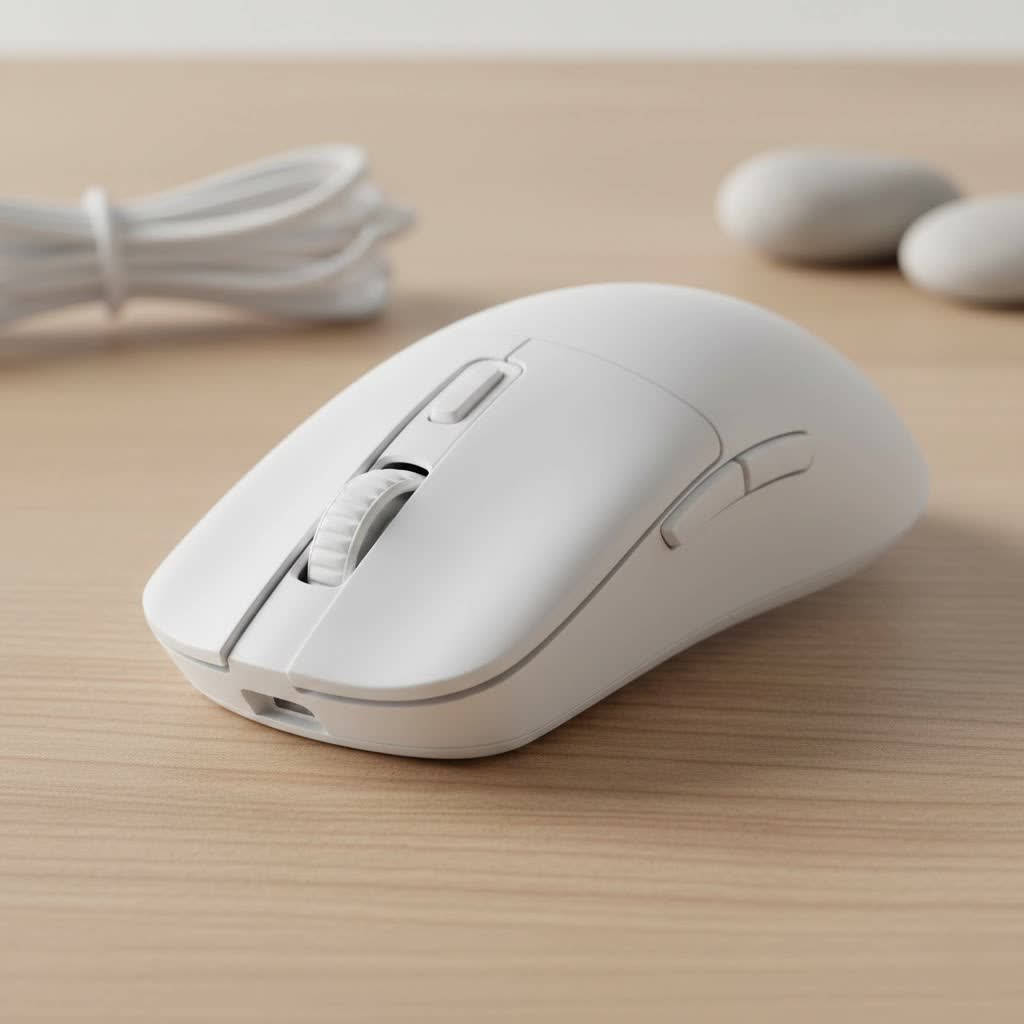
Before we even whisper the acronyms “DPI” or “Hz,” let’s talk about the single most important factor: ergonomics. You can have the most technologically advanced mouse in the world, but if it feels like holding a brick, your performance will suffer. A Good Gaming Mouse should feel like a natural extension of your hand.
Understanding Your Grip Style: Palm, Claw, or Fingertip?
How you hold your mouse dictates the ideal shape for you. There are three primary grip styles, and most people fall into one or a hybrid of two.
- Palm Grip: This is the most common style. Your entire palm rests on the back of the mouse, and your fingers lay flat on the buttons. This grip offers stability and comfort, making it great for smooth, sweeping motions. Palm grippers generally prefer larger, more contoured mice that fill the hand.
- Claw Grip: Your palm may touch the very back of the mouse, but your fingers are arched up in a claw-like shape to click the buttons. This provides a mix of speed and control, allowing for rapid clicks and quick adjustments. Claw grippers often favor ambidextrous or slightly smaller ergonomic mice with a pronounced hump at the back.
- Fingertip Grip: Only your fingertips touch the mouse; your palm doesn’t make contact at all. This grip offers the most agility and is all about fast, precise micro-movements, controlled by the fingers and wrist. If you’re a fingertip gripper, you’ll almost certainly want a small, lightweight mouse.
|
Our Picks for the Best Gaming Mouse in 2026
As an Amazon Associate I earn from qualifying purchases.
|
||
| Num | Product | Action |
|---|---|---|
| 1 | Logitech G502 X Plus Wireless Gaming Mouse - LIGHTSPEED Optical, LIGHTFORCE Switches, LIGHTSYNC RGB, HERO 25K Sensor for PC/Mac - Black |

|
| 2 | Razer Viper V3 Pro Wireless Esports Gaming Mouse: Symmetrical - 54g Lightweight - 8K Polling - 35K DPI Optical Sensor - Gen3 Optical Switches - 8 Programmable Buttons - 95 Hr Battery - Black |
|
| 3 | Razer Viper V3 HyperSpeed Wireless Esports Gaming Mouse: 82g Lightweight - Up to 280 Hr Battery - 30K DPI Optical Sensor - Gen-2 Mechanical Switches - 8 Programmable Controls - Classic Black |
|
| 4 | Razer Naga V2 HyperSpeed Wireless MMO Gaming Mouse: 19 Programmable Buttons - HyperScroll Technology - Focus Pro 30K Optical Sensor - Mechanical Mouse Switches Gen-2 - Up to 400 Hr Battery Life |
|
| 5 | Logitech G PRO X SUPERLIGHT Wireless Gaming Mouse, Ultra-Lightweight, HERO 25K Sensor, 25,600 DPI, 5 Programmable Buttons, Long Battery Life, Compatible with PC / Mac - Black |
|
| 6 | Razer Basilisk V3 X HyperSpeed Customizable Wireless Gaming Mouse: Mechanical Switches Gen-2-5G Advanced 18K Optical Sensor - Chroma RGB 9 Programmable Controls 535 Hr Battery Classic Black |
|
| 7 | Logitech G703 Lightspeed Wireless Gaming Mouse W/Hero 25K Sensor, PowerPlay Compatible, Lightsync RGB, Lightweight 95G+10G Optional, 100-25, 600 DPI, Rubber Side Grips - Black |
|
| 8 | Razer DeathAdder Essential Gaming Mouse: 6400 DPI Optical Sensor - 5 Programmable Buttons - Mechanical Switches - Rubber Side Grips - Classic Black |
|
| 9 | Logitech G502 Lightspeed Wireless Gaming Mouse with Hero 25K Sensor, PowerPlay Compatible, Tunable Weights and Lightsync RGB - Black |
|
| 10 | Razer Basilisk V3 Customizable Ergonomic Gaming Mouse: Fastest Gaming Mouse Switch - Chroma RGB Lighting - 26K DPI Optical Sensor - 11 Programmable Buttons - HyperScroll Tilt Wheel - Classic Black |
|
Hand Size Matters: Finding Your Perfect Fit
Just like a pair of shoes, one size does not fit all. A mouse that’s perfect for a player with large hands will feel unwieldy for someone with smaller hands. Many manufacturers now offer different sizes of their popular models. As a general rule, measure your hand from the tip of your middle finger to the base of your wrist. This measurement can help you cross-reference with reviews and manufacturer guidelines to find a mouse that fits you properly.
The Heart of the Mouse: Decoding Sensor Technology
The sensor is the engine of your gaming mouse. It translates your physical movements into digital signals. In 2025, virtually all reputable gaming mice have “flawless” sensors, meaning they track with near-perfect accuracy. However, understanding the key terms helps you fine-tune your experience.
What is DPI (or CPI) and How Much Do You Really Need?
DPI (Dots Per Inch), or CPI (Counts Per Inch), measures how sensitive your mouse is. A higher DPI means the cursor moves further on screen for every inch you move the mouse. Marketers love to boast about incredibly high DPI numbers (20,000+), but the truth is, most gamers, including professionals, use settings between 400 and 1600 DPI.
As our in-house analyst, Dr. Alistair Finch, often states, “Extremely high DPI is a marketing metric, not a performance one. Consistent, pixel-perfect tracking at usable sensitivities is what defines a top-tier sensor.”
Instead of chasing high numbers, focus on a mouse with a reliable sensor that allows you to find a DPI setting that feels comfortable for you.
Polling Rate: The Speed of Communication
Polling rate, measured in Hertz (Hz), is how often your mouse reports its position to your computer. The industry standard for years has been 1000Hz (1000 reports per second). Recently, we’ve seen the rise of 4000Hz and even 8000Hz polling rates. While technically faster, the real-world benefit for most players is minimal and can put extra strain on your CPU. For the vast majority of gamers, 1000Hz is the reliable sweet spot.
Clicks and Connectivity: The Feel and Freedom
How your mouse connects and how the clicks feel are crucial components of its overall performance. This is where some of the biggest innovations have happened in recent years.
Wired vs. Wireless: Has the Debate Finally Ended?
For a long time, competitive gamers swore by wired mice to avoid latency. That era is over. Modern wireless technologies from leading brands are now so fast and stable that they are indistinguishable from their wired counterparts in terms of performance. A good gaming mouse with a 2.4GHz wireless connection offers the freedom of no cable drag without any noticeable delay. The only trade-off is the need to manage battery life, but many models now offer well over 100 hours on a single charge.
The Switch Revolution: Optical vs. Mechanical Clicks
The switches under the main buttons determine the feel and durability of your clicks.
- Mechanical Switches: The traditional standard, using a metal contact to register a click. They provide a satisfying tactile feel but can develop “double-clicking” issues over time as the metal wears down.
- Optical Switches: These use a beam of light. When you click, a shutter breaks the beam, sending the signal instantly. They are faster because they don’t require a “debounce delay” like mechanical switches, and they are far more durable, virtually eliminating the risk of double-clicking.
The Weight Factor: Is Lighter Always Better?
The trend in the market is overwhelmingly towards lightweight mice, often weighing less than 70 grams. The philosophy is simple: a lighter object is easier to move quickly and for longer periods without fatigue. This is especially beneficial for FPS games that require fast flicks and constant repositioning. However, some players prefer the planted, stable feel of a slightly heavier mouse (around 80-90g), especially for games that require more deliberate, steady tracking. This is purely a matter of preference.
How Much Should You Spend on a Good Gaming Mouse?
You don’t need to break the bank to get a fantastic peripheral. Here’s a general breakdown:
- Budget ($30 – $50): You can find excellent wired mice in this range with flawless sensors, durable mechanical switches, and solid builds. You’ll miss out on premium features like ultra-lightweight designs or advanced wireless tech, but the core performance will be there.
- Mid-Range ($60 – $100): This is the sweet spot for most gamers. Here you’ll find top-tier wireless technology, lightweight designs, and premium components like optical switches and flexible cables. The value for performance is highest in this category.
- Premium ($110+): This tier is for enthusiasts who want the absolute cutting edge. Expect ultra-lightweight materials like magnesium alloy, super-high polling rates (4K/8K Hz), and the latest sensor technology. The performance gains are marginal, but if you want the best of the best, this is where you’ll find it.
Frequently Asked Questions (FAQ)
What’s a good DPI for a gaming mouse?
A good DPI setting is entirely personal, but most gamers find their sweet spot between 400 and 1600 DPI. This range provides a great balance of speed and precision for most game genres and screen resolutions.
Are expensive gaming mice worth it?
They can be, but not always. The biggest performance leaps are found when moving from a basic office mouse to a budget gaming mouse. The difference between a mid-range and a premium mouse is more about specialized features, lighter weight, and bleeding-edge tech, which may not impact everyone’s performance.
How long does a good gaming mouse last?
With proper care, a good gaming mouse should last 3-5 years or even longer. The most common points of failure are the switches (leading to double-clicking) or the cable. Mice with optical switches often have a longer lifespan.
Is a heavier mouse better for control?
Some players feel that a heavier mouse provides more stability and helps them control shaky hands, leading to smoother tracking. However, a lighter mouse is easier to start and stop moving, which can be better for “flick” shots. It is ultimately a matter of personal preference.
Can I use a regular office mouse for gaming?
You can, but you will be at a disadvantage. Office mice typically have lower polling rates, less accurate sensors that can “spin out” during fast movements, and higher click latency. A dedicated gaming mouse is designed specifically for the speed and precision that gaming requires.
The Final Click
Finding a good gaming mouse is a journey of self-discovery. It’s about understanding your own preferences for shape, weight, and features. Start by identifying your grip style and hand size, as comfort is the foundation of performance. From there, you can confidently navigate the world of sensors, switches, and connectivity to find a device that won’t just help you play, but will help you win. Now go find the one that feels right and share your experience with us.
