In the world of esports, where a single millisecond can be the difference between victory and defeat, your gear is an extension of your will. For years, one name has consistently dominated the conversation: the Logitech G Pro Wireless Gaming Mouse. Despite a market flooded with newer, lighter, and flashier competitors, the G Pro Wireless has maintained a legendary status. But does it still hold up in today’s demanding landscape? As the core creative team at Cyexx.com, we’ve spent countless hours with this iconic mouse to give you the definitive answer.
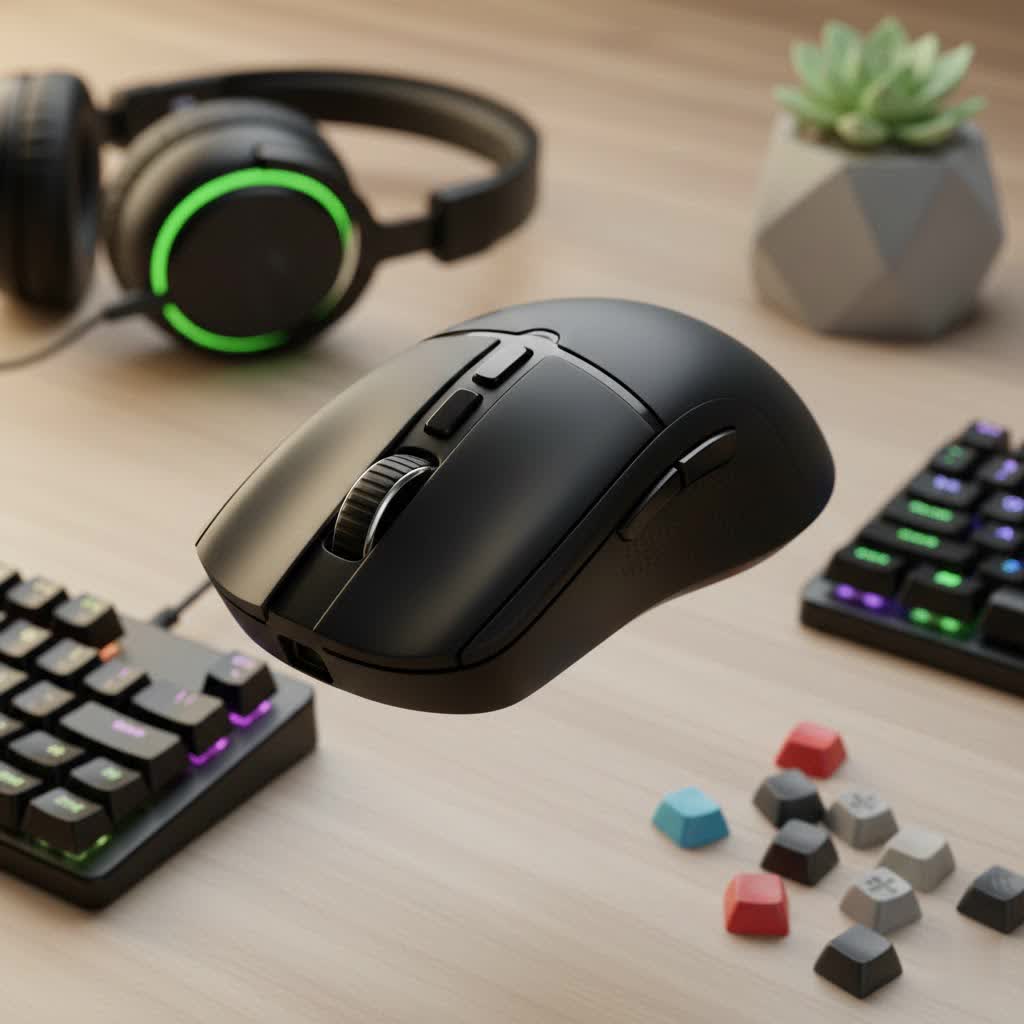
This isn’t just another review; it’s a deep dive into the technology, design, and feel of a mouse that has shaped a generation of gamers. We’ll break down what made it a champion’s choice and honestly assess its place in the modern gamer’s arsenal.
Design and Ergonomics: The Shape of Victory
The first thing you notice when you hold the G Pro Wireless is its deceptively simple, “safe” shape. It’s not aggressively sculpted for a specific grip style, which is precisely its greatest strength. This ambidextrous design makes it a comfortable fit for a wide range of hand sizes and grips, from palm to claw to fingertip.
Weighing in at just 80 grams, it hit a sweet spot for weight that was revolutionary at its release. It’s light enough for rapid, sweeping motions without causing fatigue, yet substantial enough to feel stable and controlled during precise micro-adjustments. The matte plastic finish provides a secure grip, even during intense gaming sessions, without relying on the rubberized side grips that can wear down over time.
Modular Side Buttons for True Ambidexterity
|
Our Picks for the Best Gaming Mouse in 2026
As an Amazon Associate I earn from qualifying purchases.
|
||
| Num | Product | Action |
|---|---|---|
| 1 | Razer Basilisk V3 X HyperSpeed Customizable Wireless Gaming Mouse: Mechanical Switches Gen-2-5G Advanced 18K Optical Sensor - Chroma RGB 9 Programmable Controls 535 Hr Battery Classic Black |

|
| 2 | Razer Basilisk V3 Customizable Ergonomic Gaming Mouse: Fastest Gaming Mouse Switch - Chroma RGB Lighting - 26K DPI Optical Sensor - 11 Programmable Buttons - HyperScroll Tilt Wheel - Classic Black |
|
| 3 | Logitech G703 Lightspeed Wireless Gaming Mouse W/Hero 25K Sensor, PowerPlay Compatible, Lightsync RGB, Lightweight 95G+10G Optional, 100-25, 600 DPI, Rubber Side Grips - Black |
|
| 4 | Logitech G PRO X SUPERLIGHT Wireless Gaming Mouse, Ultra-Lightweight, HERO 25K Sensor, 25,600 DPI, 5 Programmable Buttons, Long Battery Life, Compatible with PC / Mac - Black |
|
| 5 | Razer Viper V3 HyperSpeed Wireless Esports Gaming Mouse: 82g Lightweight - Up to 280 Hr Battery - 30K DPI Optical Sensor - Gen-2 Mechanical Switches - 8 Programmable Controls - Classic Black |
|
| 6 | Razer Naga V2 HyperSpeed Wireless MMO Gaming Mouse: 19 Programmable Buttons - HyperScroll Technology - Focus Pro 30K Optical Sensor - Mechanical Mouse Switches Gen-2 - Up to 400 Hr Battery Life |
|
| 7 | Razer DeathAdder Essential Gaming Mouse: 6400 DPI Optical Sensor - 5 Programmable Buttons - Mechanical Switches - Rubber Side Grips - Classic Black |
|
| 8 | Logitech G502 Lightspeed Wireless Gaming Mouse with Hero 25K Sensor, PowerPlay Compatible, Tunable Weights and Lightsync RGB - Black |
|
| 9 | Razer Viper V3 Pro Wireless Esports Gaming Mouse: Symmetrical - 54g Lightweight - 8K Polling - 35K DPI Optical Sensor - Gen3 Optical Switches - 8 Programmable Buttons - 95 Hr Battery - Black |
|
| 10 | Logitech G502 X Plus Wireless Gaming Mouse - LIGHTSPEED Optical, LIGHTFORCE Switches, LIGHTSYNC RGB, HERO 25K Sensor for PC/Mac - Black |
|
One of the most brilliant design features of the Logitech G Pro Wireless Gaming Mouse is its modularity. It comes with magnetic button covers and two pairs of side buttons, allowing you to have buttons on the left, the right, both, or neither. This makes it a truly ambidextrous mouse, not just one with a symmetrical shape. The process is simple: just pull off the magnetic covers and snap the buttons into place. It’s a level of customization that is still a benchmark for competitors.
Unrivaled Performance: The Engine Within
A comfortable shape is nothing without a flawless core, and this is where the G Pro Wireless truly shines. Its performance is built on two key pillars: the HERO sensor and Lightspeed wireless technology.
The Legendary HERO 25K Sensor
At its heart lies Logitech’s High Efficiency Rated Optical (HERO) sensor. This sensor is renowned for its raw, unfiltered tracking accuracy across the entire DPI range (100 to 25,600). It delivers zero smoothing, filtering, or acceleration, meaning your hand movements are translated to the screen with perfect 1:1 precision. Whether you’re making a pixel-perfect sniper shot or a frantic 180-degree turn, the HERO sensor remains unfailingly reliable.
“In professional play, you can’t blame your tools. The G Pro Wireless became the standard because its sensor is utterly predictable. You know that every movement, no matter how small or fast, will be tracked perfectly. That trust is priceless,” notes Alex ‘Apex’ Carter, a former professional Valorant player and our lead hardware analyst at Cyexx.com.
Lightspeed Wireless: Cutting the Cord Without Compromise
Logitech’s Lightspeed technology was a game-changer, effectively erasing the latency concerns that once plagued wireless gaming. With a 1ms report rate, the connection is as fast and stable as a wired mouse. During our testing, we experienced zero dropouts, lag, or stuttering. It feels instantaneous. This freedom of movement, unencumbered by cable drag, allows for more consistent and fluid aim, proving that wireless is not just viable for competitive play—it’s optimal.
Battery Life and Connectivity
The efficiency of the HERO sensor also contributes to outstanding battery life. Logitech claims up to 48 hours with default RGB lighting on and up to 60 hours with the lighting turned off. In our experience, these numbers are accurate. A full charge can easily last through a full week of heavy gaming. The only modern critique is its reliance on a Micro-USB port for charging, which feels dated compared to the USB-C standard now common on newer peripherals.
Switches and Build Quality
The G Pro Wireless uses Omron switches rated for 50 million clicks. The main clicks are light, crisp, and satisfyingly tactile. However, over its lifespan, the mouse gained a reputation for developing a “double-clicking” issue for some users. While this problem wasn’t universal, it’s a well-documented concern to be aware of. The scroll wheel is well-defined and tactile, providing a good balance between smooth scrolling and distinct steps for weapon switching in games.
Customization with Logitech G HUB Software
All customization is handled through the Logitech G HUB software. While the software itself can sometimes be clunky, it’s powerful. Here, you can:
- Adjust DPI settings: Set multiple DPI stages and an assignable “DPI shift” button.
- Customize button assignments: Remap any button to keyboard commands, macros, or media controls.
- Manage power settings: Adjust the polling rate and power-saving modes.
- Control RGB lighting: Customize the single “G” logo with Lightsync RGB.
The mouse also features onboard memory, allowing you to save your profiles directly to the device. This is a crucial feature for competitive players who frequently switch between different PCs at home and at tournaments.
Is the Logitech G Pro Wireless Still Worth It?
This is the ultimate question. In a market now filled with ultralight mice that weigh 50-60 grams and feature the latest optical switches, the G Pro Wireless is no longer the undisputed king of specs. However, it remains an incredibly compelling option.
Its “safe” shape, flawless sensor, and rock-solid wireless technology make it one of the most reliable and consistent gaming mice ever made. It’s a tool that has been battle-tested and proven at the highest levels of competition. For gamers who prioritize a trusted shape and top-tier performance over chasing the absolute lowest weight, the Logitech G Pro Wireless Gaming Mouse is still a phenomenal choice.
Frequently Asked Questions (FAQ)
What is the exact weight of the Logitech G Pro Wireless?
The mouse weighs approximately 80 grams without any modifications, striking a balance between being lightweight for fast movements and having enough heft for stability.
Is the Logitech G Pro Wireless good for small hands?
Yes, its safe, ambidextrous shape makes it comfortable for a wide range of hand sizes, including small to medium hands, and it accommodates all major grip styles (palm, claw, and fingertip).
Does the Logitech G Pro Wireless have Bluetooth?
No, it exclusively uses Logitech’s high-performance Lightspeed wireless technology via a USB dongle. It does not have Bluetooth connectivity.
Can you use the G Pro Wireless while it’s charging?
Absolutely. You can plug in the included Micro-USB cable and use it as a wired mouse while it charges, so you’ll never have any forced downtime.
What is the difference between the G Pro Wireless and the G Pro X Superlight?
The G Pro X Superlight is the successor to the G Pro Wireless. It has the same shape but is significantly lighter (around 63 grams), has improved feet, and removes the right-side modular buttons and RGB lighting to save weight.
Final Verdict: An Enduring Legacy
The Logitech G Pro Wireless Gaming Mouse is more than just a piece of hardware; it’s a piece of gaming history. It set the standard for what a wireless competitive mouse could be. While newer models may have surpassed it in specific areas like weight, its combination of a universally comfortable shape, a flawless sensor, and lag-free wireless performance ensures it remains a top-tier option. If you are looking for a reliable, proven, and incredibly versatile gaming mouse, the G Pro Wireless is a choice you can make with absolute confidence.
