In the ever-evolving world of PC gaming, the debate between wired and wireless peripherals rages on. While wireless technology has made incredible strides, the humble wired gaming mouse continues to be the weapon of choice for countless esports professionals and serious gamers. But why stick with a cord when you can cut it? The answer lies in a simple truth: for pure, unadulterated performance and reliability, a wire still reigns supreme.
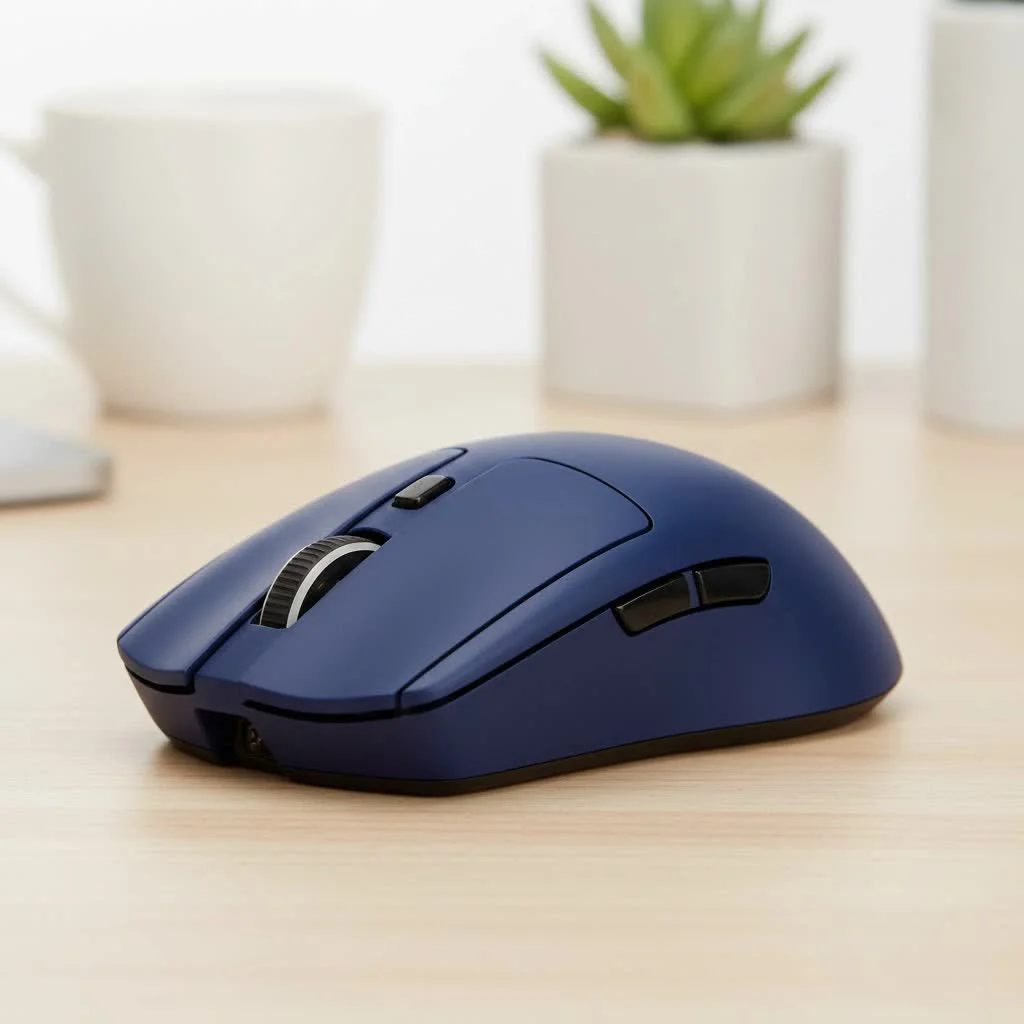
If you’re looking to gain a competitive edge and eliminate any chance of technical failure at a critical moment, understanding the benefits of a wired connection is your first step toward victory. This guide, from the experts at Cyexx, will break down exactly why this classic setup is more than just a preference—it’s a strategic advantage.
The Unbeatable Edge: Why Go Wired?
While a cable-free desk looks clean, competitive gaming isn’t about aesthetics; it’s about performance. A wired gaming mouse offers four distinct advantages that wireless counterparts, despite their advancements, still struggle to match perfectly.
Zero Latency, Total Reliability
The most significant advantage of a wired gaming mouse is its flawless connection. By plugging directly into your computer’s USB port, it establishes a dedicated, stable line for data transfer. This means zero input lag, no signal drops, and no interference from other wireless devices. In games where a single millisecond can determine the outcome of a duel, this instantaneous, guaranteed response is non-negotiable. You move, it moves—instantly, every time.
Consistent Power, Endless Play
Imagine lining up the perfect headshot, only to have your mouse battery die. With a wired mouse, this scenario is impossible. It draws consistent, uninterrupted power directly from your PC, allowing you to game for hours or even days on end without a single thought about charging. This peace of mind is invaluable during long ranked sessions, tournaments, or immersive story-driven games.
The Featherlight Advantage
Wireless mice need to house a battery, which inevitably adds weight. While designs have gotten lighter, wired mice often have a structural advantage, tipping the scales at a lower weight. A lighter mouse reduces fatigue and allows for quicker, more agile movements across your mousepad. For players who rely on rapid flicks and precise tracking in FPS games, this reduction in weight can feel like a natural extension of their hand.
Budget-Friendly Performance
From a pure value perspective, a wired gaming mouse is unbeatable. For the same price as a mid-tier wireless model, you can often get a top-of-the-line wired mouse packed with the best sensor, switches, and ergonomic design. You’re paying for raw performance, not the convenience of wireless technology and battery components, making it the smartest choice for gamers who want the best possible performance for their money.
How to Choose the Right Wired Gaming Mouse
Not all wired mice are created equal. Once you’ve committed to the cord, you need to focus on the features that will elevate your gameplay.
Sensor and Sensitivity (DPI/CPI)
|
Our Picks for the Best Gaming Mouse in 2026
As an Amazon Associate I earn from qualifying purchases.
|
||
| Num | Product | Action |
|---|---|---|
| 1 | Razer Basilisk V3 X HyperSpeed Customizable Wireless Gaming Mouse: Mechanical Switches Gen-2-5G Advanced 18K Optical Sensor - Chroma RGB 9 Programmable Controls 535 Hr Battery Classic Black |

|
| 2 | Logitech G502 X Plus Wireless Gaming Mouse - LIGHTSPEED Optical, LIGHTFORCE Switches, LIGHTSYNC RGB, HERO 25K Sensor for PC/Mac - Black |
|
| 3 | Logitech G703 Lightspeed Wireless Gaming Mouse W/Hero 25K Sensor, PowerPlay Compatible, Lightsync RGB, Lightweight 95G+10G Optional, 100-25, 600 DPI, Rubber Side Grips - Black |
|
| 4 | Razer Viper V3 Pro Wireless Esports Gaming Mouse: Symmetrical - 54g Lightweight - 8K Polling - 35K DPI Optical Sensor - Gen3 Optical Switches - 8 Programmable Buttons - 95 Hr Battery - Black |
|
| 5 | Logitech G PRO X SUPERLIGHT Wireless Gaming Mouse, Ultra-Lightweight, HERO 25K Sensor, 25,600 DPI, 5 Programmable Buttons, Long Battery Life, Compatible with PC / Mac - Black |
|
| 6 | Razer Basilisk V3 Customizable Ergonomic Gaming Mouse: Fastest Gaming Mouse Switch - Chroma RGB Lighting - 26K DPI Optical Sensor - 11 Programmable Buttons - HyperScroll Tilt Wheel - Classic Black |
|
| 7 | Razer Viper V3 HyperSpeed Wireless Esports Gaming Mouse: 82g Lightweight - Up to 280 Hr Battery - 30K DPI Optical Sensor - Gen-2 Mechanical Switches - 8 Programmable Controls - Classic Black |
|
| 8 | Razer DeathAdder Essential Gaming Mouse: 6400 DPI Optical Sensor - 5 Programmable Buttons - Mechanical Switches - Rubber Side Grips - Classic Black |
|
| 9 | Logitech G502 Lightspeed Wireless Gaming Mouse with Hero 25K Sensor, PowerPlay Compatible, Tunable Weights and Lightsync RGB - Black |
|
| 10 | Razer Naga V2 HyperSpeed Wireless MMO Gaming Mouse: 19 Programmable Buttons - HyperScroll Technology - Focus Pro 30K Optical Sensor - Mechanical Mouse Switches Gen-2 - Up to 400 Hr Battery Life |
|
The sensor is the heart of your mouse. DPI, or Dots Per Inch, measures how sensitive the mouse is to physical movement. While manufacturers often advertise massive DPI numbers (upwards of 20,000), higher isn’t always better. What’s crucial is a high-quality, flawless sensor that provides accurate tracking without acceleration or jitter. Look for a mouse with adjustable DPI settings, as most professional players use lower DPIs (typically between 400 and 1600) for more precise control and aim.
Ergonomics and Grip Style
Your mouse should feel comfortable in your hand, even after hours of play. Comfort is largely dictated by your preferred grip style. There are three main types:
- Palm Grip: Your entire hand rests on the mouse. This calls for larger, more contoured mice.
- Claw Grip: Your palm rests on the back, but your fingers are arched up. This grip works well with ambidextrous or slightly smaller mice.
- Fingertip Grip: Only your fingertips touch the mouse. This style demands a small, lightweight mouse for maximum control.
Choose a shape that complements your natural grip to prevent cramping and improve your consistency.
Build Quality and Switches
A gaming mouse endures millions of clicks. High-quality switches (the mechanisms under the main buttons) provide a consistent, satisfying click feel and are rated for a long lifespan (e.g., 50 million clicks). The overall build quality should be solid, with no creaking or flexing under pressure.
The Cable Matters
The one potential downside of a wired mouse is the wire itself—specifically, cable drag. However, modern manufacturers have solved this. Look for a mouse with a lightweight, flexible, paracord-like cable. These cables are designed to minimize drag and friction, making the mouse feel almost wireless.
“In competitive play, every variable you can control is a win. A wired gaming mouse removes the variables of battery life and signal interference completely. It’s the purest connection between you and the game.” – Alex “Viper” Chen, Esports Tactician.
Addressing the Wire: Is Cable Drag an Issue?
For many, the fear of the cable snagging or creating drag is the main deterrent from using a wired mouse. While this was a valid concern with old, rubberized cables, it’s largely a non-issue today. As mentioned, modern braided or paracord-style cables are incredibly light and flexible. For gamers who want to eliminate drag entirely, a simple and affordable accessory called a “mouse bungee” lifts the cable off the desk, providing a truly unhindered range of motion.
Frequently Asked Questions (FAQ)
Are wired mice truly better for competitive gaming?
For absolute reliability and the guarantee of zero latency, they remain the preferred choice for many esports professionals. The peace of mind that comes from eliminating potential signal and battery issues is a significant competitive advantage.
What DPI should I use?
This is highly personal and depends on your game, resolution, and playstyle. However, most professional FPS players use a lower DPI setting, typically between 400 and 1600, for smoother and more precise aiming. The key is to find a mouse with a good sensor and adjustable DPI so you can experiment.
Will a wired gaming mouse last longer?
From a technical standpoint, a wired mouse has fewer points of failure. It doesn’t have a battery that will degrade over time or wireless transmitters that could fail. A well-constructed wired mouse can be an incredibly durable piece of equipment.
How do I deal with the cable getting in the way?
Choose a mouse with a modern, lightweight cable often described as a “paracord” or “speed-flex” cable. If you want a truly wireless feel, pair it with a mouse bungee, which will lift the cord off your mousepad.
Your Reliable Path to Victory
While wireless technology offers freedom, a wired gaming mouse offers certainty. It’s a simple, powerful tool built for one purpose: to translate your skill into the game without fail. By providing a lag-free connection, unending power, and top-tier performance at a great value, it remains the gold standard for anyone serious about gaming. Stop worrying about batteries and interference, and start focusing on what truly matters—winning the game.
Get our weekly buyer guide
Practical specs, not advice. Unsubscribe anytime.
