In the world of PC gaming, there’s a common myth that you need to spend a fortune to get gear that won’t let you down. But when it comes to finding a great budget gaming mouse, that myth has never been more wrong. The truth is, you no longer have to choose between saving money and hitting your shots. Technology that was once exclusive to premium, high-end mice has trickled down into more affordable packages, giving every player a chance to compete without breaking the bank.
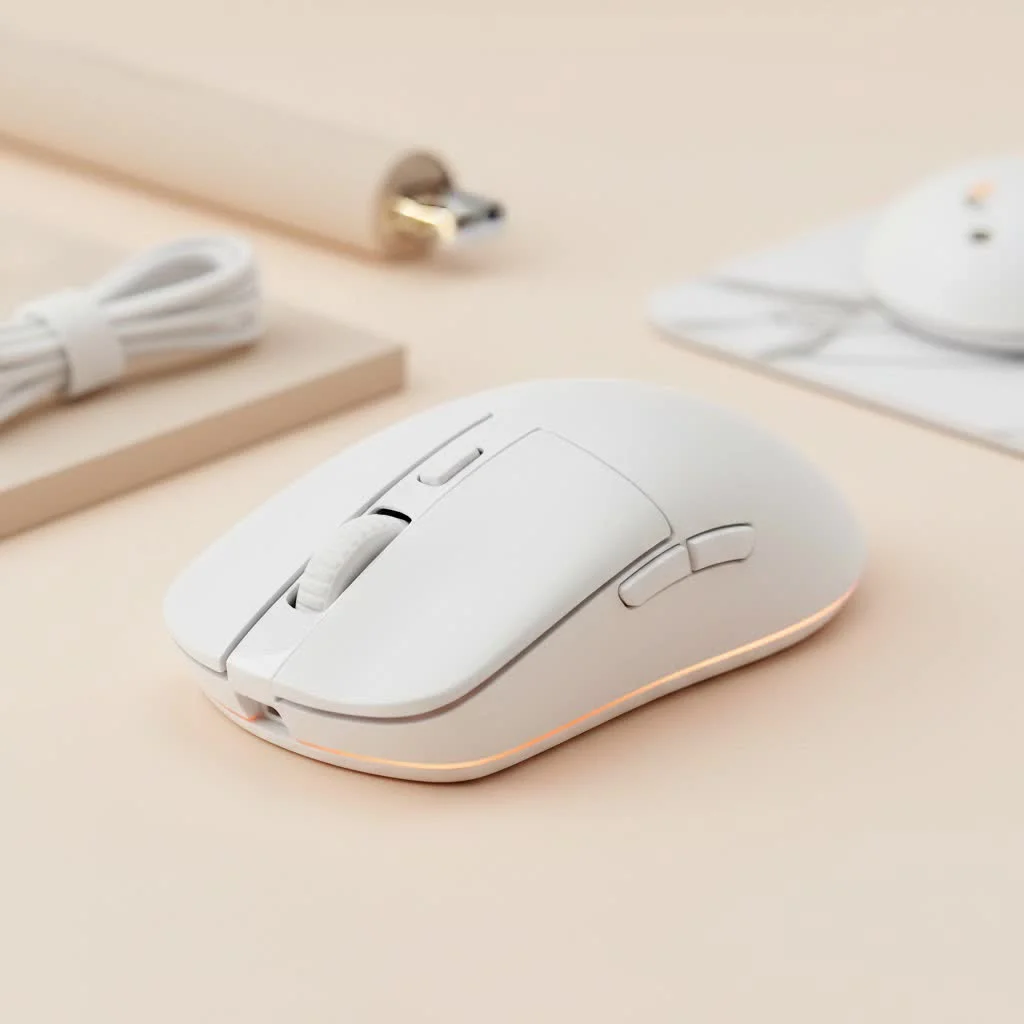
Whether you’re a competitive esports hopeful or a casual gamer looking for a more responsive and comfortable experience, the budget market is packed with fantastic options. But how do you navigate the sea of technical jargon like DPI, polling rates, and sensor types to find the right one for you? That’s where we come in. This guide will break down everything you need to know to choose a reliable, high-performance gaming mouse that fits your budget and your playstyle. For complete reviews library on this site.
What to Look for in a Budget Gaming Mouse
Choosing an affordable gaming mouse isn’t about finding the cheapest option; it’s about finding the best value. It means understanding which features are critical for performance and which are just nice-to-haves. Here’s what you should focus on.
The Sensor: The Heart of the Mouse
The single most important component in any gaming mouse is its sensor. It’s the eye that tracks your every movement and translates it onto the screen. In the past, budget mice were notorious for cheap sensors that would spin out or lag during fast movements. Thankfully, those days are largely over.
- DPI (Dots Per Inch): This measures how sensitive the mouse is. While premium mice boast insanely high DPI numbers (upwards of 30,000), it’s mostly marketing. Most professional players use settings between 400 and 1600 DPI. A good budget mouse should offer a range up to at least 8,000 DPI with adjustable steps, which is more than enough for any gamer.
- Optical vs. Laser: Modern optical sensors are the standard for gaming, offering flawless tracking on most surfaces like mousepads. You’ll find excellent optical sensors in most reputable budget options.
- Polling Rate: Measured in Hertz (Hz), this is how often the mouse reports its position to the computer. The standard for gaming is 1000Hz (1ms response time). Avoid anything less than 500Hz, but rest assured that almost every modern gaming mouse, budget or not, meets this 1000Hz standard.
Ergonomics and Grip Style: Comfort is King
|
Our Picks for the Best Gaming Mouse in 2026
As an Amazon Associate I earn from qualifying purchases.
|
||
| Num | Product | Action |
|---|---|---|
| 1 | Logitech G502 X Plus Wireless Gaming Mouse - LIGHTSPEED Optical, LIGHTFORCE Switches, LIGHTSYNC RGB, HERO 25K Sensor for PC/Mac - Black |

|
| 2 | Razer Naga V2 HyperSpeed Wireless MMO Gaming Mouse: 19 Programmable Buttons - HyperScroll Technology - Focus Pro 30K Optical Sensor - Mechanical Mouse Switches Gen-2 - Up to 400 Hr Battery Life |
|
| 3 | Logitech G502 Lightspeed Wireless Gaming Mouse with Hero 25K Sensor, PowerPlay Compatible, Tunable Weights and Lightsync RGB - Black |
|
| 4 | Razer DeathAdder Essential Gaming Mouse: 6400 DPI Optical Sensor - 5 Programmable Buttons - Mechanical Switches - Rubber Side Grips - Classic Black |
|
| 5 | Logitech G703 Lightspeed Wireless Gaming Mouse W/Hero 25K Sensor, PowerPlay Compatible, Lightsync RGB, Lightweight 95G+10G Optional, 100-25, 600 DPI, Rubber Side Grips - Black |
|
| 6 | Razer Viper V3 Pro Wireless Esports Gaming Mouse: Symmetrical - 54g Lightweight - 8K Polling - 35K DPI Optical Sensor - Gen3 Optical Switches - 8 Programmable Buttons - 95 Hr Battery - Black |
|
| 7 | Logitech G PRO X SUPERLIGHT Wireless Gaming Mouse, Ultra-Lightweight, HERO 25K Sensor, 25,600 DPI, 5 Programmable Buttons, Long Battery Life, Compatible with PC / Mac - Black |
|
| 8 | Razer Basilisk V3 Customizable Ergonomic Gaming Mouse: Fastest Gaming Mouse Switch - Chroma RGB Lighting - 26K DPI Optical Sensor - 11 Programmable Buttons - HyperScroll Tilt Wheel - Classic Black |
|
| 9 | Razer Basilisk V3 X HyperSpeed Customizable Wireless Gaming Mouse: Mechanical Switches Gen-2-5G Advanced 18K Optical Sensor - Chroma RGB 9 Programmable Controls 535 Hr Battery Classic Black |
|
| 10 | Razer Viper V3 HyperSpeed Wireless Esports Gaming Mouse: 82g Lightweight - Up to 280 Hr Battery - 30K DPI Optical Sensor - Gen-2 Mechanical Switches - 8 Programmable Controls - Classic Black |
|
A mouse can have the best sensor in the world, but if it’s uncomfortable to hold, your performance will suffer. Comfort is deeply personal and depends on your hand size and how you hold the mouse.
- Palm Grip: Your entire palm rests on the mouse. Look for larger, longer mice that fill your hand.
- Claw Grip: Your palm touches the back of the mouse, but your fingers are arched in a claw shape. Smaller, narrower mice often work well for this style.
- Fingertip Grip: Only your fingertips touch the mouse. The lightest mice are ideal here to reduce strain and allow for quick, precise adjustments.
Many manufacturers offer different sizes of the same mouse, so it’s worth checking if a model you like comes in a shape that fits you.
As our lead hardware analyst at Cyexx, Alex “Cy” Evans, often says, “I’ve seen gamers with $150 mice get outplayed by those with a well-chosen $40 mouse. The best budget gaming mouse isn’t the one with the highest DPI; it’s the one that feels like a natural extension of your hand and has a reliable sensor. Focus on comfort and consistency first.”
Build Quality and Weight
You want a mouse that feels solid, not hollow or creaky. Check for durable materials and switches rated for millions of clicks (a 20-million click rating is a good baseline).
Weight is a matter of preference. In general, FPS players who need to make rapid, sweeping movements prefer lighter mice (ideally under 80 grams). For other genres, a heavier mouse might feel more stable and deliberate. The trend is toward lighter mice, and many budget options are now incredibly lightweight without sacrificing build quality.
Are Budget Gaming Mice Worth It?
Absolutely. A few years ago, buying a budget gaming mouse meant making significant compromises in performance. Today, the gap has narrowed dramatically. For a fraction of the cost of a flagship model, you can get a mouse with a competition-grade sensor, durable switches, a comfortable shape, and low-latency wireless technology.
The primary differences you’ll see in premium mice are ultra-high DPI sensors (which most players don’t need), extremely lightweight designs made from exotic materials, and more advanced software features. For the vast majority of gamers, a well-chosen budget gaming mouse will provide 95% of the performance for less than half the price.
Frequently Asked Questions (FAQ)
What is a good DPI for a budget gaming mouse?
A good budget gaming mouse should offer an adjustable DPI range, with a maximum of at least 8,000 DPI. However, what’s more important is that it allows you to select lower, more common settings like 400, 800, and 1600 DPI, as this is the range most gamers actually use.
Should I get a wired or wireless budget gaming mouse?
This depends on your preference. Modern wireless technology from reputable brands is just as fast and reliable as a wired connection. Budget wireless mice often use a 2.4GHz dongle for a lag-free experience. If you want to save a bit more money and never worry about battery life, a wired model is a fantastic choice.
How many buttons do I need?
For most games, especially FPS titles like Valorant or Call of Duty, the standard six-button layout (left/right click, scroll wheel click, two side buttons, and a DPI button) is perfect. If you play MMOs or other games that require many keybinds, you might look for a mouse with additional side buttons.
How much should I spend on a budget gaming mouse?
The sweet spot for a high-value budget gaming mouse is typically between $30 and $50. In this range, you can find mice with excellent sensors, solid build quality, and comfortable designs from well-known brands. There are even some surprisingly capable options for under $30.
Do I need software for my gaming mouse?
While most mice work straight out of the box, manufacturer software allows you to customize things like DPI levels, button assignments (macros), and RGB lighting. It’s not strictly necessary for performance, but it’s a great feature for tailoring the mouse to your exact preferences.
Conclusion
Finding the right budget gaming mouse is one of the most cost-effective upgrades you can make to your setup. Don’t get caught up in chasing the highest numbers on a spec sheet. Instead, focus on the fundamentals: a reliable optical sensor, a shape that fits your hand and grip style comfortably, and a build quality that will last. By prioritizing these key areas, you can find an affordable mouse that not only performs like a premium product but also helps you play better and more comfortably for years to come.
Get our weekly buyer guide
Practical specs, not advice. Unsubscribe anytime.
