In the world of competitive gaming, every millisecond and every gram counts. Finding the best lightweight gaming mouse isn’t just about following a trend; it’s about gaining a tangible advantage in speed, accuracy, and endurance. Gone are the days of heavy, cumbersome mice. Today, the focus is on agile, featherlight designs that feel like a natural extension of your hand. At Cyexx, we’ve spent countless hours testing and analyzing the market to bring you the definitive guide to the lightest and mightiest mice available.
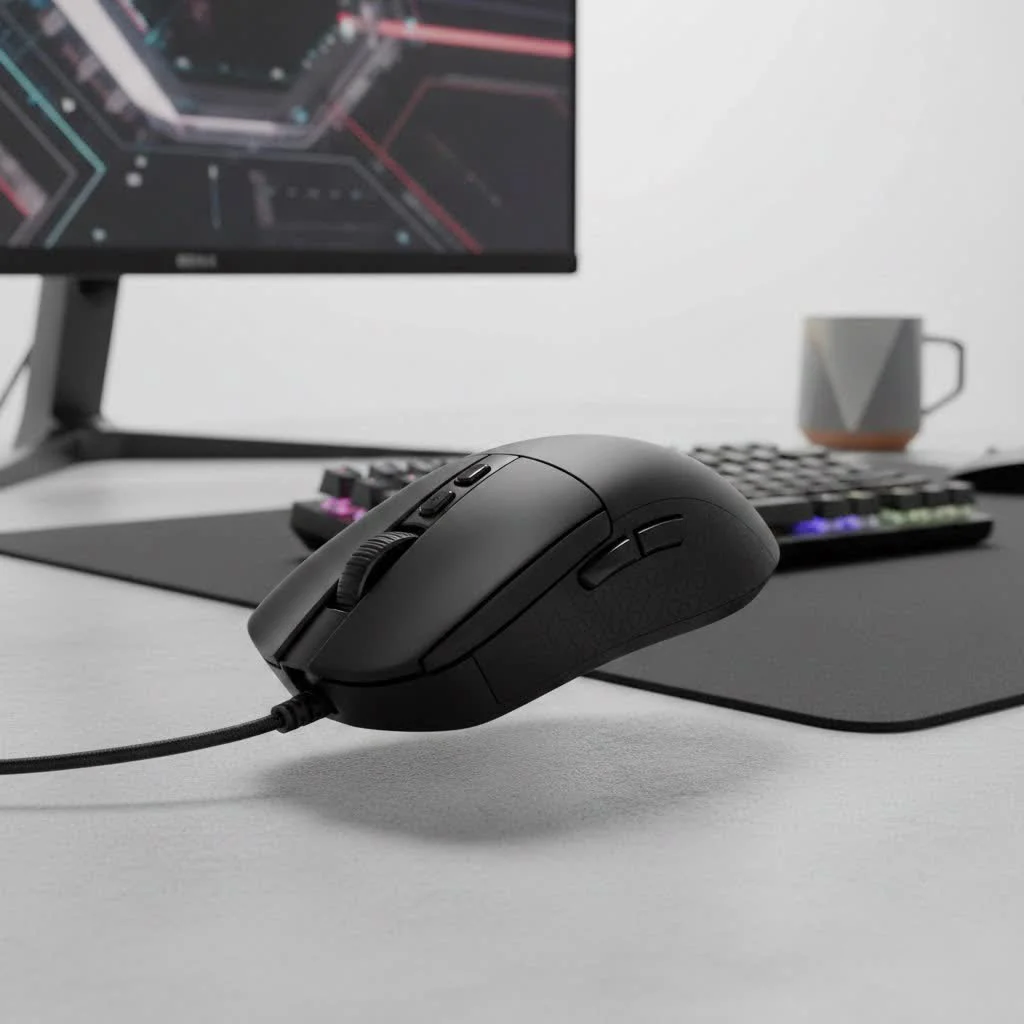
Whether you’re a professional esports athlete or a dedicated enthusiast looking to climb the ranks, a lightweight mouse can revolutionize your gameplay. They allow for faster flicks, more precise micro-adjustments, and significantly reduce wrist fatigue during long gaming sessions. But with so many options flooding the market, how do you choose the right one? This guide will break down everything you need to know.
Why Choose a Lightweight Gaming Mouse?
Switching to a lightweight mouse is one of the most impactful hardware changes you can make to improve your aim. The core philosophy is simple: less mass means less inertia. This translates directly to how you perform in-game.
- Faster Reaction Time: It takes less force to initiate movement and to stop it. This allows for quicker, snappier reactions, which is critical in fast-paced FPS titles like Valorant or Apex Legends.
- Reduced Fatigue: Moving a heavier mouse for hours puts a strain on your wrist and forearm. A lighter mouse minimizes this physical stress, enabling you to play comfortably for longer periods without your performance degrading.
- Enhanced Precision: With less weight to manage, making tiny, precise adjustments becomes easier. This is invaluable for tracking moving targets or landing those crucial headshots.
“We’ve seen a clear trend in our pro player consultations,” notes Alex ‘Stinger’ Chen, our lead hardware analyst at Cyexx. “The moment they switch to a sub-65 gram mouse, their tracking scores improve. The science is simple: less resistance allows for purer muscle memory to take over.”
What to Look for in the Best Lightweight Gaming Mouse
Weight is the headline feature, but it’s not the only factor. A truly great lightweight mouse is a balanced package of cutting-edge technology and thoughtful design.
Weight Class
What exactly qualifies as “lightweight”? Generally, the community agrees on these tiers:
- Lightweight: 65g – 80g
- Ultralight: Below 65g
Your ideal weight is subjective, but most competitive players now aim for the ultralight category, with many flagship models weighing between 50g and 60g.
Sensor Performance
|
Our Picks for the Best Gaming Mouse in 2026
As an Amazon Associate I earn from qualifying purchases.
|
||
| Num | Product | Action |
|---|---|---|
| 1 | Razer Viper V3 HyperSpeed Wireless Esports Gaming Mouse: 82g Lightweight - Up to 280 Hr Battery - 30K DPI Optical Sensor - Gen-2 Mechanical Switches - 8 Programmable Controls - Classic Black |

|
| 2 | Razer Naga V2 HyperSpeed Wireless MMO Gaming Mouse: 19 Programmable Buttons - HyperScroll Technology - Focus Pro 30K Optical Sensor - Mechanical Mouse Switches Gen-2 - Up to 400 Hr Battery Life |
|
| 3 | Logitech G502 Lightspeed Wireless Gaming Mouse with Hero 25K Sensor, PowerPlay Compatible, Tunable Weights and Lightsync RGB - Black |
|
| 4 | Razer Viper V3 Pro Wireless Esports Gaming Mouse: Symmetrical - 54g Lightweight - 8K Polling - 35K DPI Optical Sensor - Gen3 Optical Switches - 8 Programmable Buttons - 95 Hr Battery - Black |
|
| 5 | Razer DeathAdder Essential Gaming Mouse: 6400 DPI Optical Sensor - 5 Programmable Buttons - Mechanical Switches - Rubber Side Grips - Classic Black |
|
| 6 | Razer Basilisk V3 X HyperSpeed Customizable Wireless Gaming Mouse: Mechanical Switches Gen-2-5G Advanced 18K Optical Sensor - Chroma RGB 9 Programmable Controls 535 Hr Battery Classic Black |
|
| 7 | Razer Basilisk V3 Customizable Ergonomic Gaming Mouse: Fastest Gaming Mouse Switch - Chroma RGB Lighting - 26K DPI Optical Sensor - 11 Programmable Buttons - HyperScroll Tilt Wheel - Classic Black |
|
| 8 | Logitech G703 Lightspeed Wireless Gaming Mouse W/Hero 25K Sensor, PowerPlay Compatible, Lightsync RGB, Lightweight 95G+10G Optional, 100-25, 600 DPI, Rubber Side Grips - Black |
|
| 9 | Logitech G PRO X SUPERLIGHT Wireless Gaming Mouse, Ultra-Lightweight, HERO 25K Sensor, 25,600 DPI, 5 Programmable Buttons, Long Battery Life, Compatible with PC / Mac - Black |
|
| 10 | Logitech G502 X Plus Wireless Gaming Mouse - LIGHTSPEED Optical, LIGHTFORCE Switches, LIGHTSYNC RGB, HERO 25K Sensor for PC/Mac - Black |
|
The sensor is the heart of your mouse. A lightweight body is useless if the tracking is flawed. Look for a top-tier optical sensor with a high maximum IPS (Inches Per Second), which measures how fast you can move the mouse before it loses tracking. Key terms to know are:
- DPI (Dots Per Inch): A measure of sensitivity. While high numbers are used for marketing, most pros play at lower DPIs (400-1600).
- Polling Rate (Hz): How often the mouse reports its position to the computer. 1000Hz is the standard, but some mice now offer 4000Hz or even 8000Hz for smoother tracking, though with diminishing returns for most users.
Connectivity: Wired vs. Wireless
Modern wireless technology is now virtually indistinguishable from wired in terms of latency.
- Wireless: Offers complete freedom of movement with no cable drag. Top-tier wireless mice from reputable brands have flawless, lag-free connections. The only downside is the need to recharge, but battery life on modern mice is often excellent.
- Wired: A reliable, plug-and-play option that’s typically more affordable. You never have to worry about battery life. Look for mice with flexible, paracord-like cables to minimize drag.
Shape and Grip Style
This is arguably the most personal and crucial factor. A mouse that doesn’t fit your hand will hinder your performance, no matter how light it is. The three main grip styles are:
- Palm Grip: Your entire hand rests on the mouse. This style is comfortable and favors larger, ergonomic mice.
- Claw Grip: Your palm rests on the back of the mouse, but your fingers are arched up. This offers a balance of stability and rapid clicking.
- Fingertip Grip: Only your fingertips touch the mouse, with your palm floating. This style offers the highest mobility and is often preferred with smaller, ambidextrous mice.
Our Top Picks for the Best Lightweight Gaming Mouse in 2025
After rigorous testing in our labs and in real-world gaming scenarios, here are the Cyexx-approved top contenders.
Logitech G Pro X Superlight 2: Best Overall
The successor to a legend, the Superlight 2 refines an already winning formula. It maintains its iconic, safe shape that caters to nearly all hand sizes and grip styles. With the updated HERO 2 sensor, LIGHTSPEED wireless, and a weight of just 60g, it remains a top choice for those who want uncompromising performance and reliability.
- Weight: 60g
- Connectivity: Wireless (LIGHTSPEED)
- Best For: All-around performance, safe shape for most grips.
Razer Viper V3 Pro: The Apex Predator
Razer continues to push the boundaries of performance. The Viper V3 Pro is a masterclass in ultralight design, often weighing in under 55g. It features Razer’s latest Focus Pro optical sensor and optical switches for insane responsiveness and durability. Its flat, ambidextrous shape is perfect for claw and fingertip grippers.
- Weight: ~54g
- Connectivity: Wireless (HyperSpeed)
- Best For: Claw/Fingertip grip users, competitive FPS players.
Lamzu Atlantis Mini Pro: The Enthusiast’s Choice
Lamzu has quickly become a fan favorite in the enthusiast community. The Atlantis Mini Pro provides top-tier specs—a flawless sensor, 4K polling rate compatibility, and excellent optical switches—in a unique and comfortable claw-grip-focused shape. At around 49g, it’s astonishingly light without feeling cheap.
- Weight: 49g
- Connectivity: Wireless
- Best For: Claw grippers, small-to-medium hands.
Pulsar X2V2: Best Value Performer
Pulsar delivers incredible value without cutting corners on performance. The X2V2 features a comfortable ergonomic shape, a top-end sensor, and optical switches for a price that often undercuts the bigger brands. If you’re looking for the best lightweight gaming mouse on a budget, this is a phenomenal option.
- Weight: ~54g
- Connectivity: Wireless
- Best For: Budget-conscious gamers who don’t want to compromise on specs.
Frequently Asked Questions (FAQ)
Are lightweight mice with holes durable?
Yes. Modern engineering and high-quality plastics ensure that perforated, or “honeycomb,” shells are structurally sound for normal gaming use. Most major brands have moved away from this design, achieving low weights with solid shells, but a well-made honeycomb mouse is perfectly durable.
Is a lighter mouse always better for gaming?
For most fast-paced shooter games, yes. A lighter mouse generally allows for faster and more precise aiming. However, preference is key. Some players may prefer the stability of a slightly heavier mouse (around 70-80g) for certain games or roles.
What is a good weight for a gaming mouse?
The current sweet spot for competitive gaming is between 50 and 65 grams. This range provides a significant reduction in inertia without feeling so light that it becomes unstable for some users.
How much should I spend on a lightweight gaming mouse?
Top-tier wireless models from major brands typically cost between $120 and $160. However, excellent wired options and models from rising brands like Pulsar or Lamzu can be found for under $100, offering fantastic performance for the price.
Final Thoughts
Choosing the best lightweight gaming mouse is a critical step in optimizing your setup for peak performance. The benefits of reduced weight—faster flicks, improved precision, and less fatigue—are undeniable. While models like the Logitech G Pro X Superlight 2 and Razer Viper V3 Pro lead the pack, the most important factor is finding a mouse that combines a low weight with a shape that perfectly complements your hand and grip style.
Use this guide as your starting point, consider your personal preferences, and get ready to experience a new level of speed and control in your favorite games.
Get our weekly buyer guide
Practical specs, not advice. Unsubscribe anytime.
