Finding the perfect gaming mouse can feel like a daunting quest. Walk into any Best Buy, and you’re met with a wall of options, each boasting different specs, shapes, and flashy lights. As the primary content creator for Cyexx.com, I’ve spent over a decade testing, reviewing, and dissecting these critical peripherals. The truth is, the best buy gaming mouse isn’t a one-size-fits-all solution; it’s the one that feels like a natural extension of your hand and enhances your gameplay.
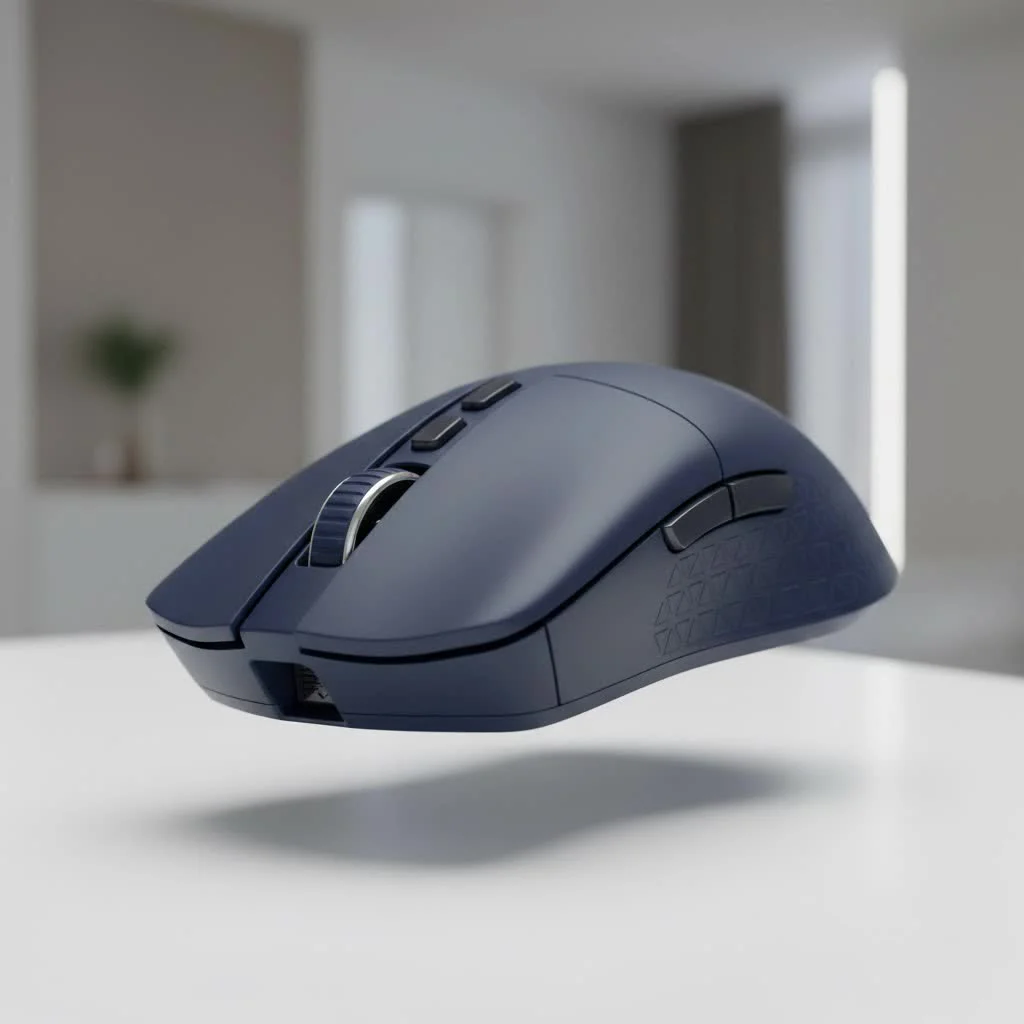
This guide is designed to cut through the marketing noise. We’ll break down the technical jargon, explore the top models you can find on Best Buy’s shelves right now, and empower you to make a choice that gives you a real competitive edge. Whether you’re a professional esports athlete or just starting your PC gaming journey, this is your roadmap to finding the perfect click.
How to Choose the Best Buy Gaming Mouse for You
Before you even look at specific models, you need to understand your own needs. A mouse that’s perfect for a Counter-Strike pro might be terrible for a World of Warcraft raid leader. Let’s break down the core factors.
What Is Your Grip Style?
How you hold your mouse is the single most important factor for comfort and control. There are three primary grip styles, and most mice are designed to favor one or two.
- Palm Grip: Your entire palm rests on the back of the mouse, with your fingers lying flat on the buttons. This is the most common grip and is great for comfort during long sessions. Look for larger, ergonomic mice like the Razer DeathAdder series.
- Claw Grip: Your palm touches the back of the mouse, but your fingers are arched up in a claw-like shape. This allows for quicker clicks and more precise micro-adjustments. Symmetrical, medium-sized mice often work well here, such as the Logitech G Pro X Superlight.
- Fingertip Grip: Only your fingertips touch the mouse; your palm doesn’t make contact at all. This grip offers the fastest movement but the least stability. It requires a small, lightweight mouse, like the Cooler Master MM710.
Sensor and DPI: What Really Matters?
DPI, or Dots Per Inch, is a measure of a mouse’s sensitivity. While manufacturers love to advertise massive DPI numbers (20,000+), it’s mostly marketing. Most professional gamers play at a DPI between 400 and 1600.
What’s more important is the quality of the sensor. A good optical sensor, like Razer’s Focus Pro or Logitech’s HERO, provides flawless 1:1 tracking without any acceleration or prediction. This means the cursor moves exactly how you move the mouse, which is critical for building muscle memory. Don’t get caught up in the DPI race; focus on a mouse with a proven, top-tier sensor.
Wired vs. Wireless: The Latency Myth
|
Our Picks for the Best Gaming Mouse in 2026
As an Amazon Associate I earn from qualifying purchases.
|
||
| Num | Product | Action |
|---|---|---|
| 1 | Logitech G502 X Plus Wireless Gaming Mouse - LIGHTSPEED Optical, LIGHTFORCE Switches, LIGHTSYNC RGB, HERO 25K Sensor for PC/Mac - Black |

|
| 2 | Logitech G502 Lightspeed Wireless Gaming Mouse with Hero 25K Sensor, PowerPlay Compatible, Tunable Weights and Lightsync RGB - Black |
|
| 3 | Razer Viper V3 HyperSpeed Wireless Esports Gaming Mouse: 82g Lightweight - Up to 280 Hr Battery - 30K DPI Optical Sensor - Gen-2 Mechanical Switches - 8 Programmable Controls - Classic Black |
|
| 4 | Razer DeathAdder Essential Gaming Mouse: 6400 DPI Optical Sensor - 5 Programmable Buttons - Mechanical Switches - Rubber Side Grips - Classic Black |
|
| 5 | Logitech G703 Lightspeed Wireless Gaming Mouse W/Hero 25K Sensor, PowerPlay Compatible, Lightsync RGB, Lightweight 95G+10G Optional, 100-25, 600 DPI, Rubber Side Grips - Black |
|
| 6 | Razer Basilisk V3 Customizable Ergonomic Gaming Mouse: Fastest Gaming Mouse Switch - Chroma RGB Lighting - 26K DPI Optical Sensor - 11 Programmable Buttons - HyperScroll Tilt Wheel - Classic Black |
|
| 7 | Razer Viper V3 Pro Wireless Esports Gaming Mouse: Symmetrical - 54g Lightweight - 8K Polling - 35K DPI Optical Sensor - Gen3 Optical Switches - 8 Programmable Buttons - 95 Hr Battery - Black |
|
| 8 | Logitech G PRO X SUPERLIGHT Wireless Gaming Mouse, Ultra-Lightweight, HERO 25K Sensor, 25,600 DPI, 5 Programmable Buttons, Long Battery Life, Compatible with PC / Mac - Black |
|
| 9 | Razer Naga V2 HyperSpeed Wireless MMO Gaming Mouse: 19 Programmable Buttons - HyperScroll Technology - Focus Pro 30K Optical Sensor - Mechanical Mouse Switches Gen-2 - Up to 400 Hr Battery Life |
|
| 10 | Razer Basilisk V3 X HyperSpeed Customizable Wireless Gaming Mouse: Mechanical Switches Gen-2-5G Advanced 18K Optical Sensor - Chroma RGB 9 Programmable Controls 535 Hr Battery Classic Black |
|
Years ago, wireless mice were a non-starter for serious gaming due to input lag. That era is over. Modern wireless technologies from major brands like Logitech (LIGHTSPEED) and Razer (HyperSpeed) are now indistinguishable from their wired counterparts in terms of performance—and sometimes even faster.
The choice now comes down to preference and convenience.
- Wired: No need to worry about battery life, and they are generally a bit cheaper. The cable can sometimes cause drag.
- Wireless: Complete freedom of movement with no cable drag. You’ll need to remember to charge it, though most modern wireless gaming mice offer incredible battery life, often lasting over 70 hours on a single charge.
Weight and Ergonomics: Comfort is King
The trend in recent years has been toward ultra-lightweight mice. A lighter mouse (typically under 70 grams) is easier to move quickly and can reduce fatigue over long gaming sessions, making it ideal for fast-paced FPS games. However, some players prefer the stability and feel of a heavier mouse, especially for slower-paced strategy games.
Ergonomics refers to the shape of the mouse and how it fits your hand. An ergonomic, right-handed mouse is contoured for comfort, while an ambidextrous mouse has a symmetrical shape that works for both left and right-handed players. There’s no substitute for feeling a mouse in your own hand, so if possible, visit a Best Buy to see how different shapes feel.
Our Top Picks for the Best Gaming Mouse at Best Buy in 2025
After extensive testing, here are our top recommendations for the best gaming mice you can find at Best Buy, tailored for different needs and budgets.
Best Overall: Razer DeathAdder V3 Pro
The Razer DeathAdder has been a benchmark for ergonomic gaming mice for over a decade, and the V3 Pro is the pinnacle of that design. It features an incredibly comfortable shape refined for right-handed palm and claw grippers, a feather-light 63-gram weight, and Razer’s flawless Focus Pro 30K optical sensor. Its HyperSpeed wireless technology is lossless, ensuring your actions are registered instantly. It’s a premium product with a premium price, but for most gamers, it’s the best all-around performer on the market.
Best Wireless Performer: Logitech G Pro X Superlight 2
A legend in the esports community, the Superlight 2 is the definition of a safe, reliable, and top-tier choice. Its simple, symmetrical shape is comfortable for nearly every hand size and grip style. At just 60 grams, it’s incredibly nimble. Logitech’s HERO 2 sensor is world-class, and its LIGHTSPEED wireless is trusted by countless professionals. With a battery that lasts up to 95 hours, you’ll rarely have to think about plugging it in. It’s the ultimate tool for competitive FPS players.
Best Budget Option: SteelSeries Rival 3
You don’t need to spend over $100 to get a fantastic gaming mouse. The SteelSeries Rival 3 delivers incredible value. It features a solid sensor with reliable tracking, durable switches, and a comfortable, lightweight design. While it’s a wired mouse and lacks the premium features of its more expensive counterparts, its core performance is excellent for the price. It’s the perfect entry point for anyone building their first gaming setup or looking for a high-quality, affordable option.
Best for MMO/MOBA: Razer Naga V2 Pro
For games with dozens of abilities and macros, a standard mouse just won’t cut it. The Razer Naga V2 Pro is the undisputed king of the MMO mouse category. Its signature feature is the set of three interchangeable side plates, offering configurations of 2, 6, or 12 thumb buttons. This allows you to customize the mouse perfectly for World of Warcraft, Final Fantasy XIV, or any other game that requires a multitude of keybinds. It’s a large, heavy mouse, but its versatility is unmatched.
Understanding Key Features at Best Buy
To help you compare models on the shelf, here’s a quick-glance table of our top picks.
| Feature | Razer DeathAdder V3 Pro | Logitech G Pro X Superlight 2 | SteelSeries Rival 3 | Razer Naga V2 Pro |
|---|---|---|---|---|
| Connectivity | Wireless (HyperSpeed) | Wireless (LIGHTSPEED) | Wired | Wireless (HyperSpeed) |
| Weight | 63g | 60g | 77g | 134g |
| Sensor | Focus Pro 30K Optical | HERO 2 | TrueMove Core | Focus Pro 30K Optical |
| Max DPI | 30,000 | 32,000 | 8,500 | 30,000 |
| Buttons | 5 | 5 | 6 | 10-20 (Customizable) |
| Best For | All-Around, Ergonomics | Competitive FPS | Budget Gaming | MMO/MOBA |
As gaming expert Alex ‘Viper’ Chen often says, “Specs on a box don’t win matches. The connection between your hand, your mouse, and your brain does. Find the shape that disappears in your grip, and you’ve found your best mouse.”
Frequently Asked Questions (FAQ)
What is a good DPI for a gaming mouse?
A good DPI setting is largely personal preference, but most competitive players use a range between 400 and 1600. A lower DPI allows for more precise, controlled movements, while a higher DPI enables faster turning. It’s better to choose a mouse with a quality sensor and find a DPI within this range that feels comfortable for you.
Are wireless gaming mice good for competitive gaming?
Absolutely. Modern wireless technology from leading brands is now as fast, and in some cases faster, than wired connections. The freedom from cable drag is a significant advantage for many pro players. As long as you choose a reputable gaming brand, you can be confident in its wireless performance.
How much should I spend on a gaming mouse at Best Buy?
You can find excellent budget options like the SteelSeries Rival 3 for under $50. Mid-range mice with more features typically cost between $50 and $90. Premium, top-of-the-line wireless models from brands like Razer and Logitech usually range from $120 to $160.
Can I use a gaming mouse for regular work?
Yes, a gaming mouse works perfectly for regular office work and web browsing. In fact, their superior sensors and ergonomic shapes often make them more comfortable and precise for productivity tasks than a standard office mouse. You can simply turn off or tone down the RGB lighting if you prefer a more professional look.
Your Perfect Click Awaits
Choosing the best buy gaming mouse is a personal journey, but it doesn’t have to be a complicated one. By understanding your grip style and focusing on the core components—a quality sensor, a comfortable shape, and your preferred connectivity—you can confidently walk into Best Buy and select a mouse that will serve you well for years to come. The right mouse won’t just make you a better gamer; it will make the entire experience more comfortable and immersive. Now, go find the one that’s right for you and get back in the game.
Get our weekly buyer guide
Practical specs, not advice. Unsubscribe anytime.
