If you’ve ever been in the middle of a clutch firefight only to have your mouse slide off the edge of its tiny pad, you know the frustration. That single moment of repositioning can be the difference between a win and a loss. This is where a gaming mouse pad XXL transforms from a simple accessory into an essential piece of your setup. It’s not just about having more space; it’s about unlocking consistency, precision, and a new level of comfort for your entire gaming station.
What Exactly is a Gaming Mouse Pad XXL?
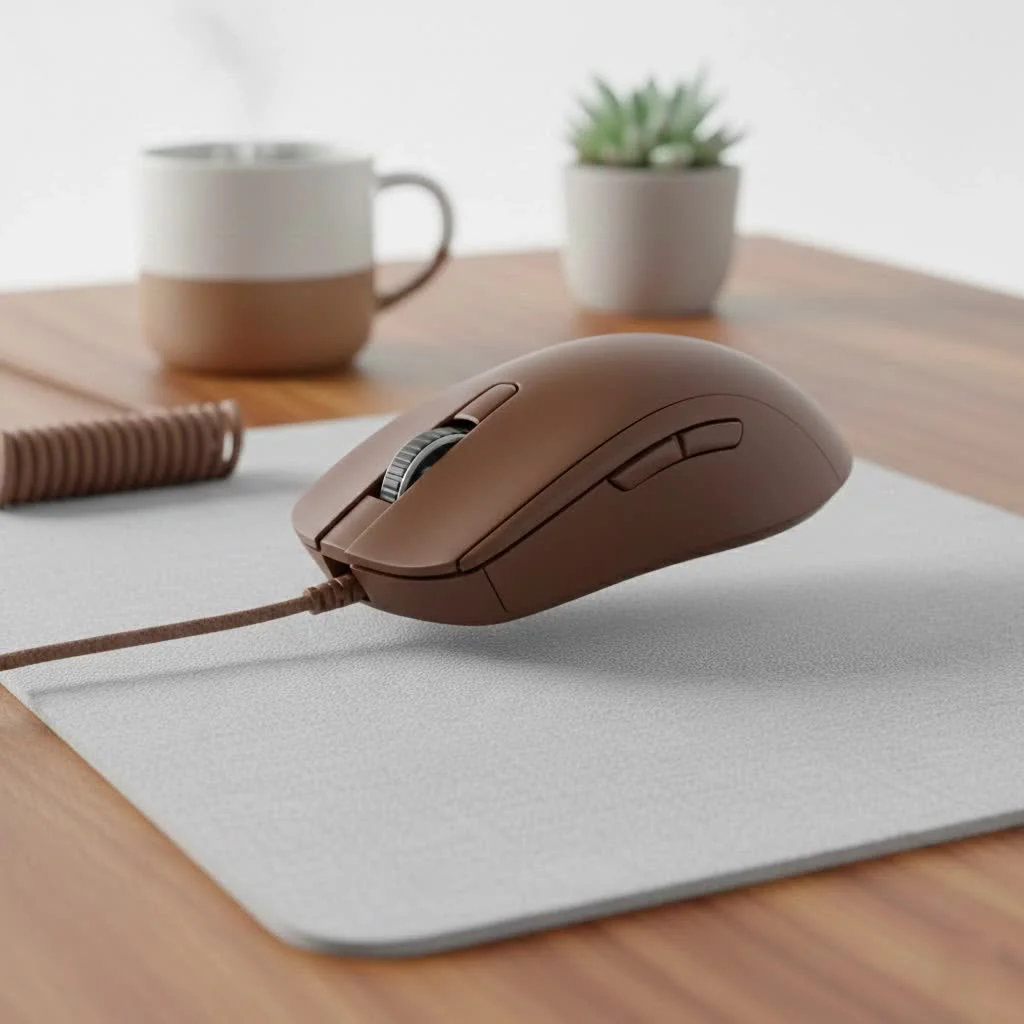
Let’s clear this up right away: an XXL mouse pad is more than just a large mouse pad. It’s a full-on desk mat. These massive surfaces are designed to cover a significant portion of your desk, providing enough room for not just your mouse, but your keyboard as well, with plenty of space to spare. While a standard pad might be a small square and a “large” pad might give you some extra width, an XXL pad typically measures around 900mm x 400mm (or 36 x 16 inches) or even larger. This unified surface creates a consistent and stable battleground for all your peripherals. For shop curated reviews on this site.
The Core Benefits: Why Go Big or Go Home?
Upgrading to a desk-sized mat isn’t just for aesthetics. The practical advantages directly translate to better in-game performance and overall comfort.
Unrestricted Mouse Movement
This is the number one reason gamers switch. If you play on a low DPI (dots per inch) setting, you rely on large, sweeping arm movements for quick 180-degree turns and precise targeting. A small pad forces you to constantly lift and reset your mouse, interrupting your aim and breaking your muscle memory. A gaming mouse pad XXL eliminates this problem entirely, giving you a massive runway for your mouse to glide across.
A Consistent and Stable Surface
Placing your keyboard on the same surface as your mouse does two things. First, it creates a single, even plane, which can feel more comfortable and organized. Second, and more importantly, the weight of the keyboard combined with the non-slip rubber base of the pad anchors everything in place. Your keyboard won’t shift during intense moments, and your mouse surface will remain perfectly flat and stable, ensuring your sensor tracking is never compromised.
Enhanced Sensor Tracking and Accuracy
Modern gaming mice have incredibly sophisticated optical or laser sensors. However, they are only as good as the surface they read. A high-quality gaming mouse pad XXL is engineered with a consistent, uniform weave or texture that allows the sensor to track movement with pixel-perfect accuracy. It eliminates the microscopic inconsistencies found on a typical desk surface, which can cause jitter, spin-outs, or tracking loss at critical moments.
Protects Your Desk and Peripherals
|
Our Picks for the Best Gaming Mouse in 2026
As an Amazon Associate I earn from qualifying purchases.
|
||
| Num | Product | Action |
|---|---|---|
| 1 | Logitech G502 X Plus Wireless Gaming Mouse - LIGHTSPEED Optical, LIGHTFORCE Switches, LIGHTSYNC RGB, HERO 25K Sensor for PC/Mac - Black |

|
| 2 | Logitech G703 Lightspeed Wireless Gaming Mouse W/Hero 25K Sensor, PowerPlay Compatible, Lightsync RGB, Lightweight 95G+10G Optional, 100-25, 600 DPI, Rubber Side Grips - Black |
|
| 3 | Logitech G502 Lightspeed Wireless Gaming Mouse with Hero 25K Sensor, PowerPlay Compatible, Tunable Weights and Lightsync RGB - Black |
|
| 4 | Razer Viper V3 HyperSpeed Wireless Esports Gaming Mouse: 82g Lightweight - Up to 280 Hr Battery - 30K DPI Optical Sensor - Gen-2 Mechanical Switches - 8 Programmable Controls - Classic Black |
|
| 5 | Razer Naga V2 HyperSpeed Wireless MMO Gaming Mouse: 19 Programmable Buttons - HyperScroll Technology - Focus Pro 30K Optical Sensor - Mechanical Mouse Switches Gen-2 - Up to 400 Hr Battery Life |
|
| 6 | Razer DeathAdder Essential Gaming Mouse: 6400 DPI Optical Sensor - 5 Programmable Buttons - Mechanical Switches - Rubber Side Grips - Classic Black |
|
| 7 | Razer Basilisk V3 Customizable Ergonomic Gaming Mouse: Fastest Gaming Mouse Switch - Chroma RGB Lighting - 26K DPI Optical Sensor - 11 Programmable Buttons - HyperScroll Tilt Wheel - Classic Black |
|
| 8 | Razer Basilisk V3 X HyperSpeed Customizable Wireless Gaming Mouse: Mechanical Switches Gen-2-5G Advanced 18K Optical Sensor - Chroma RGB 9 Programmable Controls 535 Hr Battery Classic Black |
|
| 9 | Razer Viper V3 Pro Wireless Esports Gaming Mouse: Symmetrical - 54g Lightweight - 8K Polling - 35K DPI Optical Sensor - Gen3 Optical Switches - 8 Programmable Buttons - 95 Hr Battery - Black |
|
| 10 | Logitech G PRO X SUPERLIGHT Wireless Gaming Mouse, Ultra-Lightweight, HERO 25K Sensor, 25,600 DPI, 5 Programmable Buttons, Long Battery Life, Compatible with PC / Mac - Black |
|
Think of an XXL pad as a shield for your desk. It protects the surface from the scratches, scuffs, and wear that naturally occur from a sliding mouse and keyboard. Furthermore, the soft fabric surface is gentler on your mouse’s feet (skates) than a hard desk, extending their lifespan and maintaining a smooth glide.
Choosing Your Perfect Gaming Mouse Pad XXL
Not all desk mats are created equal. When you’re ready to make the upgrade, here are the key factors you need to consider to find the right one for your playstyle.
Surface Material: Cloth vs. Hard Pads
The vast majority of XXL pads are cloth surfaces, and for good reason.
- Cloth Pads: These offer more control, which is ideal for tactical shooters where precision is key. The slight friction of the fabric allows for tiny, deliberate adjustments and helps you stop your mouse exactly where you want to. They are also more comfortable for your wrist over long sessions.
- Hard Pads: While less common in XXL sizes, hard surface pads offer maximum speed and an incredibly low-friction glide. They are favored by some players who need the fastest possible mouse movement, but they can be less forgiving for micro-adjustments.
Thickness and Comfort
The thickness of the pad, typically ranging from 2mm to 5mm, affects the overall feel. A thinner pad (2-3mm) provides a more solid, direct connection to the desk. A thicker pad (4-5mm) offers more cushioning and can help smooth out any minor imperfections on your desk surface, providing a plusher feel for your wrist.
Edge Stitching: The Unsung Hero
Look for a pad with high-quality, anti-fray stitched edges. This is a critical feature for longevity. On cheaper pads without stitched edges, the surface fabric can begin to peel away from the rubber base over time, especially around the areas where your arm rests. Dense, clean stitching ensures your investment lasts for years.
The Base: Why Non-Slip is Non-Negotiable
The underside of the pad is just as important as the top. A good gaming mouse pad XXL must have a textured, non-slip rubber base. This base grips your desk firmly, ensuring that the entire pad stays locked in place, no matter how fast and aggressive your mouse movements become.
Does a Gaming Mouse Pad XXL Really Improve Aim?
Yes, absolutely. While it won’t magically give you the skills of a pro, it removes physical limitations that are holding your aim back.
Aiming is about muscle memory, which is built through thousands of consistent repetitions. “When your playable surface area is limited, you’re constantly forced to make micro-adjustments or lift your mouse, which pollutes the data your brain is trying to store for a specific movement,” explains Dr. Evan Cross, an ergonomics expert at Cyexx Labs. “An XXL pad provides the consistency needed for your brain to build a reliable and repeatable relationship between hand movement and crosshair movement on screen.”
By providing a massive, consistent tracking surface, the pad ensures that a 12-inch swipe of your mouse always results in the same 180-degree turn in-game. This reliability is the foundation of precise and reflexive aim.
Frequently Asked Questions (FAQ)
What are the typical dimensions of an XXL mouse pad?
Most XXL or desk pads are around 900mm x 400mm (36 x 16 inches). However, sizes can vary, with some being wider or deeper, so it’s always best to measure your desk space before buying.
Are expensive XXL mouse pads worth it?
Often, yes. While you can find cheap options, premium pads from reputable gaming brands typically use higher-quality materials. This means a more durable surface, better stitching, a more consistent glide, and a base that won’t slip.
Do I need an XXL pad for high DPI gaming?
While the biggest benefit is for low DPI players, high DPI users can also appreciate the advantages. The consistent surface improves sensor accuracy for everyone, and having your keyboard on a stable, cushioned mat enhances the overall comfort and feel of your setup.
How long do XXL gaming mouse pads last?
With proper care, a high-quality pad with stitched edges can last for several years. The biggest factors in its lifespan are the quality of the surface and how often you clean it to prevent a buildup of oils and debris.
Can I use a regular desk mat for gaming?
You can, but it might not be optimal. A dedicated gaming mouse pad XXL is specifically engineered with a surface weave that is optimized for gaming mouse sensors. Regular desk mats may not offer the same level of tracking precision or consistency.
The Foundation of Your Gaming Setup
In the world of gaming peripherals, the gaming mouse pad XXL is one of the most impactful and cost-effective upgrades you can make. It provides the freedom of movement, sensor accuracy, and unwavering stability necessary for competitive play. It declutters your desk, protects your gear, and provides a comfortable foundation for long gaming sessions. Stop letting a tiny square of fabric limit your potential. Give your mouse the space it deserves and see how a bigger playground can lead to bigger plays.
Get our weekly buyer guide
Practical specs, not advice. Unsubscribe anytime.
