The world of gaming peripherals is a fast-moving one, with new contenders constantly vying for the top spot. Yet, some icons endure. The Logitech G502 Hero Gaming Mouse is one such legend. First launched years ago, its iconic shape and feature-rich design have cemented its place on the desks of millions of gamers. But in today’s market, crowded with ultra-lightweight and wireless options, does this heavyweight champion still have what it takes? As the lead hardware analyst at Cyexx, I’ve put this mouse through its paces to find out if the legend still holds up.
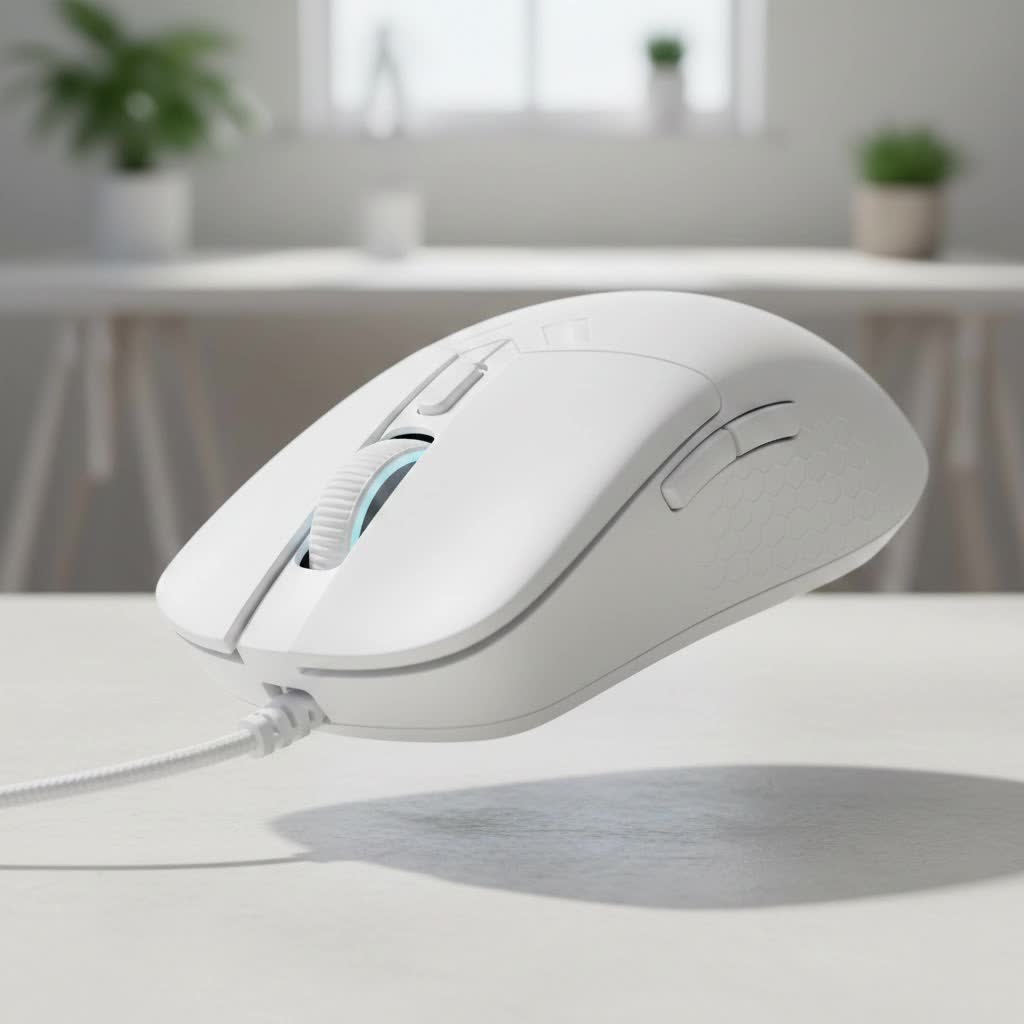
This isn’t just a mouse; for many, it’s the definitive gaming mouse. Its blend of comfort, customization, and cutting-edge performance created a formula that others have been trying to replicate ever since. We’ll dive deep into every aspect, from its acclaimed sensor to its unique weight system, to give you the definitive verdict.
Design and Ergonomics: A Familiar, Comfortable Grip
The first thing you notice about the G502 HERO is its distinctive, sculpted shape. It’s an ergonomic right-handed mouse that feels like it was molded for the human hand. The aggressive, angular design isn’t just for show; every curve and contour serves a purpose, guiding your hand into a comfortable and secure palm or claw grip.
A prominent, textured thumb rest on the left side provides a stable anchor point, preventing slippage during intense firefights. While the design is celebrated, its size and weight class are important considerations. Weighing in at 121 grams without any additional weights, it is considerably heavier than the sub-80-gram mice that are popular today. This isn’t necessarily a bad thing—many players prefer the substantial, controlled feel of a heavier mouse. For those who feel it’s too light, Logitech includes a set of five 3.6-gram weights that you can add to a compartment on the underside, allowing for a truly personalized feel.
Button Layout and Clicks
|
Our Picks for the Best Gaming Mouse in 2026
As an Amazon Associate I earn from qualifying purchases.
|
||
| Num | Product | Action |
|---|---|---|
| 1 | Logitech G703 Lightspeed Wireless Gaming Mouse W/Hero 25K Sensor, PowerPlay Compatible, Lightsync RGB, Lightweight 95G+10G Optional, 100-25, 600 DPI, Rubber Side Grips - Black |

|
| 2 | Razer Basilisk V3 X HyperSpeed Customizable Wireless Gaming Mouse: Mechanical Switches Gen-2-5G Advanced 18K Optical Sensor - Chroma RGB 9 Programmable Controls 535 Hr Battery Classic Black |
|
| 3 | Razer Basilisk V3 Customizable Ergonomic Gaming Mouse: Fastest Gaming Mouse Switch - Chroma RGB Lighting - 26K DPI Optical Sensor - 11 Programmable Buttons - HyperScroll Tilt Wheel - Classic Black |
|
| 4 | Razer Viper V3 HyperSpeed Wireless Esports Gaming Mouse: 82g Lightweight - Up to 280 Hr Battery - 30K DPI Optical Sensor - Gen-2 Mechanical Switches - 8 Programmable Controls - Classic Black |
|
| 5 | Logitech G502 X Plus Wireless Gaming Mouse - LIGHTSPEED Optical, LIGHTFORCE Switches, LIGHTSYNC RGB, HERO 25K Sensor for PC/Mac - Black |
|
| 6 | Razer DeathAdder Essential Gaming Mouse: 6400 DPI Optical Sensor - 5 Programmable Buttons - Mechanical Switches - Rubber Side Grips - Classic Black |
|
| 7 | Razer Viper V3 Pro Wireless Esports Gaming Mouse: Symmetrical - 54g Lightweight - 8K Polling - 35K DPI Optical Sensor - Gen3 Optical Switches - 8 Programmable Buttons - 95 Hr Battery - Black |
|
| 8 | Logitech G502 Lightspeed Wireless Gaming Mouse with Hero 25K Sensor, PowerPlay Compatible, Tunable Weights and Lightsync RGB - Black |
|
| 9 | Logitech G PRO X SUPERLIGHT Wireless Gaming Mouse, Ultra-Lightweight, HERO 25K Sensor, 25,600 DPI, 5 Programmable Buttons, Long Battery Life, Compatible with PC / Mac - Black |
|
| 10 | Razer Naga V2 HyperSpeed Wireless MMO Gaming Mouse: 19 Programmable Buttons - HyperScroll Technology - Focus Pro 30K Optical Sensor - Mechanical Mouse Switches Gen-2 - Up to 400 Hr Battery Life |
|
The G502 HERO is a paradise for gamers who love customization, boasting a total of 11 programmable buttons. These include the standard left and right clicks, two DPI shift buttons next to the index finger, a sniper button under the thumb, and two additional thumb buttons. Every button is strategically placed for easy access without accidental clicks. The main clicks use mechanical switches rated for 50 million clicks, providing a crisp, tactile, and satisfying response with every press.
Performance: The Heart of the HERO
At the core of the Logitech G502 HERO gaming mouse is its namesake: the High-Efficiency Rated Optical (HERO) 25K sensor. This is Logitech’s flagship sensor, and its performance is nothing short of phenomenal.
What is the HERO 25K Sensor?
The HERO 25K sensor is renowned for its precision and power efficiency. It offers a massive DPI range from 100 all the way up to 25,600, ensuring you can find the perfect sensitivity for any game or screen resolution. More importantly, it delivers flawless tracking with zero smoothing, filtering, or acceleration across the entire DPI range. This means you get a pure, 1:1 translation of your hand movements to the cursor on screen, which is critical for competitive gaming where accuracy is everything. Whether you’re making a tiny flick shot in Valorant or a sweeping turn in Apex Legends, the sensor remains incredibly reliable.
“The HERO sensor fundamentally changed the game,” notes hardware expert Alex ‘Viper’ Chen. “It delivered the pixel-perfect accuracy that esports pros demand without the power draw of previous generations. It’s the engine that has kept the G502 relevant for so long.”
Key Features That Define the G502 HERO
Beyond its sensor and ergonomics, the G502 HERO is packed with features that have become fan favorites over the years.
The Legendary Dual-Mode Scroll Wheel
Perhaps the most iconic feature is the dual-mode hyper-fast scroll wheel. With the press of a mechanical button just below it, you can toggle the wheel between two modes:
- Tactile Mode: A traditional, notched scrolling experience that’s perfect for switching weapons or precise actions.
- Free-Spin Mode: The wheel spins almost frictionlessly, allowing you to blaze through long web pages, documents, or inventory lists with a single flick.
This versatility is a massive quality-of-life improvement that you’ll miss dearly if you ever switch to a mouse without it.
Customizable Weight System
As mentioned earlier, the G502 HERO comes with a set of five 3.6g weights. You can insert them in various configurations into the bottom of the mouse to not only change the overall weight but also to adjust the mouse’s center of balance. Prefer a front-heavy or back-heavy feel? You can tailor it precisely to your liking. This level of physical customization is a rare find in modern gaming mice.
Onboard Memory and Logitech G HUB
All your customizations are managed through the Logitech G HUB software. It’s a powerful tool that lets you:
- Re-program all 11 buttons with macros, shortcuts, or commands.
- Customize the single-zone RGB lighting with LIGHTSYNC technology.
- Set up multiple DPI stages to switch between on the fly.
- Save up to five profiles directly to the mouse’s onboard memory, so your settings travel with you, no software required.
Who Should Buy the Logitech G502 HERO?
The Logitech G502 HERO gaming mouse is a versatile performer, but it excels for certain types of gamers and use cases.
- The All-Rounder Gamer: If you play a wide variety of genres, from FPS and MOBAs to MMOs and single-player adventures, the G502’s wealth of programmable buttons and reliable performance make it a perfect jack-of-all-trades.
- The Productivity Power User: The hyper-fast scroll wheel and programmable buttons are a godsend for productivity tasks like video editing, coding, or navigating large spreadsheets.
- Gamers Who Prefer a Heavier Mouse: If you find modern ultralight mice to be flimsy or difficult to control, the G502’s substantial weight and customizable balance will feel reassuring and precise.
However, it may not be the ideal choice for gamers who exclusively play fast-paced FPS games at a low DPI and require large, sweeping arm movements, as its weight could lead to fatigue over long sessions.
Frequently Asked Questions (FAQ)
What is the difference between the G502 HERO and the G502 Lightspeed?
The primary difference is that the G502 HERO is a wired mouse, while the G502 Lightspeed is its wireless counterpart. The Lightspeed version uses Logitech’s pro-grade wireless technology for a lag-free experience but comes at a higher price point.
Is the G502 HERO good for small hands?
The G502 HERO is a medium-to-large-sized mouse. While users with smaller hands can use it, particularly with a palm grip, they might find it a bit cumbersome and may struggle to comfortably reach all the buttons.
Does the Logitech G502 HERO have a double-click issue?
Over the years, some users have reported issues with Logitech mice developing a “double-click” problem. While the G502 HERO’s switches are rated for 50 million clicks, like any mechanical component, they can wear out over time. However, this is not a guaranteed issue and is covered by Logitech’s warranty.
Can I use the mouse without the Logitech G HUB software?
Yes, you can. Thanks to its onboard memory, you can set up your profiles once using G HUB on one computer and then plug the mouse into any other computer, and it will retain your button assignments and DPI settings.
Is the G502 HERO’s cable braided?
Yes, the G502 HERO features a braided cable that is durable, though it can be a bit stiff compared to the more flexible “paracord-style” cables found on some newer mice.
Final Verdict: An Enduring Legacy
The Logitech G502 HERO gaming mouse earned its legendary status for a reason. It combines a supremely comfortable ergonomic design with a top-tier sensor and a set of features that are both practical and innovative. While the trend has shifted towards lighter, simpler mice, the G502 HERO stands its ground as a feature-packed powerhouse that offers unparalleled customization.
If you value versatility, love having extra buttons at your fingertips, and prefer the solid, controlled feel of a heavier mouse, the G502 HERO is not just relevant—it’s still one of the best all-around gaming mice you can buy. It’s a testament to a timeless design that continues to deliver championship-level performance.
