The Logitech G502 HERO gaming mouse remains a highly relevant and top-performing peripheral in 2024, despite the market shift towards lighter, wireless options. Its enduring appeal stems from a combination of its comfortable ergonomic design, the highly accurate HERO 25K sensor, and a wealth of customizable features, including 11 programmable buttons and an adjustable weight system. This makes it an excellent choice for gamers who prioritize versatility and a substantial feel over ultra-lightweight designs.
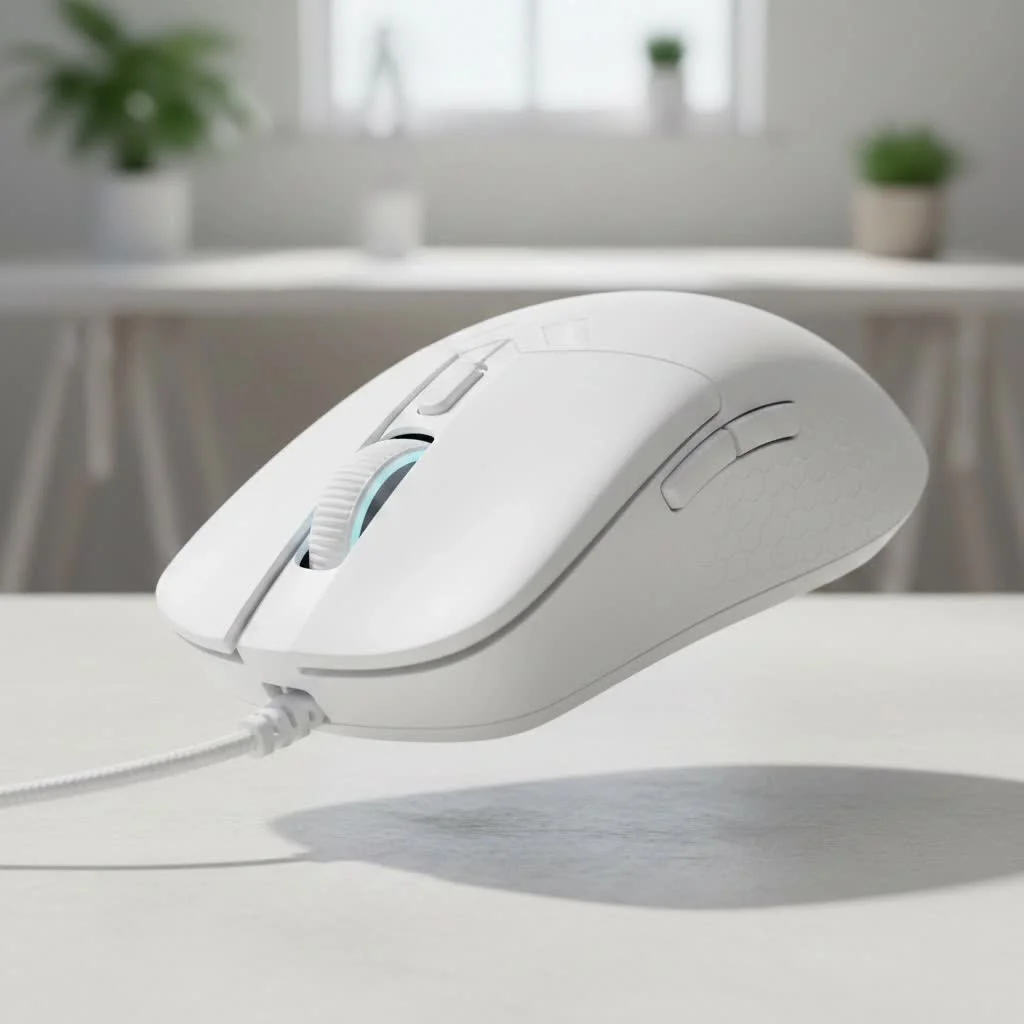
For many, the G502 HERO is the definitive gaming mouse, blending comfort, customization, and modern performance. This review will examine every aspect, from its acclaimed sensor to its unique weight system, to provide a definitive verdict on its current standing. For complete reviews library on this site.
Design and Ergonomics: A Familiar, Comfortable Grip
The G502 HERO is immediately recognizable by its distinctive, sculpted shape. It’s an ergonomic right-handed mouse designed to fit the human hand, with an aggressive, angular design that guides your hand into a comfortable and secure palm or claw grip.
A prominent, textured thumb rest on the left side provides a stable anchor point, preventing slippage during intense gameplay. Weighing 121 grams without additional weights, it is heavier than many sub-80-gram mice popular today. However, many players prefer the substantial, controlled feel of a heavier mouse. For those who desire more heft, Logitech includes five 3.6-gram weights that can be added to an underside compartment, allowing for personalized weight and balance adjustments.
Button Layout and Clicks
The G502 HERO offers extensive customization with a total of 11 programmable buttons. These include standard left and right clicks, two DPI shift buttons near the index finger, a dedicated sniper button under the thumb, and two additional thumb buttons. Each button is strategically placed for easy access and to prevent accidental activation. The main left and right clicks utilize mechanical switches rated for 50 million clicks, delivering a crisp, tactile, and satisfying response.
Performance: The Heart of the HERO
At the core of the Logitech G502 HERO gaming mouse is its namesake: the High-Efficiency Rated Optical (HERO) 25K sensor. This is Logitech’s flagship sensor, known for its phenomenal performance.
What is the HERO 25K Sensor?
The HERO 25K sensor is celebrated for its precision and power efficiency. It boasts a wide DPI range from 100 to 25,600, enabling users to find optimal sensitivity for any game or screen resolution. Crucially, it provides flawless tracking with zero smoothing, filtering, or acceleration across its entire DPI range. This ensures a pure, 1:1 translation of hand movements to the on-screen cursor, which is vital for competitive gaming accuracy. Whether executing a precise flick shot in Valorant or a sweeping turn in Apex Legends, the sensor maintains incredible reliability.
“The HERO sensor fundamentally changed the game,” notes hardware expert Alex ‘Viper’ Chen. “It delivered the pixel-perfect accuracy that esports pros demand without the power draw of previous generations. It’s the engine that has kept the G502 relevant for so long.”
Key Features That Define the G502 HERO
Beyond its sensor and ergonomics, the G502 HERO is packed with features that have become fan favorites over the years.
The Legendary Dual-Mode Scroll Wheel
|
Our Picks for the Best Gaming Mouse in 2026
As an Amazon Associate I earn from qualifying purchases.
|
||
| Num | Product | Action |
|---|---|---|
| 1 | Logitech G502 X Plus Wireless Gaming Mouse - LIGHTSPEED Optical, LIGHTFORCE Switches, LIGHTSYNC RGB, HERO 25K Sensor for PC/Mac - Black |

|
| 2 | Razer DeathAdder Essential Gaming Mouse: 6400 DPI Optical Sensor - 5 Programmable Buttons - Mechanical Switches - Rubber Side Grips - Classic Black |
|
| 3 | Razer Viper V3 HyperSpeed Wireless Esports Gaming Mouse: 82g Lightweight - Up to 280 Hr Battery - 30K DPI Optical Sensor - Gen-2 Mechanical Switches - 8 Programmable Controls - Classic Black |
|
| 4 | Logitech G703 Lightspeed Wireless Gaming Mouse W/Hero 25K Sensor, PowerPlay Compatible, Lightsync RGB, Lightweight 95G+10G Optional, 100-25, 600 DPI, Rubber Side Grips - Black |
|
| 5 | Razer Naga V2 HyperSpeed Wireless MMO Gaming Mouse: 19 Programmable Buttons - HyperScroll Technology - Focus Pro 30K Optical Sensor - Mechanical Mouse Switches Gen-2 - Up to 400 Hr Battery Life |
|
| 6 | Razer Viper V3 Pro Wireless Esports Gaming Mouse: Symmetrical - 54g Lightweight - 8K Polling - 35K DPI Optical Sensor - Gen3 Optical Switches - 8 Programmable Buttons - 95 Hr Battery - Black |
|
| 7 | Razer Basilisk V3 Customizable Ergonomic Gaming Mouse: Fastest Gaming Mouse Switch - Chroma RGB Lighting - 26K DPI Optical Sensor - 11 Programmable Buttons - HyperScroll Tilt Wheel - Classic Black |
|
| 8 | Razer Basilisk V3 X HyperSpeed Customizable Wireless Gaming Mouse: Mechanical Switches Gen-2-5G Advanced 18K Optical Sensor - Chroma RGB 9 Programmable Controls 535 Hr Battery Classic Black |
|
| 9 | Logitech G502 Lightspeed Wireless Gaming Mouse with Hero 25K Sensor, PowerPlay Compatible, Tunable Weights and Lightsync RGB - Black |
|
| 10 | Logitech G PRO X SUPERLIGHT Wireless Gaming Mouse, Ultra-Lightweight, HERO 25K Sensor, 25,600 DPI, 5 Programmable Buttons, Long Battery Life, Compatible with PC / Mac - Black |
|
Perhaps the most iconic feature is the dual-mode hyper-fast scroll wheel. A mechanical button located just below the wheel allows users to toggle between two distinct modes:
- Tactile Mode: This provides a traditional, notched scrolling experience, ideal for precise actions like weapon switching.
- Free-Spin Mode: In this mode, the wheel spins almost frictionlessly, allowing for rapid navigation through long web pages, documents, or inventory lists with a single flick.
This versatility significantly enhances the user experience, a feature many users find indispensable once accustomed to it.
Customizable Weight System
As previously mentioned, the G502 HERO includes a set of five 3.6-gram weights. These can be inserted into various slots on the mouse’s underside to not only adjust the overall weight but also to fine-tune the mouse’s center of balance. Users can achieve a front-heavy or back-heavy feel, tailoring the mouse precisely to their preference. This level of physical customization is a rare and valuable feature in contemporary gaming mice.
Onboard Memory and Logitech G HUB
All customizations for the G502 HERO are managed through the Logitech G HUB software. This powerful tool enables users to:
- Re-program all 11 buttons with custom macros, shortcuts, or commands.
- Customize the single-zone RGB lighting using LIGHTSYNC technology.
- Set up multiple DPI stages for on-the-fly switching.
- Save up to five profiles directly to the mouse’s onboard memory, ensuring settings are retained even when used on different computers without the software installed.
Who Should Buy the Logitech G502 HERO?
The Logitech G502 HERO gaming mouse is a versatile performer, particularly well-suited for specific types of gamers and use cases.
- The All-Rounder Gamer: For those who play a wide variety of genres, including FPS, MOBAs, MMOs, and single-player adventures, the G502’s numerous programmable buttons and reliable performance make it an excellent all-rounder.
- The Productivity Power User: The hyper-fast scroll wheel and programmable buttons are highly beneficial for productivity tasks such as video editing, coding, or navigating large spreadsheets.
- Gamers Who Prefer a Heavier Mouse: If modern ultralight mice feel flimsy or difficult to control, the G502’s substantial weight and customizable balance will provide a reassuring and precise feel.
However, it may not be the ideal choice for gamers who exclusively play fast-paced FPS games at a low DPI, requiring extensive arm movements, as its weight could potentially lead to fatigue during prolonged sessions.
Frequently Asked Questions (FAQ)
What is the difference between the G502 HERO and the G502 Lightspeed? The primary difference is that the G502 HERO is a wired mouse, while the G502 Lightspeed is its wireless counterpart. The Lightspeed version utilizes Logitech’s pro-grade wireless technology for a lag-free experience but typically comes at a higher price point.
Is the G502 HERO good for small hands? The G502 HERO is a medium-to-large-sized mouse. While users with smaller hands can use it, especially with a palm grip, they might find it somewhat cumbersome and may struggle to comfortably reach all 11 buttons.
Does the Logitech G502 HERO have a double-click issue? Over the years, some users have reported issues with Logitech mice developing a “double-click” problem. While the G502 HERO’s mechanical switches are rated for 50 million clicks, like any mechanical component, they can wear out over time. However, this is not a guaranteed issue and is typically covered by Logitech’s warranty.
Can I use the mouse without the Logitech G HUB software? Yes, you can. Thanks to its onboard memory, you can set up your profiles once using G HUB on one computer and then plug the mouse into any other computer, and it will retain your button assignments and DPI settings without needing the software installed.
Is the G502 HERO’s cable braided? Yes, the G502 HERO features a braided cable that is durable, though it can be a bit stiff compared to the more flexible “paracord-style” cables found on some newer gaming mice.
Final Verdict: An Enduring Legacy
The Logitech G502 HERO gaming mouse earned its legendary status for a reason. It combines a supremely comfortable ergonomic design with a top-tier HERO 25K sensor and a set of features that are both practical and innovative. While the trend has shifted towards lighter, simpler mice, the G502 HERO stands its ground as a feature-packed powerhouse that offers unparalleled customization.
If you value versatility, appreciate having extra buttons at your fingertips, and prefer the solid, controlled feel of a heavier mouse, the G502 HERO is not just relevant—it’s still one of the best all-around gaming mice you can buy. It’s a shows a timeless design that continues to deliver championship-level performance.
Get our weekly buyer guide
Practical specs, not advice. Unsubscribe anytime.
This mouse is fantastic for anyone who wants a substantial feel. I tried some of the ultra-lightweight mice, but they just didn’t feel right in my hand. The G502 HERO’s comfort and build quality are top-notch, and I appreciate having so many buttons for different game profiles. Definitely a legend for a reason.
The G502 HERO is pretty good overall, especially for the price. I like the feel of it and the customization is great. My only real complaint is that the scroll wheel can feel a little loose sometimes, especially when I’m trying to do precise weapon swaps. It’s not a dealbreaker, but it’s noticeable.
I was a bit hesitant to get a wired mouse in 2024 with all the wireless options out there, but the G502 HERO really holds its own. The HERO 25K sensor is incredibly precise, which I notice a lot in my FPS games. It’s definitely not the lightest mouse, but the ergonomic design makes it super comfortable for long gaming sessions.
I’ve been using the G502 HERO for years now, and it’s still my go-to. The 11 programmable buttons are a game-changer for my MMOs, letting me bind all my essential spells right to the mouse. Plus, the adjustable weight system really lets you dial in the perfect feel. It’s a solid, reliable mouse that just keeps performing.