In the world of competitive PC gaming, your mouse isn’t just a peripheral; it’s a direct extension of your skill and reaction time. Choosing the right one can be the difference between a near-miss and a game-winning headshot. While many brands compete for your attention, an MSI gaming mouse offers a compelling blend of cutting-edge technology, ergonomic design, and customizable features that deserves a closer look. If you’re looking to elevate your gameplay, understanding what MSI brings to the table is your first step toward victory.
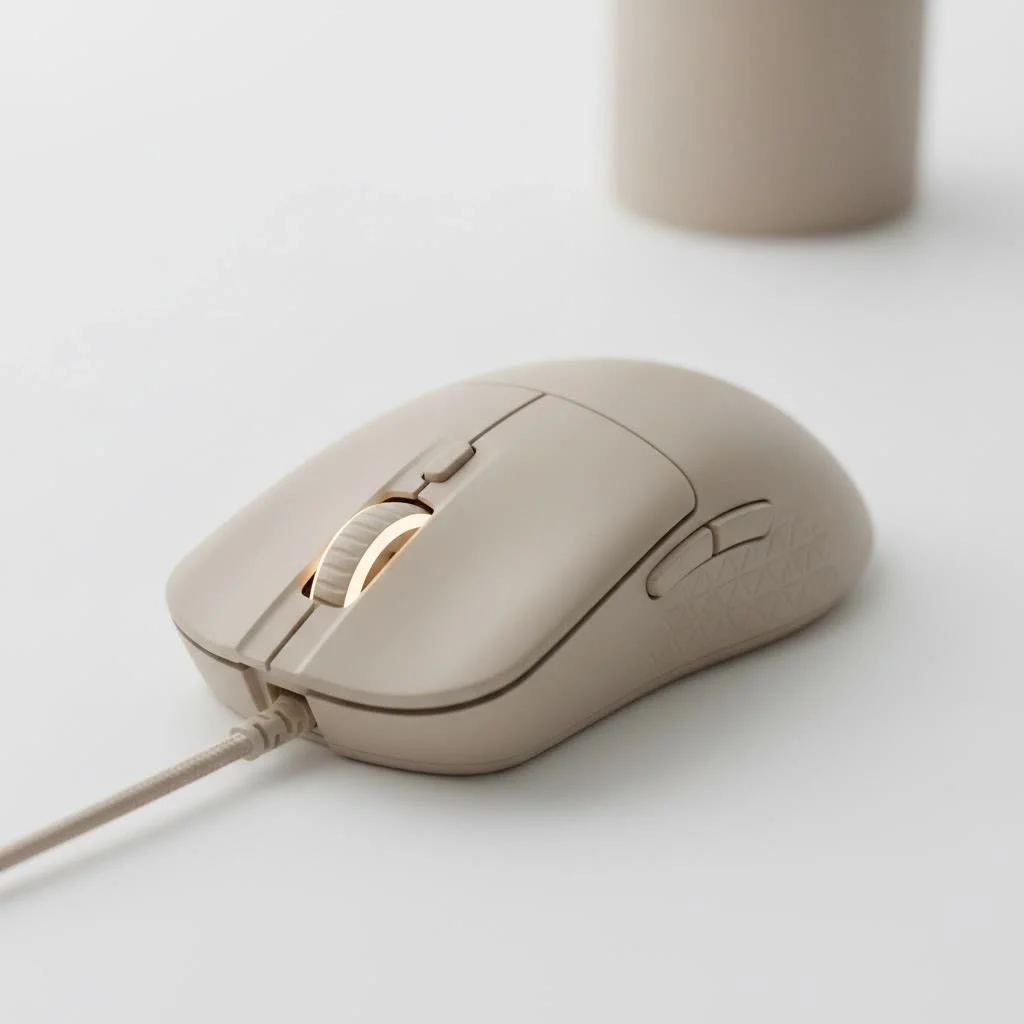
As a brand renowned for high-performance PC components, MSI (Micro-Star International) applies the same engineering excellence to its gaming mice. They’ve developed a lineup that caters to a wide range of players, from esports professionals demanding featherlight precision to casual gamers who value comfort and style.
What Makes an MSI Gaming Mouse Stand Out?
MSI doesn’t just assemble parts; it engineers a cohesive gaming experience. Their mice are built around a philosophy of performance, comfort, and personalization, often integrating seamlessly with other MSI hardware.
High-Precision Sensors
At the heart of every great gaming mouse is its sensor, and MSI equips its peripherals with top-tier optical sensors, often from industry leader PixArt. These sensors provide the raw tracking accuracy needed for pixel-perfect aim. With high DPI (Dots Per Inch) and IPS (Inches Per Second) ratings, an MSI gaming mouse can keep up with the fastest flicks and most frantic movements without spinning out or losing tracking.
Ergonomics and Design
MSI understands that a mouse needs to feel like it was made for your hand. Their lineup includes various shapes and sizes to accommodate different grip styles:
- Palm Grip: For players who rest their entire hand on the mouse, models like the Clutch series offer full support.
- Claw Grip: If you arch your palm and use your fingertips for control, MSI’s ambidextrous and sculpted designs provide the necessary stability.
- Fingertip Grip: For those who control the mouse with just their fingertips, MSI’s lightweight models offer incredible agility and minimal drag.
Lightweight Construction
The trend toward ultra-lightweight mice is one MSI has embraced fully. Models like the Clutch GM51 and GM41 series shave off every possible gram to reduce fatigue and enable faster, more effortless swipes. This reduction in weight means less inertia, allowing you to start and stop your movements with greater precision.
As veteran peripheral analyst, Benjamin “Ben” Carter, notes, “A lightweight mouse fundamentally changes how you interact with your game. By reducing physical strain, it allows a player’s raw reaction time to translate more directly into in-game action. MSI’s focus in this area has been impressive.”
Top MSI Gaming Mouse Models to Consider
Navigating MSI’s lineup can be tricky, but a few models consistently rise to the top for their performance and value.
MSI Clutch GM51 Lightweight Wireless
|
Our Picks for the Best Gaming Mouse in 2026
As an Amazon Associate I earn from qualifying purchases.
|
||
| Num | Product | Action |
|---|---|---|
| 1 | Logitech G PRO X SUPERLIGHT Wireless Gaming Mouse, Ultra-Lightweight, HERO 25K Sensor, 25,600 DPI, 5 Programmable Buttons, Long Battery Life, Compatible with PC / Mac - Black |

|
| 2 | Razer Naga V2 HyperSpeed Wireless MMO Gaming Mouse: 19 Programmable Buttons - HyperScroll Technology - Focus Pro 30K Optical Sensor - Mechanical Mouse Switches Gen-2 - Up to 400 Hr Battery Life |
|
| 3 | Razer Basilisk V3 X HyperSpeed Customizable Wireless Gaming Mouse: Mechanical Switches Gen-2-5G Advanced 18K Optical Sensor - Chroma RGB 9 Programmable Controls 535 Hr Battery Classic Black |
|
| 4 | Razer Viper V3 HyperSpeed Wireless Esports Gaming Mouse: 82g Lightweight - Up to 280 Hr Battery - 30K DPI Optical Sensor - Gen-2 Mechanical Switches - 8 Programmable Controls - Classic Black |
|
| 5 | Razer DeathAdder Essential Gaming Mouse: 6400 DPI Optical Sensor - 5 Programmable Buttons - Mechanical Switches - Rubber Side Grips - Classic Black |
|
| 6 | Logitech G502 X Plus Wireless Gaming Mouse - LIGHTSPEED Optical, LIGHTFORCE Switches, LIGHTSYNC RGB, HERO 25K Sensor for PC/Mac - Black |
|
| 7 | Logitech G703 Lightspeed Wireless Gaming Mouse W/Hero 25K Sensor, PowerPlay Compatible, Lightsync RGB, Lightweight 95G+10G Optional, 100-25, 600 DPI, Rubber Side Grips - Black |
|
| 8 | Logitech G502 Lightspeed Wireless Gaming Mouse with Hero 25K Sensor, PowerPlay Compatible, Tunable Weights and Lightsync RGB - Black |
|
| 9 | Razer Basilisk V3 Customizable Ergonomic Gaming Mouse: Fastest Gaming Mouse Switch - Chroma RGB Lighting - 26K DPI Optical Sensor - 11 Programmable Buttons - HyperScroll Tilt Wheel - Classic Black |
|
| 10 | Razer Viper V3 Pro Wireless Esports Gaming Mouse: Symmetrical - 54g Lightweight - 8K Polling - 35K DPI Optical Sensor - Gen3 Optical Switches - 8 Programmable Buttons - 95 Hr Battery - Black |
|
The Clutch GM51 is a flagship contender for a reason. It’s designed for right-handed users who prioritize a featherlight feel without sacrificing features.
- Sensor: PixArt PAW-3395 (up to 26,000 DPI)
- Weight: Approximately 75 grams
- Key Feature: MSI Diamond Lightgrips provide a unique, tactile feel and a stylish RGB effect. Its ergonomic shape is perfect for palm and claw grip users seeking comfort during long sessions.
- Connectivity: Offers both low-latency 2.4GHz wireless and a flexible FriXionFree braided cable for wired use.
MSI Clutch GM41 Lightweight Wireless
For players who prefer a symmetrical, ambidextrous design, the GM41 is a superstar. It’s a favorite among esports athletes for its no-nonsense approach to performance.
- Sensor: PixArt PAW-3370 (up to 20,000 DPI)
- Weight: Just 74 grams
- Key Feature: Its pure symmetrical shape makes it a perfect fit for both left and right-handed players using any grip style. It also comes with a charging dock for added convenience.
- Connectivity: Features lag-free wireless and can be used while charging.
MSI Clutch GM31 Lightweight Wireless
Proving that you don’t need to spend a fortune for quality, the GM31 packs premium features into a more compact and affordable package.
- Sensor: PixArt PAW-3311 (up to 12,000 DPI)
- Weight: A nimble 73 grams
- Key Feature: Its smaller frame is ideal for gamers with small to medium-sized hands, particularly those who prefer a claw or fingertip grip.
- Connectivity: Includes both wireless and wired options, offering excellent versatility.
How to Choose the Right MSI Gaming Mouse for You
Selecting the perfect mouse is a personal journey. Consider these factors to narrow down your choice.
What Is Your Grip Style?
Your grip is the most crucial factor. An ergonomic mouse like the GM51 is built for right-handed palm grippers, while an ambidextrous mouse like the GM41 is a more versatile option for claw and fingertip users, or anyone who is left-handed.
Do You Prefer Wired or Wireless?
Modern wireless technology has made latency a non-issue. MSI’s wireless mice offer the freedom of movement without any perceivable delay. However, wired mice eliminate the need to worry about battery life and are often slightly lighter and more affordable. Choose based on your desk setup and personal preference.
What Games Do You Play?
- FPS Games (CS:GO, Valorant, Apex Legends): A lightweight mouse with a top-tier sensor is paramount. The GM41 or GM51 are excellent choices for fast-paced shooters.
- MMOs and MOBAs (World of Warcraft, League of Legends): While MSI focuses more on FPS designs, the customizable buttons on any of their mice are useful for mapping key abilities.
Fine-Tuning with MSI Center Software
An MSI gaming mouse truly comes alive when paired with the MSI Center software. This powerful utility is your command hub for customization. Within MSI Center, you can:
- Reassign Buttons: Remap every button to perform different functions or complex macros.
- Adjust DPI Levels: Set multiple DPI stages and switch between them on-the-fly for different situations, like sniping versus close-quarters combat.
- Customize Mystic Light RGB: Synchronize your mouse’s lighting with other MSI components for a unified and immersive setup.
- Calibrate Lift-Off Distance (LOD): Adjust the height at which the sensor stops tracking, a critical feature for players who frequently lift their mouse.
Frequently Asked Questions (FAQ)
Q: Is an MSI gaming mouse good for competitive gaming?
A: Absolutely. MSI uses high-end PixArt sensors, durable switches, and low-latency technology in their mice, making them perfectly suited for competitive esports titles where precision and reliability are essential.
Q: What is the best all-around MSI gaming mouse?
A: The MSI Clutch GM41 Lightweight Wireless is often considered the best all-around option due to its versatile ambidextrous shape, excellent sensor, and lightweight design that appeals to a broad range of gamers and grip styles.
Q: How do I update the firmware on my MSI mouse?
A: You can update the firmware through the MSI Center software. The application will typically notify you if a new update is available for your connected device to improve performance or fix bugs.
Q: Do I need to use MSI Center to use the mouse?
A: No, all MSI mice work as plug-and-play devices. However, to access advanced customization features like DPI settings, button remapping, and RGB control, you will need to install MSI Center.
Q: How long does the battery last on an MSI wireless mouse?
A: Battery life varies by model and usage, but mice like the Clutch GM41 can last up to 80 hours on a single charge, while the GM51 offers up to 60 hours, ensuring you can get through multiple long gaming sessions.
The Final Verdict
An MSI gaming mouse is more than just a component; it’s a strategic investment in your gaming performance. By combining high-end sensors, thoughtful ergonomic designs, and robust software, MSI has crafted a lineup that can genuinely help you play better. Whether you’re a professional athlete or just starting your PC gaming journey, there is an MSI mouse built to match your hand, your style, and your ambition. Take the time to find the right one, and you’ll unlock a new level of control and precision in your favorite games.
Get our weekly buyer guide
Practical specs, not advice. Unsubscribe anytime.
