In the world of competitive gaming, every millisecond and every millimeter counts. While flashy GPUs and high-refresh-rate monitors get a lot of attention, one of the most crucial pieces of your arsenal is the one that connects you directly to the game: your mouse. If you have smaller hands, using a standard-sized mouse is like trying to wield a sword that’s too heavy. That’s where a small gaming mouse becomes a game-changer, offering the precision, speed, and comfort you need to dominate.
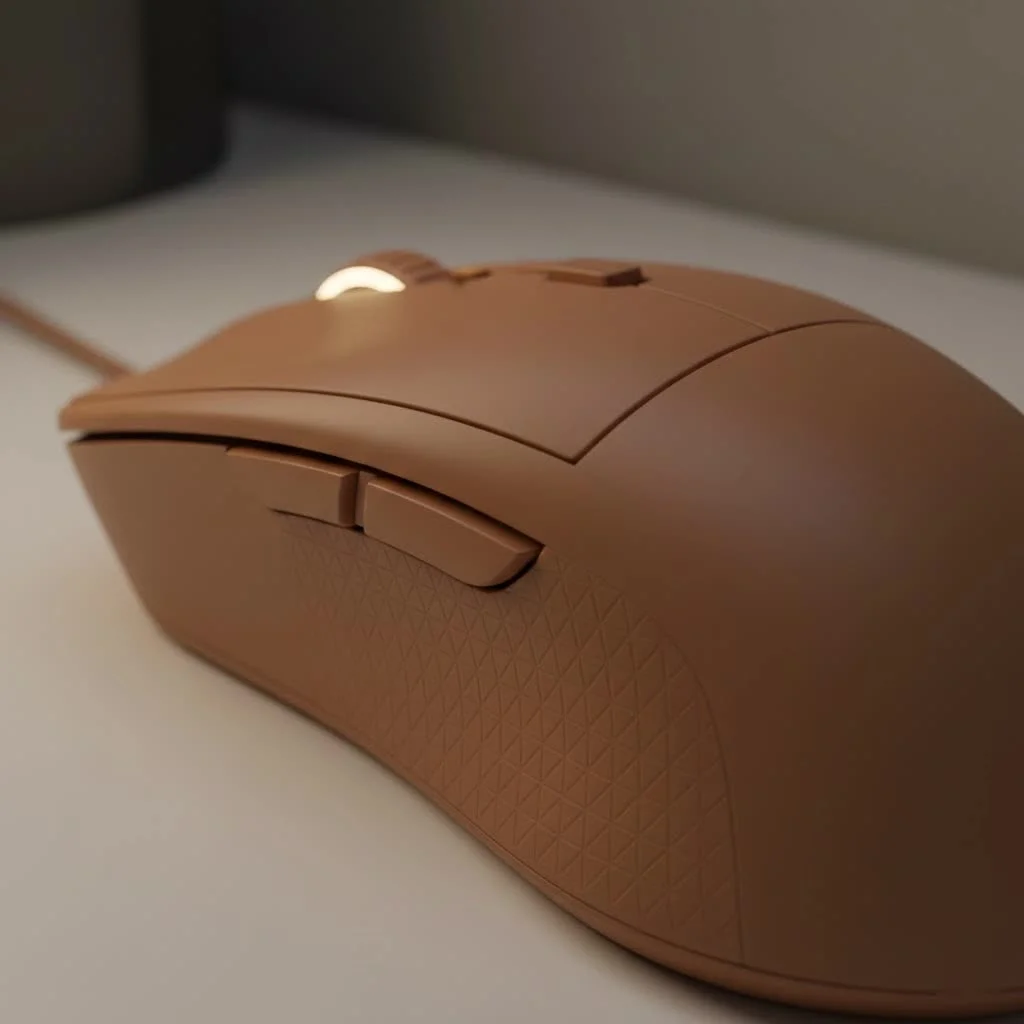
For too long, gamers with smaller hands—a group that makes up a significant portion of the PC gaming community—have had to compromise. But the market has evolved. Now, compact, high-performance mice are not just scaled-down versions of their larger counterparts; they are purpose-built machines designed for agility and control.
Why Should You Choose a Small Gaming Mouse?
Switching to a mouse that fits your hand isn’t just about comfort; it’s about unlocking your true potential. A smaller, lighter mouse can dramatically improve your aim and reaction time. Because you can grip it securely and maneuver it with minimal effort, you gain an immediate advantage in fast-paced titles like Valorant or Apex Legends.
The primary benefits include:
- Enhanced Agility and Precision: A small gaming mouse is easier to move quickly and stop accurately, making it perfect for the rapid flicks and precise tracking required in FPS and MOBA games.
- Superior Comfort and Reduced Strain: Using a mouse that’s too large forces your hand into an unnatural position, leading to cramps and long-term strain. A well-fitted mouse allows for a more natural grip, enabling longer, pain-free gaming sessions.
- Perfect for Claw and Fingertip Grips: While a palm grip user might rest their entire hand on the mouse, claw and fingertip grip styles rely on a more nimble connection. Smaller mice are the natural companions for these grips, allowing for unparalleled micro-adjustments.
How to Choose the Perfect Small Gaming Mouse
Finding the right small gaming mouse involves more than just picking the tiniest one on the shelf. It’s about finding the right combination of size, shape, weight, and technology that complements your personal style.
It All Starts with Hand Size and Grip Style
Before you even look at a mouse, you need to know your own measurements. To measure your hand, hold it flat and measure from the tip of your middle finger down to the crease at the base of your palm.
- Small Hands: Generally less than 17 cm (6.7 inches)
- Medium Hands: 17 cm to 19.5 cm (6.7 to 7.7 inches)
- Large Hands: Over 19.5 cm (7.7 inches)
Once you know your hand size, consider your grip style.
- Palm Grip: Your entire palm rests on the mouse. This is less common with small mice, but some ergonomic shapes can still accommodate it.
- Claw Grip: Your palm makes contact with the back of the mouse, but your fingers are arched and poised like a claw. This is a popular grip for small-to-medium mice.
- Fingertip Grip: Only your fingertips touch the mouse, with your palm hovering. This style offers the most agility and almost exclusively requires a small, lightweight mouse.
Weight: The Featherlight Advantage
|
Our Picks for the Best Gaming Mouse in 2026
As an Amazon Associate I earn from qualifying purchases.
|
||
| Num | Product | Action |
|---|---|---|
| 1 | Razer Basilisk V3 X HyperSpeed Customizable Wireless Gaming Mouse: Mechanical Switches Gen-2-5G Advanced 18K Optical Sensor - Chroma RGB 9 Programmable Controls 535 Hr Battery Classic Black |

|
| 2 | Razer DeathAdder Essential Gaming Mouse: 6400 DPI Optical Sensor - 5 Programmable Buttons - Mechanical Switches - Rubber Side Grips - Classic Black |
|
| 3 | Razer Basilisk V3 Customizable Ergonomic Gaming Mouse: Fastest Gaming Mouse Switch - Chroma RGB Lighting - 26K DPI Optical Sensor - 11 Programmable Buttons - HyperScroll Tilt Wheel - Classic Black |
|
| 4 | Logitech G PRO X SUPERLIGHT Wireless Gaming Mouse, Ultra-Lightweight, HERO 25K Sensor, 25,600 DPI, 5 Programmable Buttons, Long Battery Life, Compatible with PC / Mac - Black |
|
| 5 | Razer Naga V2 HyperSpeed Wireless MMO Gaming Mouse: 19 Programmable Buttons - HyperScroll Technology - Focus Pro 30K Optical Sensor - Mechanical Mouse Switches Gen-2 - Up to 400 Hr Battery Life |
|
| 6 | Razer Viper V3 HyperSpeed Wireless Esports Gaming Mouse: 82g Lightweight - Up to 280 Hr Battery - 30K DPI Optical Sensor - Gen-2 Mechanical Switches - 8 Programmable Controls - Classic Black |
|
| 7 | Logitech G502 X Plus Wireless Gaming Mouse - LIGHTSPEED Optical, LIGHTFORCE Switches, LIGHTSYNC RGB, HERO 25K Sensor for PC/Mac - Black |
|
| 8 | Razer Viper V3 Pro Wireless Esports Gaming Mouse: Symmetrical - 54g Lightweight - 8K Polling - 35K DPI Optical Sensor - Gen3 Optical Switches - 8 Programmable Buttons - 95 Hr Battery - Black |
|
| 9 | Logitech G502 Lightspeed Wireless Gaming Mouse with Hero 25K Sensor, PowerPlay Compatible, Tunable Weights and Lightsync RGB - Black |
|
| 10 | Logitech G703 Lightspeed Wireless Gaming Mouse W/Hero 25K Sensor, PowerPlay Compatible, Lightsync RGB, Lightweight 95G+10G Optional, 100-25, 600 DPI, Rubber Side Grips - Black |
|
The trend in the gaming mouse market is clear: lighter is better. A lightweight mouse (typically under 65 grams) reduces inertia, making it easier to start and stop movements with precision. For players who rely on quick, snappy aim, shedding a few grams can make a world of difference. A small gaming mouse often has a weight advantage, allowing for lightning-fast reactions without sacrificing control.
As a peripheral analyst, I’ve seen countless players improve their aim almost overnight simply by switching to a mouse that’s both smaller and lighter,” notes Dr. Alistair Finch, a leading expert in gaming ergonomics. “It reduces physical fatigue and allows a player’s raw reaction speed to translate more directly into in-game action.
Sensor and DPI: The Heart of Precision
Don’t be fooled by marketing hype around massive DPI numbers. While a high DPI (dots per inch) range is good to have, sensor quality and consistency are far more important. Modern gaming mice from reputable brands feature flawless optical sensors (like the PixArt 3395 or Razer’s Focus Pro) that provide true 1-to-1 tracking without any acceleration or prediction. Most professional players use a DPI setting between 400 and 1600, so focus on a mouse with a proven, reliable sensor rather than the highest number on the box.
Wired vs. Wireless: Cutting the Cord
Modern wireless technology is so good that latency is no longer a concern. Top-tier wireless mice offer the same responsiveness as their wired counterparts, with the added benefit of complete freedom of movement. For a small gaming mouse, where agility is key, going wireless can prevent cable drag from interfering with your aim. However, wired options are often more affordable and eliminate the need to worry about battery life.
Top Small Gaming Mouse Picks for 2025
The market is filled with excellent options, but these models consistently stand out for their performance, design, and suitability for smaller hands.
- Razer Viper Mini (and its successor, the Cobra Pro): A legend in the small mouse category. Its narrow build is perfect for fingertip and claw grips, offering incredible control. It’s extremely lightweight and boasts top-tier optical switches.
- Logitech G Pro X Superlight 2: While on the larger end of “small,” its safe, symmetrical shape makes it a comfortable fit for a huge range of hand sizes and grip styles. It’s a favorite among esports professionals for its reliability and balanced design.
- Lamzu Atlantis Mini: This mouse has taken the enthusiast community by storm. It’s built specifically for claw grip users with smaller hands, featuring aggressive curves that help lock in your grip for maximum stability.
- Pulsar X2V2 Mini: Another fantastic option that focuses on a simple, effective shape and extremely low weight. It’s designed to be a pure performance tool, ideal for competitive players who prioritize function over flashy features.
- Cooler Master MM720: A unique, ergonomic choice with a wide body and a rest for your ring finger. It’s incredibly lightweight and comfortable for claw grippers who want more support than a typical symmetrical mouse provides.
Frequently Asked Questions (FAQ)
What is considered a small gaming mouse?
A small gaming mouse is generally characterized by its length and width. Typically, these mice are less than 120mm long and have a grip width under 62mm, making them suitable for hand lengths under 17 cm.
Is a lighter mouse always better for gaming?
For fast-paced games that require quick aiming adjustments, a lighter mouse (under 65g) is generally considered better as it reduces fatigue and inertia. However, some players may prefer a slightly heavier mouse for added stability, so personal preference plays a significant role.
Can I use a small gaming mouse with large hands?
While possible, it’s generally not recommended. Using a mouse that is too small for your hands can lead to cramping and an insecure grip, negatively impacting your aim and comfort. It’s best to choose a mouse that matches your hand size.
How do I know if a mouse is too small for me?
If you feel your fingers cramping, have to bend them uncomfortably to click, or feel like you can’t get a stable grip on the mouse, it’s likely too small for your hand. Your hand should feel relaxed and in control.
Are small wireless mice as good as wired ones?
Yes. Modern wireless technology from leading brands like Logitech and Razer offers “lossless” performance with latency that is indistinguishable from wired mice. For a small mouse focused on agility, the freedom of a wireless connection is a significant advantage.
Conclusion: The Right Fit for the Win
In your quest for the perfect gaming setup, don’t overlook the importance of your mouse. For a gamer with smaller hands, choosing the right small gaming mouse is not a minor upgrade—it’s a fundamental step toward better performance, greater comfort, and a more enjoyable experience. By understanding your hand size, grip style, and the key features that truly matter, you can select a mouse that feels less like a tool and more like an extension of your own hand. So, take the time to find your perfect fit and get ready to unleash your full potential.
Get our weekly buyer guide
Practical specs, not advice. Unsubscribe anytime.
