Ever been in the middle of a clutch firefight, lining up the perfect headshot, only to have your mouse fly off the edge of your tiny mouse pad? It’s a frustrating, game-losing moment we’ve all experienced. For years, gamers accepted the limitations of a standard-sized mouse surface. But the competitive landscape has evolved, and so have our tools. Enter the XL gaming mouse pad, a simple upgrade that can fundamentally transform your entire gaming experience.
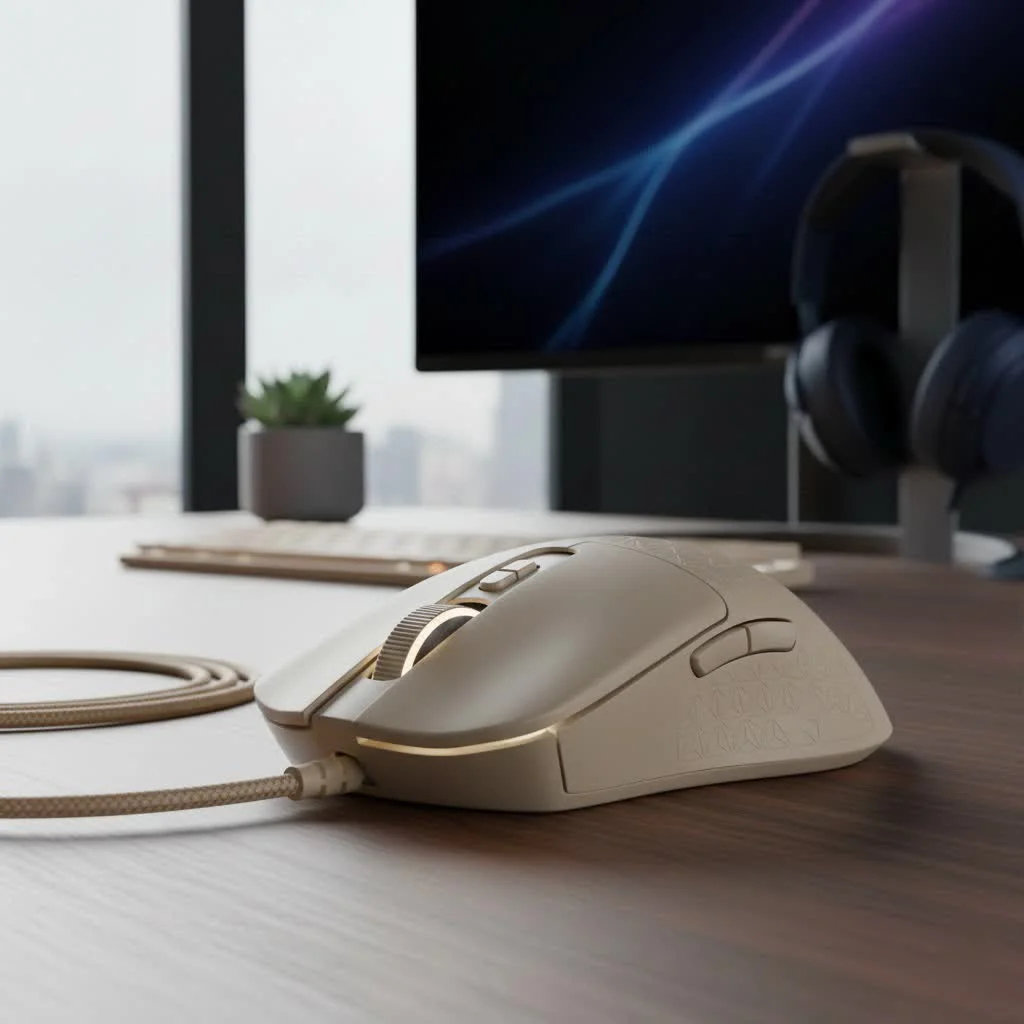
As the main content creator at Cyexx and a competitive gamer for over a decade, I’ve tested hundreds of peripherals. I can tell you with certainty that moving to an XL pad was one of the most impactful changes I ever made to my setup. It’s more than just a bigger surface; it’s about consistency, freedom, and creating a unified command center for your keyboard and mouse. For browse all reviews articles on this site.
What Defines an XL Gaming Mouse Pad?
First, let’s clear up the terminology. An XL gaming mouse pad, often called an extended or full-desk mouse pad, is a large-format surface designed to accommodate both your mouse and your keyboard. While exact dimensions vary by brand, they typically measure around 35 x 15 inches (or 900 x 400 mm).
This is a significant step up from a standard pad, which might only be 10 x 8 inches. The core idea is to provide a massive, uninterrupted area for mouse movement, eliminating the “edge problem” entirely and creating a more cohesive and aesthetically pleasing desk setup. It creates a single, consistent textile environment for your most important peripherals.
Why an XL Mouse Pad is a Competitive Advantage
Is a bigger mouse pad really going to make you a better gamer? The short answer is yes. It’s not about magic; it’s about removing physical limitations and enabling more precise, consistent mechanics.
Unrestricted Movement for Low-DPI Players
The single biggest beneficiary of an XL pad is the low-DPI player. Most competitive FPS players (in games like Valorant, CS:GO, and Apex Legends) use a low DPI (Dots Per Inch) setting on their mouse, typically between 400 and 800. This setting requires large, sweeping arm movements for 180-degree turns, but allows for incredibly precise micro-adjustments when aiming.
On a small pad, a low-DPI player is constantly forced to lift and reset their mouse, interrupting their aim and flow. An XL surface gives you the real estate to execute those massive flicks and track targets across your entire screen without ever worrying about running out of space.
A Unified and Stable Surface
|
Our Picks for the Best Gaming Mouse in 2026
As an Amazon Associate I earn from qualifying purchases.
|
||
| Num | Product | Action |
|---|---|---|
| 1 | Razer Viper V3 Pro Wireless Esports Gaming Mouse: Symmetrical - 54g Lightweight - 8K Polling - 35K DPI Optical Sensor - Gen3 Optical Switches - 8 Programmable Buttons - 95 Hr Battery - Black |

|
| 2 | Razer Basilisk V3 X HyperSpeed Customizable Wireless Gaming Mouse: Mechanical Switches Gen-2-5G Advanced 18K Optical Sensor - Chroma RGB 9 Programmable Controls 535 Hr Battery Classic Black |
|
| 3 | Logitech G703 Lightspeed Wireless Gaming Mouse W/Hero 25K Sensor, PowerPlay Compatible, Lightsync RGB, Lightweight 95G+10G Optional, 100-25, 600 DPI, Rubber Side Grips - Black |
|
| 4 | Razer DeathAdder Essential Gaming Mouse: 6400 DPI Optical Sensor - 5 Programmable Buttons - Mechanical Switches - Rubber Side Grips - Classic Black |
|
| 5 | Logitech G502 X Plus Wireless Gaming Mouse - LIGHTSPEED Optical, LIGHTFORCE Switches, LIGHTSYNC RGB, HERO 25K Sensor for PC/Mac - Black |
|
| 6 | Logitech G PRO X SUPERLIGHT Wireless Gaming Mouse, Ultra-Lightweight, HERO 25K Sensor, 25,600 DPI, 5 Programmable Buttons, Long Battery Life, Compatible with PC / Mac - Black |
|
| 7 | Razer Naga V2 HyperSpeed Wireless MMO Gaming Mouse: 19 Programmable Buttons - HyperScroll Technology - Focus Pro 30K Optical Sensor - Mechanical Mouse Switches Gen-2 - Up to 400 Hr Battery Life |
|
| 8 | Razer Basilisk V3 Customizable Ergonomic Gaming Mouse: Fastest Gaming Mouse Switch - Chroma RGB Lighting - 26K DPI Optical Sensor - 11 Programmable Buttons - HyperScroll Tilt Wheel - Classic Black |
|
| 9 | Razer Viper V3 HyperSpeed Wireless Esports Gaming Mouse: 82g Lightweight - Up to 280 Hr Battery - 30K DPI Optical Sensor - Gen-2 Mechanical Switches - 8 Programmable Controls - Classic Black |
|
| 10 | Logitech G502 Lightspeed Wireless Gaming Mouse with Hero 25K Sensor, PowerPlay Compatible, Tunable Weights and Lightsync RGB - Black |
|
Placing your keyboard on the same surface as your mouse does more than just look cool. It creates a stable, even foundation for both. This has two key benefits:
- Keyboard Stability: The friction from the cloth surface and the non-slip rubber base prevents your keyboard from sliding around during intense gaming sessions.
- Level Playing Field: It eliminates any height difference between your mouse surface and the desk where your keyboard rests, which can sometimes create awkward wrist posture.
As Dr. Aris Thorne, an ergonomics consultant specializing in esports, notes, “A unified desk surface like an XL mat promotes a more neutral wrist and forearm alignment. By keeping the keyboard and mouse on the same plane and providing ample room, it reduces the micro-adjustments and strains that can lead to repetitive stress injuries over time.”
Desk Protection and Enhanced Aesthetics
Let’s be honest: aesthetics matter. An XL gaming mouse pad is one of the easiest ways to tie your entire setup together. With thousands of designs available, from minimalist black to vibrant RGB-lit masterpieces, you can find one that perfectly matches your style. Beyond looks, it also acts as a protective layer for your desk, guarding against scratches, scuffs, and spills, essentially doubling as a high-performance desk mat.
How to Choose the Perfect XL Gaming Mouse Pad
Not all pads are created equal. The right choice depends on your playstyle, the games you play, and your personal preferences. The two main factors to consider are the surface material and the type of glide it offers.
Surface Type: Speed vs. Control
Every gaming mouse pad exists on a spectrum between Speed and Control.
- Speed Pads: These have a smoother, tighter weave with very little friction. Your mouse will glide across the surface with minimal effort. This is ideal for fast-paced games that require rapid target switching and large, quick movements, like arena shooters or battle royales.
- Control Pads: These feature a rougher, more textured surface that creates more friction. This provides more stopping power and allows for incredibly precise, small adjustments. Control pads are often favored by tactical shooter players who need to hold tight angles and execute pixel-perfect shots.
| Feature | Speed Surface | Control Surface |
|---|---|---|
| Texture | Silky Smooth | Rough, Textured |
| Friction | Low | High |
| Best For | Fast flick shots, tracking | Precise aiming, stopping power |
| Game Genres | Apex Legends, Fortnite | Valorant, CS:GO |
| Feel | Effortless glide | Deliberate, tactile |
Essential Features to Look For
Beyond the surface type, pay attention to these critical details:
- Stitched Edges: This is non-negotiable. High-quality stitched edges prevent the cloth surface from fraying or separating from the rubber base over time, dramatically increasing the pad’s lifespan.
- Non-Slip Rubber Base: The underside of the pad should be made of textured rubber that grips your desk firmly. The last thing you want is the entire mat shifting during a critical moment.
- Thickness: Most XL pads are between 3mm and 5mm thick. A thicker pad can provide more wrist cushioning and help smooth out any minor imperfections in your desk surface. However, some users prefer a thinner pad for a feel that’s closer to the hard desk itself.
Keeping Your XL Pad in Prime Condition
Your mouse pad is a tool, and like any tool, it needs maintenance. Over time, it will collect dust, skin cells, and oils, which can create “slow spots” and an inconsistent glide.
How to Clean Your XL Gaming Mouse Pad:
- Preparation: Take the mouse pad to a bathtub or large sink.
- Initial Rinse: Use lukewarm water to rinse off any loose debris.
- Gentle Wash: Apply a small amount of mild hand soap or dish soap. Using a microfiber cloth or just your hands, gently scrub the entire surface in a circular motion. Do not use a harsh brush, which can damage the fabric weave.
- Thorough Rinse: Rinse the pad completely until all soap is gone and the water runs clear. Make sure no suds are left, as this can leave a sticky residue.
- Air Dry: Do not put your mouse pad in a dryer. The heat can melt the rubber base and ruin the pad. Hang it up or lay it flat to air dry completely. This may take 24-48 hours. Ensure it is 100% dry before putting it back on your desk to prevent mildew.
Frequently Asked Questions
Is an XL mouse pad truly worth the investment?
Absolutely. For any serious PC gamer, especially those playing FPS games, the freedom of movement and surface consistency provided by an XL gaming mouse pad is a tangible advantage that can directly improve your aim and comfort.
What is the difference between an XL and an XXL mouse pad?
While “XL” is the most common term for a pad that fits a keyboard and mouse, some brands use “XXL” or “3XL” for even larger formats that cover almost an entire desk. Functionally, an XL is all most gamers need, while larger sizes are more about full-desk aesthetics.
Can a dirty mouse pad affect my aim?
Yes, significantly. The buildup of grime and oils creates areas of inconsistent friction. Your mouse sensor may track perfectly, but the physical glide will be uneven, causing your muscle memory to fail and your aim to feel “off.” Regular cleaning is crucial for performance.
Do I need an XL pad if I’m a high-DPI player?
While the benefits are most pronounced for low-DPI users, high-DPI players still benefit from the stability, consistent tracking surface, and desk protection. It ensures that even small wrist movements are tracked on a perfect surface every time.
The Final Verdict
Upgrading to an XL gaming mouse pad is one of the most cost-effective and impactful improvements you can make to your gaming setup. It removes physical boundaries, enhances precision, increases comfort, and protects your desk, all while making your battle station look more professional and put-together. Stop letting a tiny square of cloth dictate the limits of your skill. Give your mouse the space it deserves and unlock a new level of control and consistency in your gameplay.
Get our weekly buyer guide
Practical specs, not advice. Unsubscribe anytime.
