Long gaming sessions can be tough on your hands. That dull ache in your wrist, the strain in your forearm—it’s not just fatigue, it’s your body telling you that your gear is fighting against you. The solution might just be the best ergonomic gaming mouse, a tool designed not just for peak performance but for sustained comfort. As the creative lead at Cyexx, I’ve spent over a decade testing, tweaking, and understanding what separates a good mouse from a great one. It’s about more than just a high DPI; it’s about a design that works with your hand, not against it.
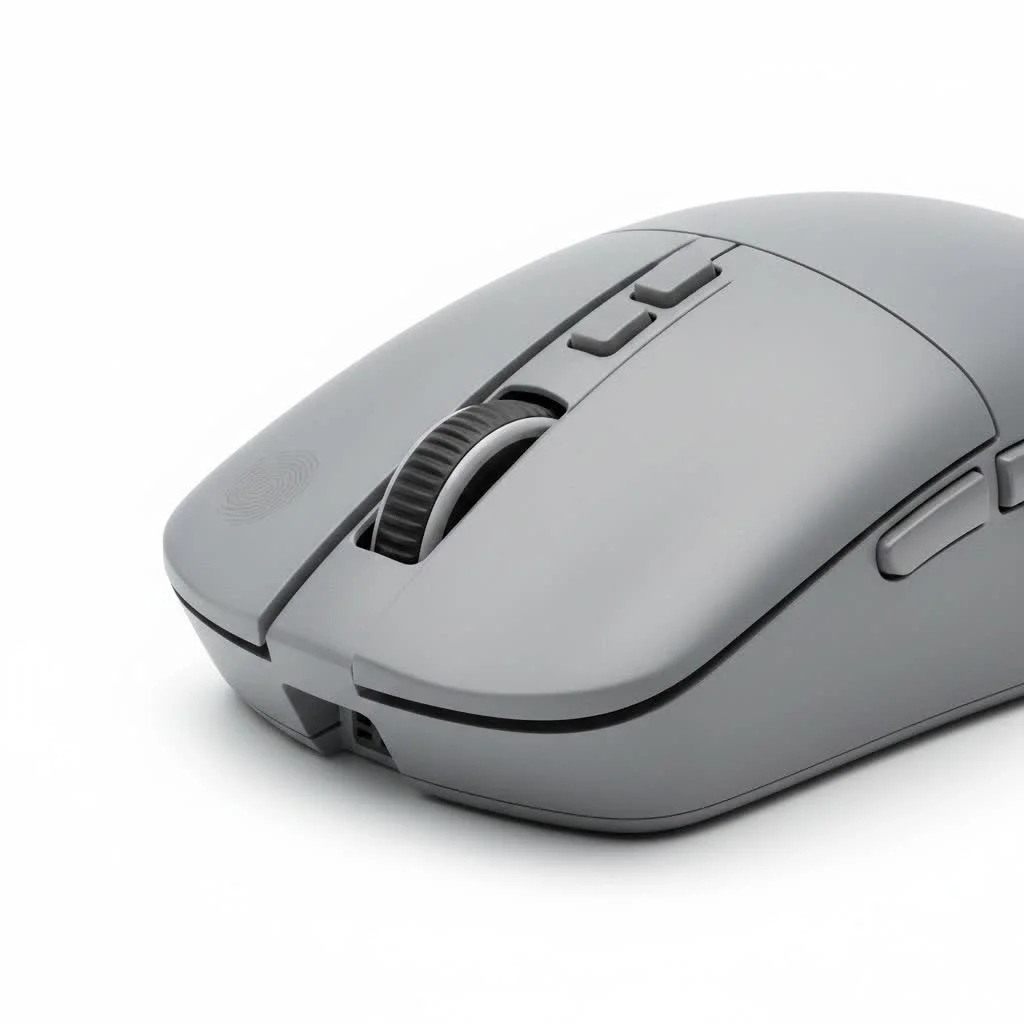
An ergonomic mouse is shaped to fit the natural contours of your hand, promoting a more neutral “handshake” posture. This simple change can significantly reduce the stress on your wrist and forearm, preventing repetitive strain injuries (RSI) and allowing you to play longer and more comfortably. Forget the one-size-fits-all approach; the right mouse feels like a natural extension of your arm, translating your movements into pixel-perfect actions on screen. For expert reviews reviews on this site.
What Defines an Ergonomic Gaming Mouse?
At its core, an ergonomic gaming mouse is all about its shape. Unlike ambidextrous mice that are symmetrical, ergonomic mice are contoured for either the right or left hand. This design philosophy focuses on several key areas:
- Natural Curvature: The body of the mouse is sculpted to support your palm, reducing the need to clench your fingers.
- Thumb Rest: Many designs feature a dedicated groove or wing for your thumb to sit comfortably, preventing it from dragging on the mousepad.
- Button Placement: Buttons are positioned for easy access without forcing you to stretch or contort your fingers.
- Weight and Balance: The mouse is weighted to feel stable yet easy to move, preventing the fatigue that comes from pushing a brick or controlling a feather.
As esports physical therapist Dr. Alistair Vance often says, “Investing in ergonomic peripherals is not a luxury; it’s a long-term strategy for competitive longevity. Reducing micro-stresses on your joints daily can prevent career-ending injuries down the line.”
The Top Ergonomic Gaming Mice for Every Player
After extensive testing and analysis, here are the standout ergonomic mice that deliver on both comfort and performance.
Best Overall: Razer DeathAdder V4 Pro
The Razer DeathAdder has been a titan in the ergonomic space for years, and the V4 Pro is its most refined version yet. It sheds unnecessary weight while maintaining its iconic, hand-hugging shape that has won over millions of gamers. It’s incredibly light, making fast flicks and tracking feel effortless. Paired with Razer’s top-tier Focus Pro optical sensor, the performance is flawless, ensuring every movement is translated with perfect accuracy.
- Best for: All-around performance, FPS gaming, medium to large hands.
- Key Features: Lightweight design, Focus Pro 35K sensor, long battery life.
Best for Large Hands: Razer Basilisk V3 Pro
|
Our Picks for the Best Gaming Mouse in 2026
As an Amazon Associate I earn from qualifying purchases.
|
||
| Num | Product | Action |
|---|---|---|
| 1 | Razer Viper V3 Pro Wireless Esports Gaming Mouse: Symmetrical - 54g Lightweight - 8K Polling - 35K DPI Optical Sensor - Gen3 Optical Switches - 8 Programmable Buttons - 95 Hr Battery - Black |

|
| 2 | Razer Viper V3 HyperSpeed Wireless Esports Gaming Mouse: 82g Lightweight - Up to 280 Hr Battery - 30K DPI Optical Sensor - Gen-2 Mechanical Switches - 8 Programmable Controls - Classic Black |
|
| 3 | Logitech G703 Lightspeed Wireless Gaming Mouse W/Hero 25K Sensor, PowerPlay Compatible, Lightsync RGB, Lightweight 95G+10G Optional, 100-25, 600 DPI, Rubber Side Grips - Black |
|
| 4 | Logitech G502 X Plus Wireless Gaming Mouse - LIGHTSPEED Optical, LIGHTFORCE Switches, LIGHTSYNC RGB, HERO 25K Sensor for PC/Mac - Black |
|
| 5 | Razer Naga V2 HyperSpeed Wireless MMO Gaming Mouse: 19 Programmable Buttons - HyperScroll Technology - Focus Pro 30K Optical Sensor - Mechanical Mouse Switches Gen-2 - Up to 400 Hr Battery Life |
|
| 6 | Logitech G502 Lightspeed Wireless Gaming Mouse with Hero 25K Sensor, PowerPlay Compatible, Tunable Weights and Lightsync RGB - Black |
|
| 7 | Razer DeathAdder Essential Gaming Mouse: 6400 DPI Optical Sensor - 5 Programmable Buttons - Mechanical Switches - Rubber Side Grips - Classic Black |
|
| 8 | Razer Basilisk V3 X HyperSpeed Customizable Wireless Gaming Mouse: Mechanical Switches Gen-2-5G Advanced 18K Optical Sensor - Chroma RGB 9 Programmable Controls 535 Hr Battery Classic Black |
|
| 9 | Razer Basilisk V3 Customizable Ergonomic Gaming Mouse: Fastest Gaming Mouse Switch - Chroma RGB Lighting - 26K DPI Optical Sensor - 11 Programmable Buttons - HyperScroll Tilt Wheel - Classic Black |
|
| 10 | Logitech G PRO X SUPERLIGHT Wireless Gaming Mouse, Ultra-Lightweight, HERO 25K Sensor, 25,600 DPI, 5 Programmable Buttons, Long Battery Life, Compatible with PC / Mac - Black |
|
For gamers who find most mice too small, the Razer Basilisk V3 Pro is a godsend. It’s a larger, heavier mouse with a pronounced thumb rest and a shape that fills the palm completely. It’s packed with features, including 11 programmable buttons and a brilliant dual-mode scroll wheel that can switch between tactile and free-spin modes. While heavier than its DeathAdder cousin, its comfortable shape makes it a fantastic choice for long sessions in MMOs, MOBAs, or productivity tasks.
- Best for: Large hands, palm grippers, multi-genre gamers.
- Key Features: 11 programmable buttons, smart scroll wheel, comfortable shape.
Best Wired Performer: Logitech G502 X
The Logitech G502 shape is legendary for a reason. It’s a masterclass in ergonomic design, with bold lines and a comfortable feel that works for countless hand sizes and grip styles. The G502 X is the latest wired iteration, combining that classic shape with modern, lightweight materials and high-performance switches. It offers a plethora of programmable buttons and an infinite scroll wheel, making it a versatile workhorse for both gaming and everyday use. For those who prefer the reliability and lower cost of a wired connection, this is an easy recommendation.
- Best for: Wired enthusiasts, all-purpose use, customizable controls.
- Key Features: Classic ergonomic shape, infinite scroll wheel, great value.
Best Budget Wireless: Logitech G305 Lightspeed
Proving that ergonomics and performance don’t have to break the bank, the Logitech G305 Lightspeed offers incredible value. While its shape is simpler and ambidextrous-leaning, its gentle curves provide surprising comfort for long-term use. It houses Logitech’s HERO sensor, a top-tier performer, and boasts an astonishingly long battery life from a single AA battery. It’s lightweight, responsive, and a fantastic entry point into the world of wireless gaming.
- Best for: Budget-conscious gamers, small to medium hands.
- Key Features: Excellent HERO sensor, long battery life, superb value.
Key Factors to Consider Before Buying
Choosing the right mouse is a personal journey. Here’s what you should keep in mind.
Hand Size and Grip Style
This is the most critical factor. A mouse that’s too big or small will cause discomfort regardless of its features.
- Palm Grip: Your entire hand rests on the mouse. You’ll want a larger mouse with a high back to fill your palm, like the Razer Basilisk.
- Claw Grip: Your wrist is planted, and your fingers are arched. A slightly smaller mouse with a pronounced hump towards the back works well.
- Fingertip Grip: Only your fingertips touch the mouse. The lightest mouse possible is your best friend here, like the DeathAdder V4 Pro.
Weight
The trend in FPS gaming is towards lighter mice (under 80g) because they require less effort to start and stop, making aiming feel more responsive. However, for other genres or general use, a slightly heavier mouse can feel more stable and deliberate.
Wired vs. Wireless
Modern wireless technology is virtually lag-free. The main differences are now cost, convenience (no cable drag), and the need to recharge. A wired mouse like the Logitech G502 X offers top performance without battery anxiety, while wireless models provide ultimate freedom of movement.
Frequently Asked Questions
Can an ergonomic mouse improve my aim?
Yes, indirectly. By reducing physical strain and fatigue, a comfortable mouse allows you to stay focused and consistent for longer periods. It promotes smoother, more natural movements, which can translate to better accuracy.
What is the point of a vertical ergonomic mouse?
A vertical mouse puts your hand in a full “handshake” position, which is the most neutral posture for your wrist and forearm. While excellent for reducing strain during office work, their shape can be challenging for the rapid, precise movements required in most competitive games.
How do I know my grip style?
Simply pay attention to how you naturally hold your current mouse during an intense gaming session. Don’t overthink it; your subconscious grip is the most honest one. Observe whether your palm is flat, your fingers are arched, or only your fingertips are in control.
Your Hand Deserves the Best
Switching to the best ergonomic gaming mouse is one of the most significant upgrades you can make to your setup. It’s an investment in not only your in-game performance but also your long-term health and comfort. By choosing a mouse that fits your hand and playstyle, you’re eliminating a barrier between you and your true potential. Stop fighting your gear and find a mouse that feels like it was made just for you.
Get our weekly buyer guide
Practical specs, not advice. Unsubscribe anytime.

I was excited to try an ergonomic mouse to help with my hand fatigue during competitive FPS games. I got the Glorious Model I 2 Wireless, and it definitely feels better than my old mouse. However, the scroll wheel feels a little loose sometimes, which can be annoying when I need precise weapon switching. It’s good, but not perfect for my specific needs.
I’ve been struggling with wrist pain after long raids in WoW, and this guide really helped me understand why. I picked up the Logitech G502 X PLUS LightSpeed, and it’s been a game-changer. The ‘handshake’ posture it promotes is exactly what I needed. My wrist feels so much better, and I can actually enjoy my gaming sessions again without constant discomfort.
I appreciate the focus on preventing RSI. I’ve had issues with forearm strain in the past, and I was looking for something that offered more than just high DPI. I went with the Razer DeathAdder V3 Pro, and while it’s super comfortable for my palm grip, I wish it had a few more programmable buttons. Still, it’s a solid upgrade for comfort.
This guide was spot on about how important sustained comfort is. I used to just grab whatever mouse was on sale, but after experiencing that dull ache in my wrist, I knew I needed a change. The SteelSeries Aerox 9 Wireless has been fantastic. The lightweight design and ergonomic shape have made a huge difference for my extended gaming marathons.