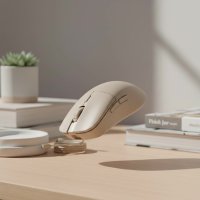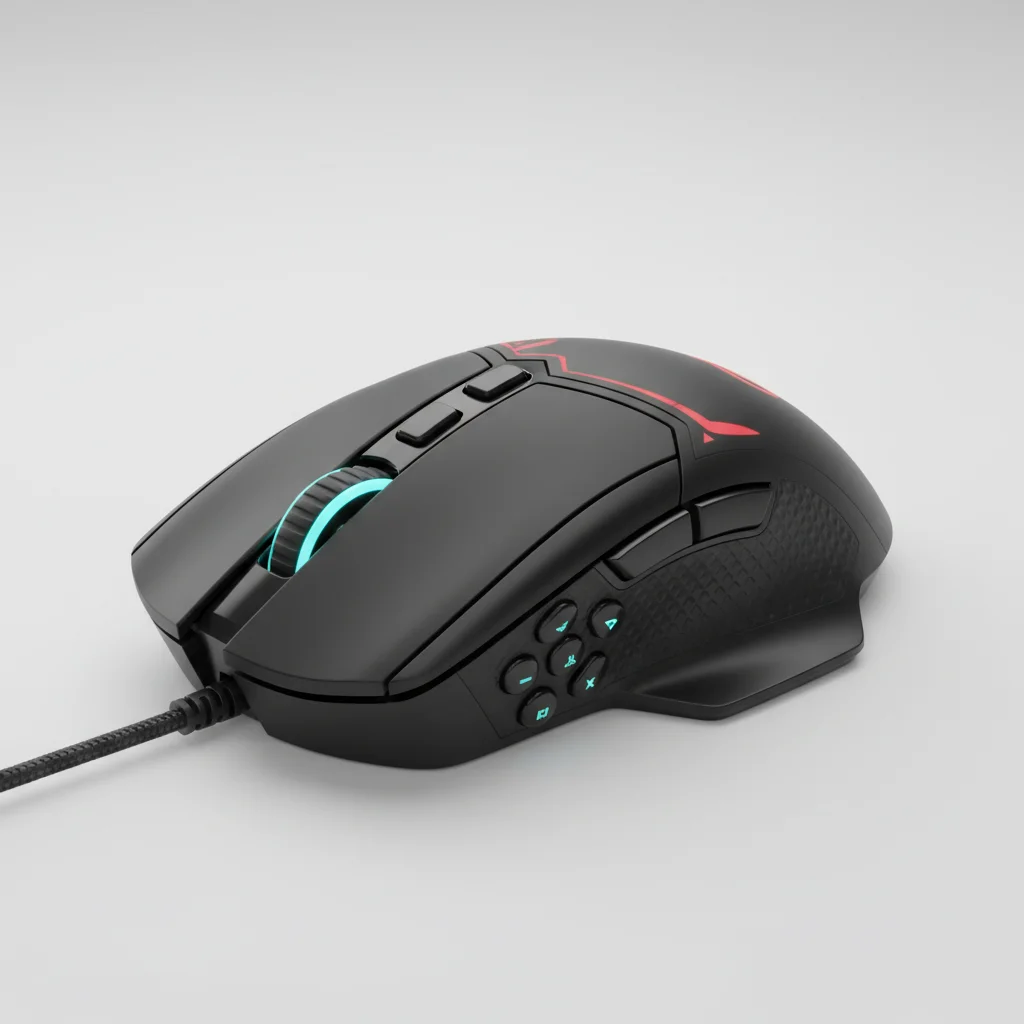
Choosing the right gaming mouse for MOBA (Multiplayer Online Battle Arena) games is crucial for executing complex commands and maintaining precise control. The best MOBA mice typically feature a balance of programmable buttons, comfortable ergonomics for long sessions, and reliable sensor performance. Our top 5 picks prioritize these aspects to give you a competitive edge in games like League of Legends, Dota 2, and Smite.
Why a Specialized MOBA Mouse Matters
MOBA games demand quick reactions and the ability to cast multiple spells or abilities in rapid succession. A standard mouse might suffice for casual play, but a dedicated MOBA gaming mouse offers advantages through its button layout, often including a thumb grid, and software customization. This allows players to bind frequently used abilities, items, or macros directly to their mouse, reducing the need to stretch across the keyboard and improving overall efficiency.
Key Features to Look For in a MOBA Mouse
When selecting a gaming mouse for MOBA titles, several features stand out. Programmable buttons are paramount, with many players preferring 6-12 side buttons for easy access to spells and items. Sensor accuracy, typically measured in DPI, is also important for precise cursor movement, though extreme DPI settings are rarely necessary for MOBA. Comfort and grip style are also critical, as MOBA matches can last upwards of 45 minutes, requiring a mouse that feels good in your hand for extended periods.
- Programmable Side Buttons: Essential for binding spells and items.
- Ergonomic Design: Ensures comfort during long gaming sessions.
- Accurate Sensor: Provides precise cursor control.
- Durable Switches: Built to withstand millions of clicks.
- Customizable Software: For button mapping and profile management.
Top 5 Gaming Mice for MOBA Players
|
Our Picks for the Best Gaming Mouse in 2026
As an Amazon Associate I earn from qualifying purchases.
|
||
| Num | Product | Action |
|---|---|---|
| 1 | Razer Basilisk V3 Customizable Ergonomic Gaming Mouse: Fastest Gaming Mouse Switch - Chroma RGB Lighting - 26K DPI Optical Sensor - 11 Programmable Buttons - HyperScroll Tilt Wheel - Classic Black |

|
| 2 | Razer DeathAdder Essential Gaming Mouse: 6400 DPI Optical Sensor - 5 Programmable Buttons - Mechanical Switches - Rubber Side Grips - Classic Black |
|
| 3 | Razer Viper V3 HyperSpeed Wireless Esports Gaming Mouse: 82g Lightweight - Up to 280 Hr Battery - 30K DPI Optical Sensor - Gen-2 Mechanical Switches - 8 Programmable Controls - Classic Black |
|
| 4 | Razer Basilisk V3 X HyperSpeed Customizable Wireless Gaming Mouse: Mechanical Switches Gen-2-5G Advanced 18K Optical Sensor - Chroma RGB 9 Programmable Controls 535 Hr Battery Classic Black |
|
| 5 | Logitech G502 Lightspeed Wireless Gaming Mouse with Hero 25K Sensor, PowerPlay Compatible, Tunable Weights and Lightsync RGB - Black |
|
| 6 | Logitech G502 X Plus Wireless Gaming Mouse - LIGHTSPEED Optical, LIGHTFORCE Switches, LIGHTSYNC RGB, HERO 25K Sensor for PC/Mac - Black |
|
| 7 | Razer Viper V3 Pro Wireless Esports Gaming Mouse: Symmetrical - 54g Lightweight - 8K Polling - 35K DPI Optical Sensor - Gen3 Optical Switches - 8 Programmable Buttons - 95 Hr Battery - Black |
|
| 8 | Razer Naga V2 HyperSpeed Wireless MMO Gaming Mouse: 19 Programmable Buttons - HyperScroll Technology - Focus Pro 30K Optical Sensor - Mechanical Mouse Switches Gen-2 - Up to 400 Hr Battery Life |
|
| 9 | Logitech G703 Lightspeed Wireless Gaming Mouse W/Hero 25K Sensor, PowerPlay Compatible, Lightsync RGB, Lightweight 95G+10G Optional, 100-25, 600 DPI, Rubber Side Grips - Black |
|
| 10 | Logitech G PRO X SUPERLIGHT Wireless Gaming Mouse, Ultra-Lightweight, HERO 25K Sensor, 25,600 DPI, 5 Programmable Buttons, Long Battery Life, Compatible with PC / Mac - Black |
|
Our selection of the best gaming mice for MOBA focuses on models that excel in button layout, comfort, and performance. These mice offer the versatility and reliability needed to dominate the lanes and secure objectives. Whether you prefer a wired or wireless connection, there’s an option here to suit your playstyle and budget.
The first standout is the, renowned for its extensive array of programmable buttons and comfortable, sculpted design. It’s a favorite among professional MOBA players for its robust build quality and highly customizable software, allowing for intricate macro creation and profile switching. Its sensor provides consistent tracking, ensuring every click and movement is registered accurately.
Another excellent choice is the, which offers a slightly different approach with a more streamlined button layout while still providing ample customization. This mouse is often praised for its lightweight design and responsive clicks, making it ideal for players who prioritize speed and agility in their movements. Its optical sensor delivers exceptional precision, crucial for landing skill shots.
Optimizing Your MOBA Mouse Settings
Beyond choosing the right hardware, optimizing your mouse settings can significantly impact your MOBA performance. Experiment with different DPI settings to find what feels most natural for your playstyle. Many MOBA players prefer a lower DPI for more controlled movements, especially when aiming for precise last hits or skill shots. Additionally, take the time to customize your button bindings in the mouse’s software. Assigning frequently used abilities, summoner spells, or item activations to your side buttons can dramatically improve your reaction time and overall gameplay fluidity. Creating game-specific profiles can also streamline your setup, allowing you to switch configurations instantly when moving between different MOBA titles.
Get our weekly buyer guide
Practical specs, not advice. Unsubscribe anytime.