In the world of competitive gaming, every millisecond and every millimeter counts. We obsess over mechanical keyboards, high-refresh-rate monitors, and, of course, the perfect gaming mouse. For decades, the lightweight, high-DPI optical mouse has been the undisputed king. But what if I told you there’s a different path? An older, almost forgotten peripheral that a growing number of gamers swear by. I’m talking about trackball mouse gaming, a choice that might just unlock a new level of comfort and precision you never thought possible.
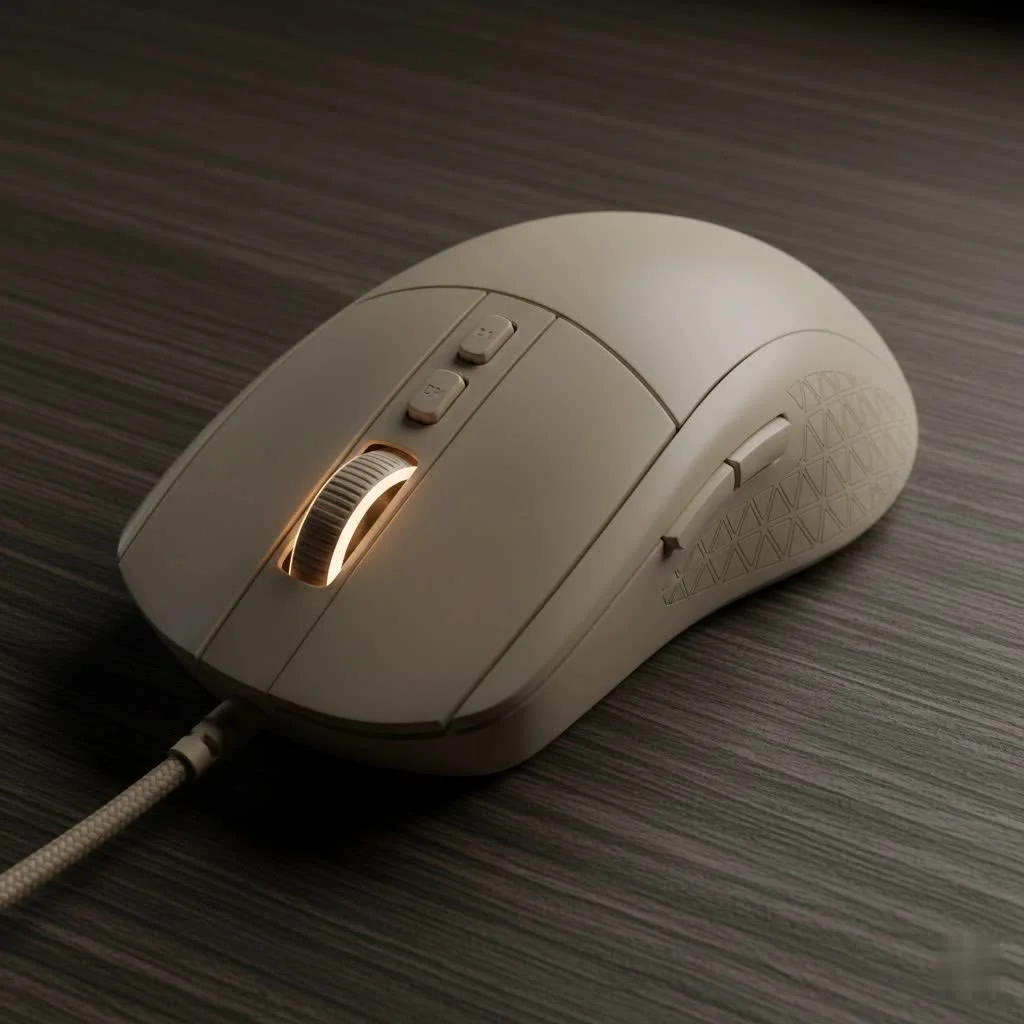
For many, the image of a trackball conjures up memories of old library computers. It seems counterintuitive for the fast-paced action of modern games. How can a stationary device compete with one you can flick across a giant mousepad? As the lead hardware analyst at Cyexx.com, I’ve seen this skepticism firsthand. But I’ve also seen the converts—gamers who traded their traditional mice for a trackball and never looked back. Let’s roll into the facts and find out if this unconventional choice is right for you.
What Exactly Is a Trackball Mouse?
Before we dive into the gaming aspect, let’s get a quick refresher. Unlike a conventional mouse where you move the entire device to control the cursor, a trackball mouse stays put. Instead, you use your thumb or fingers to manipulate a ball mounted on the top or side of the unit. This movement is translated by internal sensors into cursor motion on your screen.
There are two primary designs you’ll encounter:
- Thumb-operated: The trackball is positioned on the side, controlled by your thumb, while your fingers rest on the left and right-click buttons, much like a standard mouse. Models like the Logitech MX Ergo are popular examples.
- Finger-operated: The ball is much larger and centrally located, designed to be controlled with your index and middle fingers. Your thumb and other fingers handle the clicks and scroll wheel. The Kensington Expert Mouse is a classic in this category.
Both styles have their champions, and the choice often comes down to personal preference and hand size.
The Big Question: Is a Trackball Mouse Good for Gaming?
The short answer is yes, but with a few important caveats. A trackball mouse for gaming isn’t a universally better solution, but for the right player and the right game, it can be a game-changer. It excels in certain areas where traditional mice fall short, while also presenting its own unique set of challenges.
The Upsides: Why Gamers Make the Switch
|
Our Picks for the Best Gaming Mouse in 2026
As an Amazon Associate I earn from qualifying purchases.
|
||
| Num | Product | Action |
|---|---|---|
| 1 | Razer Basilisk V3 Customizable Ergonomic Gaming Mouse: Fastest Gaming Mouse Switch - Chroma RGB Lighting - 26K DPI Optical Sensor - 11 Programmable Buttons - HyperScroll Tilt Wheel - Classic Black |

|
| 2 | Razer Viper V3 Pro Wireless Esports Gaming Mouse: Symmetrical - 54g Lightweight - 8K Polling - 35K DPI Optical Sensor - Gen3 Optical Switches - 8 Programmable Buttons - 95 Hr Battery - Black |
|
| 3 | Razer Basilisk V3 X HyperSpeed Customizable Wireless Gaming Mouse: Mechanical Switches Gen-2-5G Advanced 18K Optical Sensor - Chroma RGB 9 Programmable Controls 535 Hr Battery Classic Black |
|
| 4 | Razer Naga V2 HyperSpeed Wireless MMO Gaming Mouse: 19 Programmable Buttons - HyperScroll Technology - Focus Pro 30K Optical Sensor - Mechanical Mouse Switches Gen-2 - Up to 400 Hr Battery Life |
|
| 5 | Logitech G703 Lightspeed Wireless Gaming Mouse W/Hero 25K Sensor, PowerPlay Compatible, Lightsync RGB, Lightweight 95G+10G Optional, 100-25, 600 DPI, Rubber Side Grips - Black |
|
| 6 | Razer DeathAdder Essential Gaming Mouse: 6400 DPI Optical Sensor - 5 Programmable Buttons - Mechanical Switches - Rubber Side Grips - Classic Black |
|
| 7 | Logitech G502 X Plus Wireless Gaming Mouse - LIGHTSPEED Optical, LIGHTFORCE Switches, LIGHTSYNC RGB, HERO 25K Sensor for PC/Mac - Black |
|
| 8 | Razer Viper V3 HyperSpeed Wireless Esports Gaming Mouse: 82g Lightweight - Up to 280 Hr Battery - 30K DPI Optical Sensor - Gen-2 Mechanical Switches - 8 Programmable Controls - Classic Black |
|
| 9 | Logitech G PRO X SUPERLIGHT Wireless Gaming Mouse, Ultra-Lightweight, HERO 25K Sensor, 25,600 DPI, 5 Programmable Buttons, Long Battery Life, Compatible with PC / Mac - Black |
|
| 10 | Logitech G502 Lightspeed Wireless Gaming Mouse with Hero 25K Sensor, PowerPlay Compatible, Tunable Weights and Lightsync RGB - Black |
|
So, what’s compelling players to ditch their trusted optical mice? The benefits are surprisingly practical.
- Superior Ergonomics: This is the number one reason. With a trackball, your wrist, arm, and shoulder remain stationary. All the fine motor control is handled by your thumb or fingers, which can dramatically reduce the risk of repetitive strain injury (RSI) and carpal tunnel syndrome. For those long gaming sessions, this can be the difference between comfort and chronic pain.
- Unmatched Precision: It sounds crazy, but for small, deliberate movements, a trackball can be more accurate. Imagine you’re a sniper. Instead of tensing your whole arm to move the crosshair a single pixel, you can make a minuscule adjustment with just your fingertip. This level of fine control is hard to replicate.
- It Saves a Ton of Space: Your desk doesn’t need a massive runway for a mousepad. The trackball’s footprint is all the space it will ever need. This is perfect for gamers with limited desk real estate or those who prefer a cleaner setup.
“The transition to a trackball is less about re-learning how to aim and more about un-learning a lifetime of arm movement. Once your brain makes that switch, you discover a level of fingertip precision that feels almost surgical.” – Dr. Alistair Finch, Gaming Ergonomics Specialist
The Downsides: The Learning Curve is Real
Of course, it’s not all smooth rolling. There are significant hurdles to overcome.
- The Steep Learning Curve: Decades of muscle memory are hard to overwrite. Your first few hours in a fast-paced game will likely be frustrating. Overshooting targets and fumbling with the ball are common. It takes patience and dedication to become proficient.
- Speed and “Flick Shots”: In high-octane FPS games like Valorant or CS:GO, the ability to instantly snap your view 180 degrees is crucial. While you can spin a trackball quickly, it often lacks the explosive, large-scale movement that a traditional mouse “flick” provides.
- Limited Selection: The market for trackball mice is a tiny fraction of the gaming mouse world. While excellent options exist, you won’t find the same dizzying array of choices, features, and aesthetic designs.
Which Games Shine with a Trackball Mouse?
The effectiveness of a trackball mouse for gaming often depends on the genre.
- Excellent For: Slower-paced games where precision trumps speed. This includes strategy games like Civilization VI or StarCraft II, MMOs like World of Warcraft, and RPGs such as Baldur’s Gate 3. Their deliberate pacing allows the precision of a trackball to truly shine.
- Challenging For: Twitch-based shooters and fast-paced action games. While some players have mastered the trackball for FPS titles, it’s generally considered a disadvantage where rapid, full-screen movements are the norm.
How to Choose the Best Trackball Mouse for Gaming
If you’re ready to take the plunge, here’s what to look for:
- Ball Position (Thumb vs. Finger): Try to get a feel for both if you can. Thumb-operated models feel more familiar initially, while finger-operated ones often offer higher potential precision once mastered.
- Sensor Quality: Just like a standard gaming mouse, look for a high-quality sensor. Pay attention to DPI (Dots Per Inch) for sensitivity and polling rate (measured in Hz) for responsiveness. A 1000Hz polling rate is the standard for serious gaming.
- Button Layout: Ensure the mouse has enough programmable buttons for your favorite games. The placement should feel comfortable and intuitive.
- Build Quality: You’ll be making a lot of contact with the ball and buttons. Look for durable switches and smooth, high-quality bearings for the trackball itself.
Top Contenders in the Trackball Arena
| Model | Type | Key Feature | Ideal For |
|---|---|---|---|
| GameBall | Finger-Operated | Designed specifically for gaming from the ground up | Gamers wanting a no-compromise, ambidextrous option |
| Logitech MX Ergo | Thumb-Operated | Adjustable ergonomic tilt | Long sessions and productivity/gaming hybrid use |
| Kensington Expert | Finger-Operated | Large ball and scroll ring | Users who prioritize precision and customization |
| Elecom HUGE | Finger-Operated | 8 programmable buttons and plush wrist rest | MMO and RPG players who need lots of macros |
Frequently Asked Questions (FAQ)
Can you be competitive in FPS games with a trackball?
It’s possible, but it is an uphill battle. Some skilled players have proven it can be done, but you would be a rare exception. For the vast majority of competitive FPS players, a traditional optical mouse offers a distinct advantage in speed.
How long does it take to get used to a trackball for gaming?
Expect a transition period of one to two weeks of consistent use. It’s crucial to stick with it and not switch back and forth, as this can hinder the development of new muscle memory.
Does a trackball mouse help with carpal tunnel or wrist pain?
Many users report significant relief from wrist and arm pain after switching. By keeping your arm stationary, you reduce strain on the tendons and nerves that are often aggravated by traditional mouse use. However, it’s not a guaranteed medical cure.
Do I need a high DPI for a trackball gaming mouse?
Yes, DPI is still important. It determines how sensitive the cursor is to the ball’s movement. A higher DPI allows you to cross the screen with less physical movement of the ball, which can be adjusted in software to find your personal sweet spot.
The Final Verdict
A trackball mouse for gaming is not a gimmick. It’s a legitimate, specialized tool that offers incredible benefits in ergonomics and precision for the right kind of player. It demands patience and a willingness to step outside the mainstream, but the rewards can be a more comfortable and, in some cases, more controlled gaming experience.
If you’re battling wrist pain, crave pinpoint accuracy in strategy or RPG titles, or simply want to try a completely different way to play, giving a trackball a shot might be one of the best hardware decisions you ever make. Don’t be afraid to challenge the status quo; your wrists might thank you for it.
Get our weekly buyer guide
Practical specs, not advice. Unsubscribe anytime.