A pristine white gaming mouse pad is more than just a surface; it’s a statement. It’s the centerpiece of a clean, minimalist, or RGB-focused setup, creating a canvas that makes your mouse, keyboard, and vibrant lighting pop. But beyond the striking aesthetics, many gamers wonder if it’s a practical choice. Will it stain? Does it affect performance? As the lead gear analyst at Cyexx.com, I’m here to dive deep into the world of the white gaming mouse pad, covering everything from performance to that all-important cleaning process.
Why Choose a White Gaming Mouse Pad?
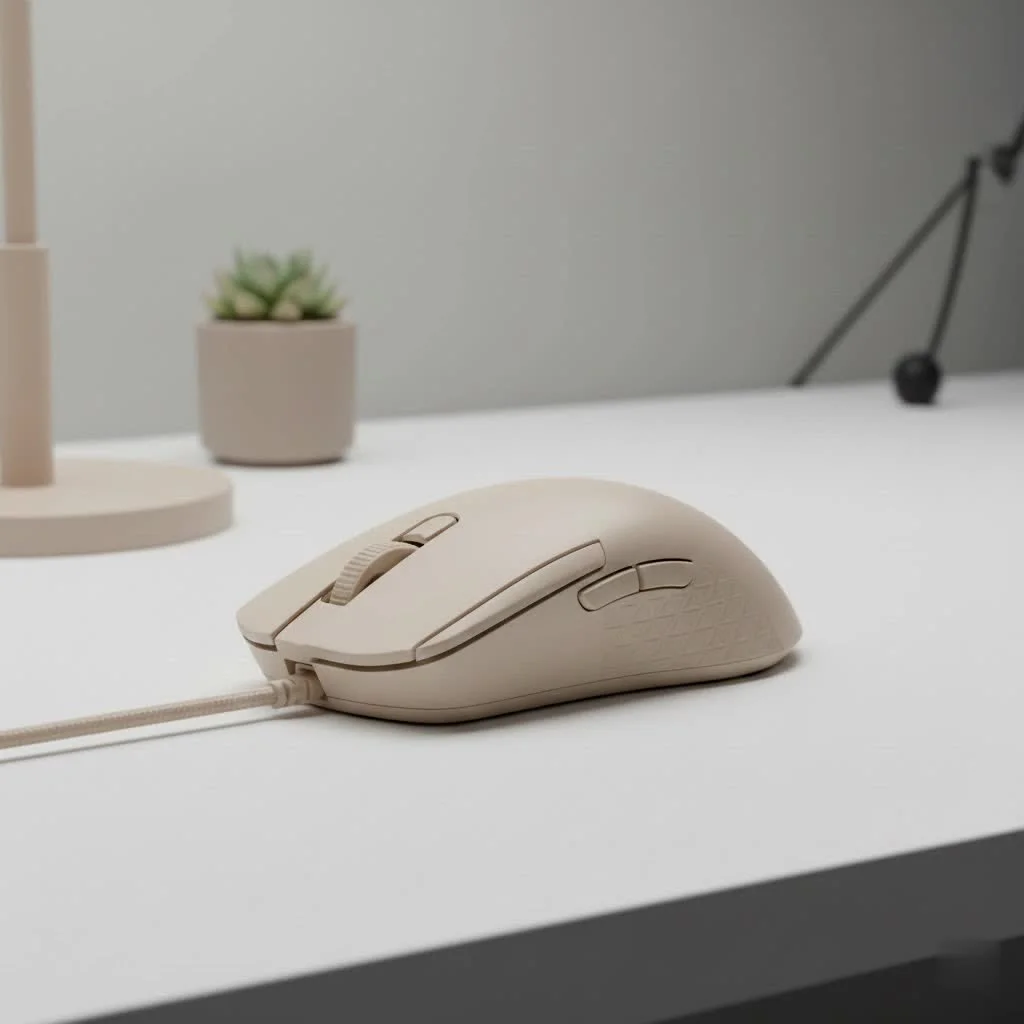
The primary draw is undeniably visual. A white mouse pad acts as a brilliant reflector for RGB lighting, creating a more ambient and immersive glow across your desk compared to a black pad that absorbs light. This can tie your entire setup together, achieving a cohesive and professional look.
Beyond looks, there’s a practical element. A clean, bright surface can enhance focus. “A white surface provides a high-contrast background for most gaming mice, which are typically black or darker colors,” notes Alex “Glider” Chen, a professional esports gear consultant. “This can make the mouse itself more visually distinct, allowing for an almost subconscious improvement in tracking your physical hand movements during intense gameplay.”
Performance and Tracking: Does Color Matter?
Let’s address a common technical question: does a white surface impact a gaming mouse’s sensor performance? For modern gaming mice, the answer is overwhelmingly no. Today’s advanced optical and laser sensors are incredibly sophisticated. They don’t rely on visible color but rather track microscopic surface inconsistencies. A high-quality white gaming mouse pad, whether cloth, hybrid, or hard-surfaced, will provide flawless tracking on par with its darker counterparts. The key isn’t the color, but the consistency and quality of the weave or surface material.
Finding the Right White Pad for You
Choosing a white gaming mouse pad involves the same considerations as any other color, with a heightened focus on material quality due to cleaning needs.
Key Factors to Consider:
- Size: From compact squares for high-DPI players to massive desk mats that house your keyboard and mouse, choose a size that fits your desk and playstyle. Larger pads are generally recommended for gamers who use low DPI settings and require more room for sweeping arm movements.
- Material: This is the most crucial choice.
- Cloth Pads: The most common type, offering a balance of speed and control. A tightly woven micro-weave cloth is ideal for a white pad as it will be more resistant to initial dirt absorption.
- Hybrid Pads: These offer a faster glide than cloth pads while retaining some of its stopping power. They often have a smoother surface that can be easier to wipe clean.
- Hard Pads: Made from plastic or polycarbonate, these provide the fastest glide possible. They are the easiest to clean with a simple wipe-down but offer the least control.
- Stitched Edges: Always opt for a pad with high-quality, anti-fray stitched edges. On a white pad, fraying can quickly look dirty and worn, so durable stitching is essential to maintain that clean aesthetic.
The Ultimate Guide to Keeping Your White Mouse Pad Clean
This is the biggest concern for potential buyers, but it’s entirely manageable. A dirty mouse pad doesn’t just look bad; the buildup of oils, sweat, and dust can create friction and impact your mouse’s glide. With a white pad, this buildup is simply more visible, prompting you to clean it more regularly—which is a good habit for any gamer!
Step-by-Step Hand-Washing Method (Recommended for most pads)
|
Our Picks for the Best Gaming Mouse in 2026
As an Amazon Associate I earn from qualifying purchases.
|
||
| Num | Product | Action |
|---|---|---|
| 1 | Logitech G502 X Plus Wireless Gaming Mouse - LIGHTSPEED Optical, LIGHTFORCE Switches, LIGHTSYNC RGB, HERO 25K Sensor for PC/Mac - Black |

|
| 2 | Razer Viper V3 HyperSpeed Wireless Esports Gaming Mouse: 82g Lightweight - Up to 280 Hr Battery - 30K DPI Optical Sensor - Gen-2 Mechanical Switches - 8 Programmable Controls - Classic Black |
|
| 3 | Razer Viper V3 Pro Wireless Esports Gaming Mouse: Symmetrical - 54g Lightweight - 8K Polling - 35K DPI Optical Sensor - Gen3 Optical Switches - 8 Programmable Buttons - 95 Hr Battery - Black |
|
| 4 | Logitech G PRO X SUPERLIGHT Wireless Gaming Mouse, Ultra-Lightweight, HERO 25K Sensor, 25,600 DPI, 5 Programmable Buttons, Long Battery Life, Compatible with PC / Mac - Black |
|
| 5 | Logitech G703 Lightspeed Wireless Gaming Mouse W/Hero 25K Sensor, PowerPlay Compatible, Lightsync RGB, Lightweight 95G+10G Optional, 100-25, 600 DPI, Rubber Side Grips - Black |
|
| 6 | Razer DeathAdder Essential Gaming Mouse: 6400 DPI Optical Sensor - 5 Programmable Buttons - Mechanical Switches - Rubber Side Grips - Classic Black |
|
| 7 | Razer Basilisk V3 X HyperSpeed Customizable Wireless Gaming Mouse: Mechanical Switches Gen-2-5G Advanced 18K Optical Sensor - Chroma RGB 9 Programmable Controls 535 Hr Battery Classic Black |
|
| 8 | Razer Basilisk V3 Customizable Ergonomic Gaming Mouse: Fastest Gaming Mouse Switch - Chroma RGB Lighting - 26K DPI Optical Sensor - 11 Programmable Buttons - HyperScroll Tilt Wheel - Classic Black |
|
| 9 | Razer Naga V2 HyperSpeed Wireless MMO Gaming Mouse: 19 Programmable Buttons - HyperScroll Technology - Focus Pro 30K Optical Sensor - Mechanical Mouse Switches Gen-2 - Up to 400 Hr Battery Life |
|
| 10 | Logitech G502 Lightspeed Wireless Gaming Mouse with Hero 25K Sensor, PowerPlay Compatible, Tunable Weights and Lightsync RGB - Black |
|
This method is the safest and most effective for cloth and hybrid pads.
- Gather Your Supplies: You’ll need a sink or bathtub, mild dish soap, and a soft cloth or sponge. Avoid harsh chemicals or abrasive brushes.
- Prepare for Washing: Fill the sink or tub with warm water and add a small amount of dish soap, mixing it to create a gentle, soapy solution.
- Submerge and Soak: Place your mouse pad in the water and let it soak for 10-15 minutes. This helps to loosen any embedded dirt and oils.
- Gentle Scrub: Apply a bit more soap directly to the pad’s surface. Using your hands or a soft cloth, gently scrub the surface in circular motions. Pay extra attention to stained areas, but avoid aggressive scrubbing that could damage the fabric.
- Rinse Thoroughly: Drain the soapy water and rinse the mouse pad under cool, running water. Continue rinsing until you see no more soap suds. It’s vital to remove all soap residue, as it can leave the pad feeling stiff.
- Dry Properly: Do not use a machine dryer or hairdryer! High heat can damage the rubber base and the cloth surface. Gently pat the mouse pad with a dry towel to remove excess water. Then, lay it flat or hang it in a well-ventilated area away from direct sunlight to air dry completely. This can take 24-36 hours.
Important Note: For mouse pads with integrated RGB lighting, never submerge the electronic components. Unplug the pad and use a damp, soapy cloth to gently wipe the surface, being careful to avoid the USB port and any control modules. Wipe it down with a clean, damp cloth afterward and let it air dry.
Frequently Asked Questions (FAQ)
Q: Will a white gaming mouse pad get dirty easily?
A: Yes, it will show dirt, dust, and stains more visibly than a black or colored pad. However, this visibility encourages more frequent cleaning, which is beneficial for both hygiene and mouse performance.
Q: Can I put my white cloth mouse pad in the washing machine?
A: Some manufacturers state their pads are machine washable. If you choose this route, always use a cold water setting and a low tumble/delicate cycle. Place it in the machine with other light-colored items, like towels. Never put it in the dryer. Hand-washing remains the safest method to prevent warping or damage.
Q: Do beverage or food stains permanently ruin a white mouse pad?
A: Not necessarily. If you act quickly, most stains from spills can be removed. Blot the spill immediately with a paper towel and spot-clean the area with a small amount of dish soap and water. A full wash, as detailed above, should take care of most residual staining.
Q: How often should I clean my white gaming mouse pad?
A: For heavy daily use, a light wipe-down every week and a full deep clean once a month is a good routine. If you are a more casual user or notice visible grime, adjust accordingly.
Q: Will cleaning my mouse pad affect its glide?
A: Proper cleaning will restore the mouse pad’s original glide. A buildup of dirt and oils creates friction, slowing your mouse down. By cleaning it, you remove this friction and return the surface to its optimal state.
The Verdict: A Worthy Addition to Your Setup
A white gaming mouse pad is a fantastic choice for any gamer who prioritizes aesthetics and is willing to perform routine maintenance. It elevates the look of your battlestation, enhances RGB lighting, and can even improve focus. While it requires more diligent cleaning than its darker counterparts, the process is simple and the reward is a consistently clean, high-performing surface that looks incredible. Embrace the clean, and let your setup shine.
Get our weekly buyer guide
Practical specs, not advice. Unsubscribe anytime.
