Finding the perfect left handed gaming mouse can feel like an impossible quest. In a world dominated by right-handed designs, left-handed gamers often have to settle for less than ideal options. But here’s the good news: the market is slowly but surely waking up to the needs of the 10% of the population who are lefties. As a dedicated team at Cyexx, we’ve spent countless hours testing and analyzing to bring you the definitive guide to finding a mouse that doesn’t just work, but gives you a competitive edge.
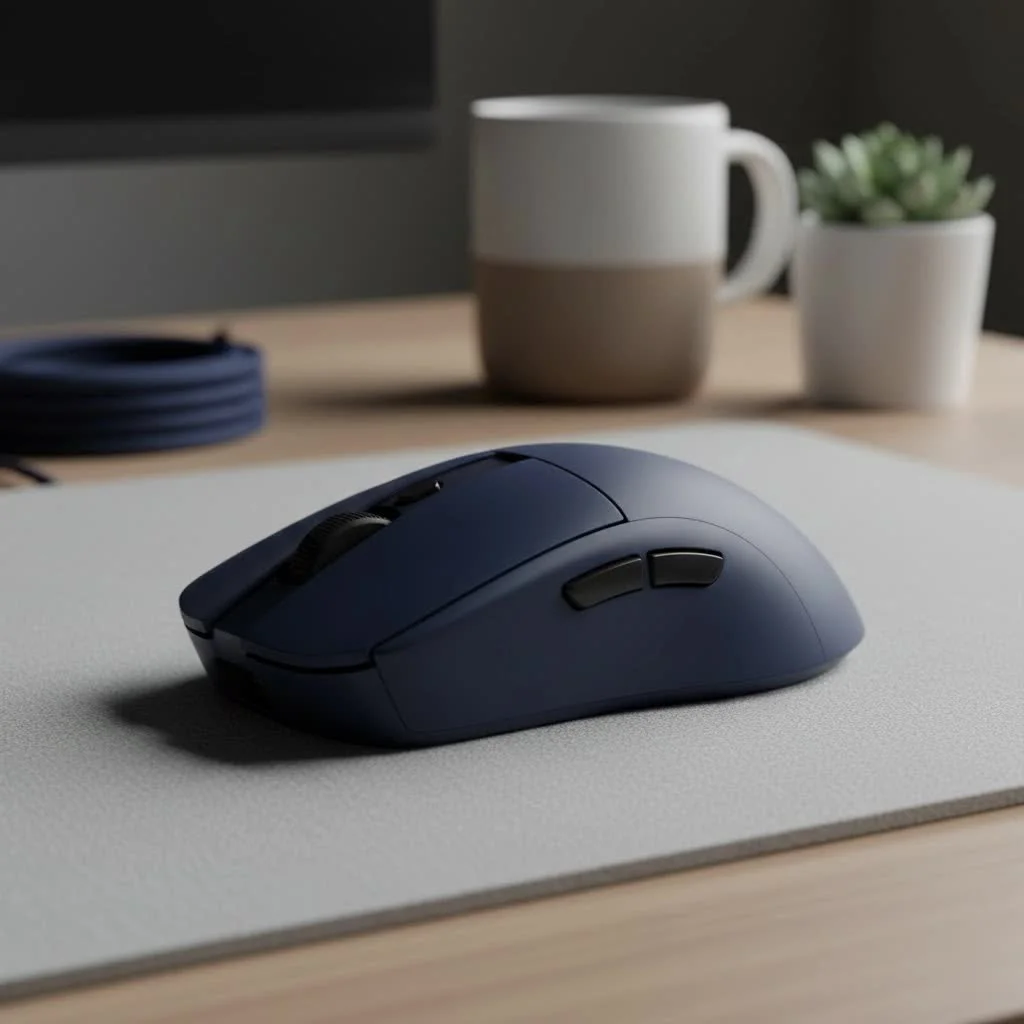
So, why is a dedicated mouse so important? Using a mouse designed for the opposite hand can lead to discomfort, strain, and even repetitive strain injury (RSI) over long gaming sessions. More importantly, it can seriously hinder your performance. A proper ergonomic fit and accessible buttons are crucial for the quick, precise movements that modern games demand. This guide will walk you through everything you need to know, from the different types of left-handed mice to the key features you should be looking for.
Why Are Left Handed Gaming Mice So Hard to Find?
The simple answer is economics. With a much smaller market, manufacturers often don’t see the same return on investment for designing, tooling, and producing dedicated left-handed models. This is why you’ll see far more ambidextrous mice, which serve both left and right-handed users, than “true” left-handed designs. While ambidextrous mice are a great compromise, a true left-handed model offers unparalleled comfort and control.
“For years, left-handed gamers were forced to adapt to right-handed equipment or use basic, featureless ambidextrous mice,” explains Dr. Alistair Finch, an ergonomics consultant specializing in gaming peripherals. “This adaptation can create a subtle but persistent disadvantage in reaction time and aiming accuracy. A mouse that mirrors your natural hand posture is a fundamental component of a level playing field.”
True Lefty vs. Ambidextrous: What’s the Difference?
When you’re shopping for a left handed gaming mouse, you’ll encounter two main categories. Understanding the distinction is the first step to finding your perfect match.
True Left-Handed Mice
These are the holy grail for left-handed gamers. A “true” lefty mouse is an exact mirror image of a right-handed ergonomic mouse.
- Ergonomic Shape: It’s specifically contoured to fit the natural resting position of the left hand, providing superior support for your palm, thumb, and fingers.
- Button Placement: The crucial side buttons (often used for ‘forward’ and ‘back’ or custom in-game actions) are positioned on the right side for easy access with your left thumb.
- Pros: Unmatched comfort for long sessions, optimal button access, reduced hand fatigue.
- Cons: Very limited selection, can be more expensive.
Ambidextrous Mice
|
Our Picks for the Best Gaming Mouse in 2026
As an Amazon Associate I earn from qualifying purchases.
|
||
| Num | Product | Action |
|---|---|---|
| 1 | Logitech G502 X Plus Wireless Gaming Mouse - LIGHTSPEED Optical, LIGHTFORCE Switches, LIGHTSYNC RGB, HERO 25K Sensor for PC/Mac - Black |

|
| 2 | Razer Viper V3 HyperSpeed Wireless Esports Gaming Mouse: 82g Lightweight - Up to 280 Hr Battery - 30K DPI Optical Sensor - Gen-2 Mechanical Switches - 8 Programmable Controls - Classic Black |
|
| 3 | Razer Basilisk V3 X HyperSpeed Customizable Wireless Gaming Mouse: Mechanical Switches Gen-2-5G Advanced 18K Optical Sensor - Chroma RGB 9 Programmable Controls 535 Hr Battery Classic Black |
|
| 4 | Razer Viper V3 Pro Wireless Esports Gaming Mouse: Symmetrical - 54g Lightweight - 8K Polling - 35K DPI Optical Sensor - Gen3 Optical Switches - 8 Programmable Buttons - 95 Hr Battery - Black |
|
| 5 | Razer DeathAdder Essential Gaming Mouse: 6400 DPI Optical Sensor - 5 Programmable Buttons - Mechanical Switches - Rubber Side Grips - Classic Black |
|
| 6 | Logitech G502 Lightspeed Wireless Gaming Mouse with Hero 25K Sensor, PowerPlay Compatible, Tunable Weights and Lightsync RGB - Black |
|
| 7 | Logitech G703 Lightspeed Wireless Gaming Mouse W/Hero 25K Sensor, PowerPlay Compatible, Lightsync RGB, Lightweight 95G+10G Optional, 100-25, 600 DPI, Rubber Side Grips - Black |
|
| 8 | Razer Basilisk V3 Customizable Ergonomic Gaming Mouse: Fastest Gaming Mouse Switch - Chroma RGB Lighting - 26K DPI Optical Sensor - 11 Programmable Buttons - HyperScroll Tilt Wheel - Classic Black |
|
| 9 | Logitech G PRO X SUPERLIGHT Wireless Gaming Mouse, Ultra-Lightweight, HERO 25K Sensor, 25,600 DPI, 5 Programmable Buttons, Long Battery Life, Compatible with PC / Mac - Black |
|
| 10 | Razer Naga V2 HyperSpeed Wireless MMO Gaming Mouse: 19 Programmable Buttons - HyperScroll Technology - Focus Pro 30K Optical Sensor - Mechanical Mouse Switches Gen-2 - Up to 400 Hr Battery Life |
|
Ambidextrous mice have a symmetrical design, meaning they are perfectly mirrored down the middle. This allows them to be used comfortably by both left and right-handed players.
- Symmetrical Shape: The design isn’t molded for one hand over the other, offering a neutral grip.
- Button Placement: Many high-end ambidextrous models feature swappable or removable side buttons on both sides, making them truly customizable. Cheaper models may have buttons on one side or no side buttons at all.
- Pros: Much wider selection available, often more affordable, great for households with multiple gamers.
- Cons: Can be less comfortable than a true ergonomic design, as the shape is a compromise.
Pro Tip: If you choose an ambidextrous mouse, ensure its software allows you to remap buttons and disable the ones you won’t be using. Accidentally clicking side buttons with your ring or pinky finger is a common frustration.
Key Features to Consider in a Left Handed Gaming Mouse
Once you’ve decided between a true lefty or an ambidextrous design, it’s time to dive into the technical specifications. These features are what separate a good mouse from a great one.
1. Sensor and DPI
The sensor is the heart of your mouse. A high-quality optical sensor provides accurate tracking, which is essential for competitive gaming.
- DPI (Dots Per Inch): This measures how sensitive the mouse is. A higher DPI means the cursor moves further with less physical movement. While manufacturers often advertise massive DPI numbers (20,000+), most pro gamers play on much lower settings (typically 400-1600 DPI) for better control. Look for a mouse with a reliable sensor and a wide DPI range you can customize.
2. Polling Rate
Measured in Hertz (Hz), the polling rate is how often the mouse reports its position to the computer. A higher polling rate means less input lag. The industry standard for gaming mice is 1000Hz, meaning it reports its position 1000 times per second. Avoid anything lower than 500Hz for a smooth gaming experience.
3. Weight and Size
This is highly personal. Some players prefer a lightweight mouse for fast, flicking movements common in FPS games like Valorant or CS:GO. Others prefer a heavier mouse for more deliberate, stable control in MOBAs or MMOs. Consider your hand size and grip style:
- Palm Grip: Your entire palm rests on the mouse. Larger, more ergonomic mice work well.
- Claw Grip: Your palm rests on the back, but your fingers are arched. Medium-sized, often ambidextrous mice, are a good fit.
- Fingertip Grip: Only your fingertips touch the mouse. Small, lightweight mice are ideal.
4. Wired vs. Wireless
Modern wireless technology is virtually lossless, with latency that’s indistinguishable from wired counterparts.
- Wired: No need to worry about batteries, and often slightly lighter and cheaper. The main drawback is potential cable drag.
- Wireless: Offers complete freedom of movement. Top-tier wireless mice provide long battery life and flawless connectivity. The main trade-off is the need to recharge and a slightly higher price point.
5. Programmable Buttons
For games with complex controls, like MMOs or strategy games, having extra programmable buttons can be a game-changer. Some left-handed or ambidextrous mice come with multiple side buttons that can be configured through software to perform any in-game action or macro.
Frequently Asked Questions (FAQ)
Q: Do I really need a dedicated left handed gaming mouse?
A: While you can get by with a basic ambidextrous mouse or even by using a right-handed mouse with your left hand, it’s not ideal. A dedicated left-handed or a customizable ambidextrous mouse provides significantly better ergonomics and button access, which can improve both your comfort and your in-game performance.
Q: How do I switch my mouse settings to left-handed in Windows?
A: It’s simple. Go to Settings > Devices > Mouse. Under “Select your primary button,” switch it from “Left” to “Right.” This will swap the primary and secondary click functions, making it intuitive for left-handed use.
Q: Are ambidextrous mice a good compromise?
A: Yes, they are an excellent choice. High-end ambidextrous mice often come with modular side buttons, allowing you to set them up for perfect left-handed use. They offer great performance and flexibility, with a much wider range of options than true left-handed models.
Q: What are some popular left handed gaming mouse models?
A: Brands like Razer (with models like the Viper or Naga Left-Handed Edition) and Logitech (with their G903 or G Pro Wireless) have historically provided strong options for lefties. Always check for the latest models, as manufacturers are continuously releasing new and improved versions.
Q: Does a heavier mouse mean better quality?
A: Not at all. Weight is a matter of personal preference, not an indicator of quality. The trend in the competitive gaming scene is towards ultra-lightweight mice, as they can reduce fatigue and allow for faster movements. Choose a weight that feels comfortable and controllable for you.
Your Perfect Mouse is Out There
Choosing a left handed gaming mouse is a critical step in building a comfortable and high-performance gaming setup. Don’t settle for a device that forces you to adapt. Whether you opt for the pure ergonomic bliss of a true lefty model or the versatile symmetry of an ambidextrous one, the right mouse will feel like a natural extension of your hand. By focusing on the core features—a quality sensor, comfortable shape, and customizable buttons—you can find a mouse that will not only alleviate discomfort but truly elevate your game. Now go out there and find the perfect fit for your left hand.
Get our weekly buyer guide
Practical specs, not advice. Unsubscribe anytime.
