In the world of competitive gaming, every millisecond and every gram counts. The quest for the perfect setup has led to a revolution in peripheral design, and at the forefront is the search for the lightest wireless gaming mouse. Dropping weight from your mouse can lead to faster reaction times, reduced fatigue, and more precise aiming, giving you a tangible edge over the competition. But with so many ultralight options flooding the market, how do you choose the right one?
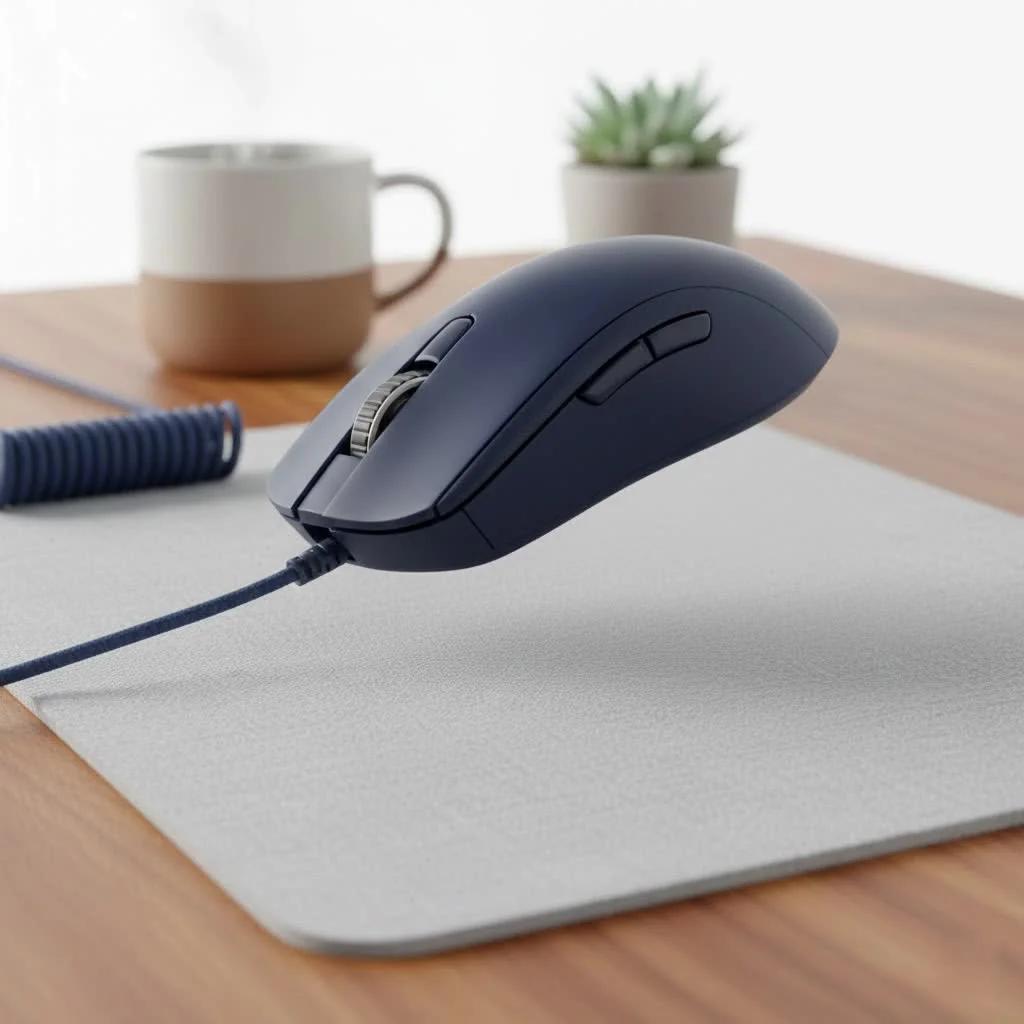
As the lead expert at Cyexx, I’ve spent years testing and analyzing gaming mice, and I’m here to guide you through the featherweight division. We’ll explore why weight matters, break down the top contenders, and uncover the key features you need to consider beyond just the number on the scale. For see our reviews recommendations on this site.
Why Does a Lighter Mouse Matter for Gaming?
You might be wondering if a few grams can really make a difference. The short answer is a resounding yes. A lighter mouse requires less force to initiate movement and to stop it, a concept known as inertia. In fast-paced games like Valorant, Apex Legends, or Call of Duty, this translates directly to quicker flicks and easier target tracking.
Think of it like the difference between sprinting in running shoes versus heavy boots. With less weight to move, your hand and wrist can react more nimbly, reducing strain during long gaming sessions and allowing for more consistent performance. As esports analyst Alex Chen puts it, “The shift to ultralight mice isn’t a trend; it’s an evolution. Reducing physical resistance allows a player’s raw reaction speed to be translated more purely into in-game action.”
The Champions: Unveiling the Lightest Wireless Gaming Mouse
The title for the absolute lightest wireless gaming mouse is fiercely contested, with new champions emerging regularly. Here are the top performers that currently dominate the ultralight category.
1. Razer Viper Mini Signature Edition
Weighing in at a mind-boggling 49 grams, the Razer Viper Mini Signature Edition is a marvel of engineering. Razer achieved this incredible weight by using a magnesium alloy exoskeleton, which provides extreme rigidity without the need for a solid shell.
- Weight: 49g
- Sensor: Razer Focus Pro 30K Optical
- Switches: Optical Mouse Switches Gen-3
- Best For: Gamers with small to medium hands who prioritize speed and a premium build above all else. Its price point is high, but its performance is unmatched for those seeking the pinnacle of lightweight design.
2. Logitech G Pro X Superlight 2
|
Our Picks for the Best Gaming Mouse in 2026
As an Amazon Associate I earn from qualifying purchases.
|
||
| Num | Product | Action |
|---|---|---|
| 1 | Razer Viper V3 HyperSpeed Wireless Esports Gaming Mouse: 82g Lightweight - Up to 280 Hr Battery - 30K DPI Optical Sensor - Gen-2 Mechanical Switches - 8 Programmable Controls - Classic Black |

|
| 2 | Logitech G703 Lightspeed Wireless Gaming Mouse W/Hero 25K Sensor, PowerPlay Compatible, Lightsync RGB, Lightweight 95G+10G Optional, 100-25, 600 DPI, Rubber Side Grips - Black |
|
| 3 | Logitech G PRO X SUPERLIGHT Wireless Gaming Mouse, Ultra-Lightweight, HERO 25K Sensor, 25,600 DPI, 5 Programmable Buttons, Long Battery Life, Compatible with PC / Mac - Black |
|
| 4 | Razer Basilisk V3 X HyperSpeed Customizable Wireless Gaming Mouse: Mechanical Switches Gen-2-5G Advanced 18K Optical Sensor - Chroma RGB 9 Programmable Controls 535 Hr Battery Classic Black |
|
| 5 | Razer Viper V3 Pro Wireless Esports Gaming Mouse: Symmetrical - 54g Lightweight - 8K Polling - 35K DPI Optical Sensor - Gen3 Optical Switches - 8 Programmable Buttons - 95 Hr Battery - Black |
|
| 6 | Logitech G502 Lightspeed Wireless Gaming Mouse with Hero 25K Sensor, PowerPlay Compatible, Tunable Weights and Lightsync RGB - Black |
|
| 7 | Razer Naga V2 HyperSpeed Wireless MMO Gaming Mouse: 19 Programmable Buttons - HyperScroll Technology - Focus Pro 30K Optical Sensor - Mechanical Mouse Switches Gen-2 - Up to 400 Hr Battery Life |
|
| 8 | Logitech G502 X Plus Wireless Gaming Mouse - LIGHTSPEED Optical, LIGHTFORCE Switches, LIGHTSYNC RGB, HERO 25K Sensor for PC/Mac - Black |
|
| 9 | Razer Basilisk V3 Customizable Ergonomic Gaming Mouse: Fastest Gaming Mouse Switch - Chroma RGB Lighting - 26K DPI Optical Sensor - 11 Programmable Buttons - HyperScroll Tilt Wheel - Classic Black |
|
| 10 | Razer DeathAdder Essential Gaming Mouse: 6400 DPI Optical Sensor - 5 Programmable Buttons - Mechanical Switches - Rubber Side Grips - Classic Black |
|
A legend in the esports scene, the Superlight 2 builds upon the legacy of its predecessor. While not the absolute lightest, its 60-gram frame is perfectly balanced and features a safe, accommodating shape that fits a wide range of hand sizes and grip styles.
- Weight: 60g
- Sensor: HERO 2
- Switches: Lightforce Hybrid Optical-Mechanical
- Best For: The all-around competitor. Its combination of a safe shape, flawless wireless performance, and reliable build quality makes it a go-to choice for professional players and serious enthusiasts who want a mouse that simply works.
3. Lamzu Atlantis Mini Pro
Lamzu has quickly made a name for itself in the enthusiast community, and the Atlantis Mini Pro is a prime example of why. At around 51 grams, it offers a unique shape focused on claw grip users and is packed with top-tier components without the premium price tag of bigger brands.
- Weight: 51g
- Sensor: Pixart 3395
- Switches: Huano Blue Shell Pink Dot
- Best For: Claw grip users looking for top-tier performance at a competitive price. It’s a testament to how smaller brands are pushing innovation in the ultralight space.
Key Features to Consider Beyond Just Weight
While finding the lightest wireless gaming mouse is the goal, weight is only one part of the equation. A 45-gram mouse with a terrible sensor or an uncomfortable shape is worse than a 65-gram mouse that fits your hand perfectly. Here’s what else to look for.
Sensor Performance
The sensor is the heart of your mouse. Modern flagship sensors from brands like PixArt (3395), Logitech (HERO), and Razer (Focus Pro) are all effectively flawless. They offer high DPI (Dots Per Inch) for sensitivity and, more importantly, perfect 1:1 tracking with no acceleration or spin-outs. You want a mouse that translates your hand movements to the screen with perfect accuracy.
Shape and Grip Style
This is arguably the most crucial factor. The best mouse for you is one that feels like an extension of your hand. Your ideal shape will depend on your hand size and preferred grip style:
- Palm Grip: Your entire palm rests on the mouse. Larger, more ergonomic mice are typically better.
- Claw Grip: Your palm makes contact with the back, but your fingers are arched. Ambidextrous mice with a pronounced rear hump work well.
- Fingertip Grip: Only your fingertips touch the mouse. Smaller, shorter mice are ideal for this style.
Battery Life
The convenience of wireless comes with the need to recharge. Most modern ultralight mice offer excellent battery life, often ranging from 70 to 100 hours of constant motion. This means you’ll likely only need to charge it once a week. Look for mice with USB-C charging for convenience.
Build Quality: Solid vs. Honeycomb
To cut weight, manufacturers initially turned to honeycomb shell designs, perforating the chassis to remove material. While effective, this design can be a magnet for dust and may compromise structural integrity.
Today, advanced engineering allows many of the lightest mice, like the G Pro X Superlight 2, to have a solid shell. This provides better durability and a more comfortable feel for most users, without a significant weight penalty.
Frequently Asked Questions (FAQ)
What is the lightest wireless gaming mouse available today?
Currently, one of the lightest on the market is the Razer Viper Mini Signature Edition, weighing only 49 grams. However, models from brands like Finalmouse and Lamzu are constantly pushing the boundaries, so it’s a rapidly changing landscape.
Are lighter mice better for aiming?
For most players, yes. A lighter mouse reduces physical inertia, making it easier to start and stop movements precisely. This is especially beneficial for games requiring quick, “flicky” aiming, as it allows for faster micro-adjustments.
Does a honeycomb shell make a mouse feel cheap?
Not necessarily. High-quality honeycomb designs from reputable brands are engineered to be rigid and durable, with minimal creaking or flex. However, a well-built solid-shell mouse will almost always feel more structurally sound and premium.
Is there a downside to using an ultralight mouse?
For some users, a very light mouse can feel “floaty” and may take some getting used to, especially if you’re coming from a much heavier mouse. It can lead to overshooting targets until you adjust. Durability can also be a concern on cheaper, poorly constructed models.
How important is the polling rate?
Polling rate, measured in Hz, is how often the mouse reports its position to the computer. The standard for gaming mice is 1000Hz. Some newer mice offer 4000Hz or even 8000Hz, which can provide slightly smoother tracking on high-refresh-rate monitors, but the difference is minimal for most players. 1000Hz is more than sufficient.
Final Thoughts: Finding Your Perfect Weight
The journey to find the lightest wireless gaming mouse is about more than just shedding grams; it’s about finding a tool that removes barriers between you and your game. While models like the Razer Viper Mini Signature Edition represent the peak of lightweight engineering, mice like the Logitech G Pro X Superlight 2 offer a more balanced package of weight, shape, and performance that suits a wider audience.
Before you buy, consider your grip style, the games you play, and your budget. The lightest mouse on paper may not be the best mouse for your hand. Use this guide as a starting point, and prioritize comfort and control. Once you find that perfect balance, you’ll unlock a new level of speed and precision in your gameplay.
Get our weekly buyer guide
Practical specs, not advice. Unsubscribe anytime.

I was excited to try an ultralight mouse for my RTS games, and I went with the Glorious Model O Wireless. While it’s super light and comfortable, I’ve had a few instances where the wireless connection felt a little inconsistent. It’s not a dealbreaker, but it’s noticeable sometimes. For the price, it’s decent, but I might look for something with a more stable connection next time.
I’ve been using the Logitech G Pro X Superlight 2 for a few weeks now, and it’s a game-changer. The difference in fatigue during long sessions is incredible. My aim feels so much snappier, especially in fast-paced FPS games. Definitely worth the investment if you’re serious about competitive play.
The guide really highlighted why a lighter mouse matters, and I can totally attest to it. I switched from a heavier wired mouse to the Pulsar X2 Mini, and my reaction times have definitely improved. It feels like an extension of my hand, and the precision is top-notch. Highly recommend for anyone looking to shave off some grams.
I picked up the Razer Viper V2 Pro after reading about its weight and sensor. It’s incredibly light, and the tracking is flawless. My only minor gripe is that the battery life, while good, isn’t quite as long as some other wireless mice I’ve used. Still, it’s a fantastic mouse for the price.