In the world of competitive gaming, gear can make all the difference. We’re often told that you need to spend hundreds of dollars on premium peripherals to get an edge. But as a veteran in the gaming hardware space for over a decade, I’m here to tell you that’s not always the case. You can absolutely find a high-performance cheap gaming mouse that can keep up with your skills without emptying your wallet. The secret is knowing exactly what to look for and where the smart compromises are made.
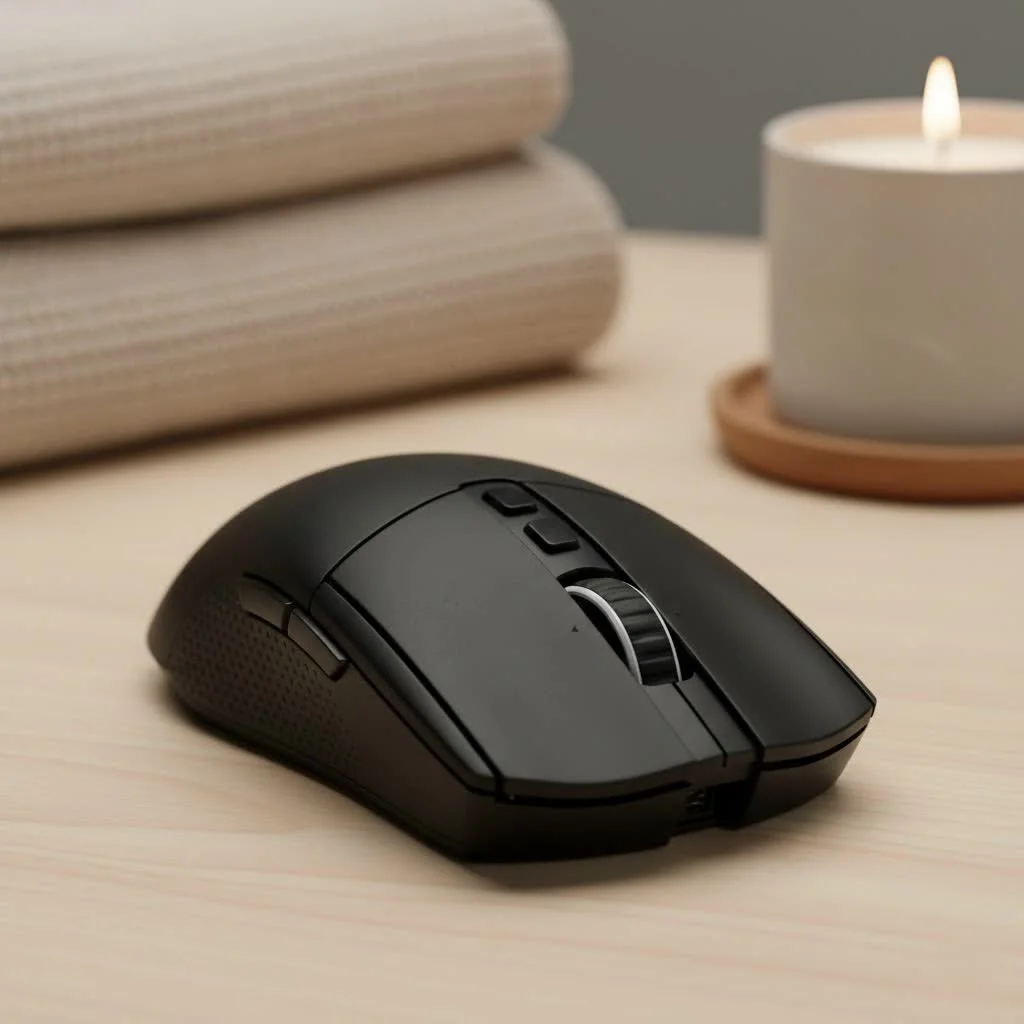
This guide is your inside look into the world of budget-friendly peripherals. We’ll break down the tech, separate the marketing hype from reality, and help you find a mouse that delivers precision, speed, and reliability for a fraction of the cost.
What Can You Realistically Expect from a Cheap Gaming Mouse?
Let’s set the record straight. A mouse under $40 won’t have every bell and whistle of a $150 flagship model. However, the gap in core performance has narrowed significantly over the years. Modern budget mice often punch far above their weight class, offering features that were considered premium just a few years ago. You can expect solid sensors, high polling rates, and durable switches that are more than capable for both casual and competitive play.
“The core technology for a great gaming experience—precise sensors and responsive clicks—is more accessible than ever,” explains hardware analyst David Chen. “Manufacturers are now able to put genuinely competitive components into mice at much lower price points, which is a huge win for gamers.”
The main trade-offs are typically in materials, weight-saving designs, and advanced software customization. But for the essential task of aiming and clicking accurately, a good cheap gaming mouse is a formidable tool.
Key Features to Look For in a Budget Mouse
When you’re hunting for a deal, you need to be a savvy shopper. Focus on the specifications that directly impact gameplay and ignore the flashy features that don’t.
Sensor and DPI: The Heart of the Mouse
The sensor is the most critical component. It tracks your movement and translates it to the cursor on screen. Look for a reputable optical sensor. You don’t need the absolute top-of-the-line model, but avoid generic, unbranded sensors that can suffer from issues like jitter or acceleration.
- DPI (Dots Per Inch): This measures how sensitive the mouse is. A higher DPI means the cursor moves further with less physical movement. Many cheap mice boast massive DPI numbers (16,000+), but this is mostly marketing. Most pro gamers use a DPI between 400 and 1600. A mouse that offers a reliable 3,200 DPI or more is perfectly sufficient.
Polling Rate: How Your Mouse Talks to Your PC
|
Our Picks for the Best Gaming Mouse in 2026
As an Amazon Associate I earn from qualifying purchases.
|
||
| Num | Product | Action |
|---|---|---|
| 1 | Logitech G502 Lightspeed Wireless Gaming Mouse with Hero 25K Sensor, PowerPlay Compatible, Tunable Weights and Lightsync RGB - Black |

|
| 2 | Logitech G PRO X SUPERLIGHT Wireless Gaming Mouse, Ultra-Lightweight, HERO 25K Sensor, 25,600 DPI, 5 Programmable Buttons, Long Battery Life, Compatible with PC / Mac - Black |
|
| 3 | Razer Basilisk V3 X HyperSpeed Customizable Wireless Gaming Mouse: Mechanical Switches Gen-2-5G Advanced 18K Optical Sensor - Chroma RGB 9 Programmable Controls 535 Hr Battery Classic Black |
|
| 4 | Razer DeathAdder Essential Gaming Mouse: 6400 DPI Optical Sensor - 5 Programmable Buttons - Mechanical Switches - Rubber Side Grips - Classic Black |
|
| 5 | Razer Basilisk V3 Customizable Ergonomic Gaming Mouse: Fastest Gaming Mouse Switch - Chroma RGB Lighting - 26K DPI Optical Sensor - 11 Programmable Buttons - HyperScroll Tilt Wheel - Classic Black |
|
| 6 | Razer Viper V3 HyperSpeed Wireless Esports Gaming Mouse: 82g Lightweight - Up to 280 Hr Battery - 30K DPI Optical Sensor - Gen-2 Mechanical Switches - 8 Programmable Controls - Classic Black |
|
| 7 | Logitech G502 X Plus Wireless Gaming Mouse - LIGHTSPEED Optical, LIGHTFORCE Switches, LIGHTSYNC RGB, HERO 25K Sensor for PC/Mac - Black |
|
| 8 | Logitech G703 Lightspeed Wireless Gaming Mouse W/Hero 25K Sensor, PowerPlay Compatible, Lightsync RGB, Lightweight 95G+10G Optional, 100-25, 600 DPI, Rubber Side Grips - Black |
|
| 9 | Razer Viper V3 Pro Wireless Esports Gaming Mouse: Symmetrical - 54g Lightweight - 8K Polling - 35K DPI Optical Sensor - Gen3 Optical Switches - 8 Programmable Buttons - 95 Hr Battery - Black |
|
| 10 | Razer Naga V2 HyperSpeed Wireless MMO Gaming Mouse: 19 Programmable Buttons - HyperScroll Technology - Focus Pro 30K Optical Sensor - Mechanical Mouse Switches Gen-2 - Up to 400 Hr Battery Life |
|
Polling rate, measured in Hertz (Hz), is how often your mouse reports its position to the computer. The standard for gaming is 1000Hz, meaning it reports its position 1000 times per second (every 1 millisecond). This is an area where you shouldn’t compromise. Luckily, most modern gaming mice, even the cheap ones, come standard with a 1000Hz polling rate.
Build Quality and Ergonomics
How a mouse feels in your hand is crucial for comfort and control during long gaming sessions.
- Shape: Do you prefer an ergonomic right-handed shape or an ambidextrous design? This depends on your personal preference and grip style (palm, claw, or fingertip).
- Materials: Budget mice will use less premium plastics. Look for models with a matte texture for better grip and try to avoid glossy surfaces that attract fingerprints and can become slippery.
- Weight: Lighter mice are generally preferred for fast-paced FPS games. While you won’t find many ultra-lightweight options in the budget category, aim for something under 100 grams if you can.
Switches and Buttons
The main left and right mouse buttons should feel crisp and responsive. Many budget mice use switches rated for 10 to 20 million clicks, which is more than enough for years of gaming. Check for extra programmable buttons on the side, as they are incredibly useful for assigning in-game actions like melee, grenades, or abilities.
Wired vs. Wireless: The Budget Dilemma
When you’re on a tight budget, the wired vs. wireless debate becomes very simple. For the best performance-per-dollar, a wired mouse is the undisputed champion. A cheap gaming mouse that is wired will almost always have a better sensor and more reliable connection than a wireless mouse at the same price. Budget wireless technology can introduce latency or connection drops, which are deal-breakers in a competitive game. If your budget is under $50, stick with a wired connection for a flawless experience.
What Are You Giving Up with a Cheap Gaming Mouse?
To make an informed decision, it’s important to know what compromises are being made to hit that low price point.
- Top-Tier Sensor: While budget sensors are good, they won’t have the flawless 1:1 tracking and high max speed of flagship sensors. For most players, this difference is imperceptible.
- Premium Build: Expect simpler designs, less expensive plastic, and potentially a less flexible cable.
- Advanced Software: High-end mice often come with powerful software suites for intricate macro programming and profile storage. Budget options usually have more basic software, if any at all.
- Ultra-Lightweight Design: Advanced weight-saving techniques, like perforated shells and specialized materials, are typically reserved for more expensive models.
Frequently Asked Questions (FAQ)
Is a $20 gaming mouse good enough for competitive gaming?
Yes, a good $20 mouse can be perfectly suitable for competitive gaming. As long as it has a decent optical sensor, a 1000Hz polling rate, and a comfortable shape, it can perform admirably. Many skilled players have reached high ranks using very affordable gear.
How much DPI do I really need?
You don’t need a massive DPI number. Most gamers play at settings between 400 and 1600 DPI to prioritize precision and control. Any mouse offering a maximum of 3,200 to 6,400 DPI is more than sufficient for any gaming scenario.
What is the most important feature in a cheap gaming mouse?
The most important feature is the sensor. A reliable optical sensor that tracks accurately without prediction or acceleration is the foundation of a good gaming mouse, regardless of its price.
Are there good cheap wireless gaming mice?
They are rare, but they do exist. However, you often have to pay a small premium over a wired equivalent for reliable wireless technology. If your budget is very strict, a wired mouse offers better value and guaranteed performance.
How long will a cheap gaming mouse last?
With proper care, a well-made budget gaming mouse can last for years. The main points of failure are usually the switches. Look for models with switches rated for at least 10 million clicks for solid durability.
Conclusion: Game Smart, Not Expensive
The myth that you need expensive gear to be a great gamer is just that—a myth. A well-chosen cheap gaming mouse can be a reliable partner on your journey to victory. By focusing on the core performance metrics—a solid sensor, a 1000Hz polling rate, durable switches, and a comfortable shape—you can find a mouse that offers incredible value. Don’t let a tight budget hold you back from the competition. Do your research, prioritize what truly matters for performance, and you’ll be clicking heads with the best of them, all while keeping your bank account healthy.
Get our weekly buyer guide
Practical specs, not advice. Unsubscribe anytime.
