In the world of competitive gaming, every millisecond counts. You’ve likely spent countless hours perfecting your aim and strategy, but have you ever considered that the hardware in your hand might be holding you back? A standard mouse gets the job done for browsing the web, but for gaming, it’s a liability. This is where a gaming mouse with side buttons transforms from a mere accessory into a critical piece of your arsenal. It’s the secret weapon that separates the good players from the great, offering a level of control and speed that a traditional mouse simply can’t match.
What is a Gaming Mouse with Side Buttons?
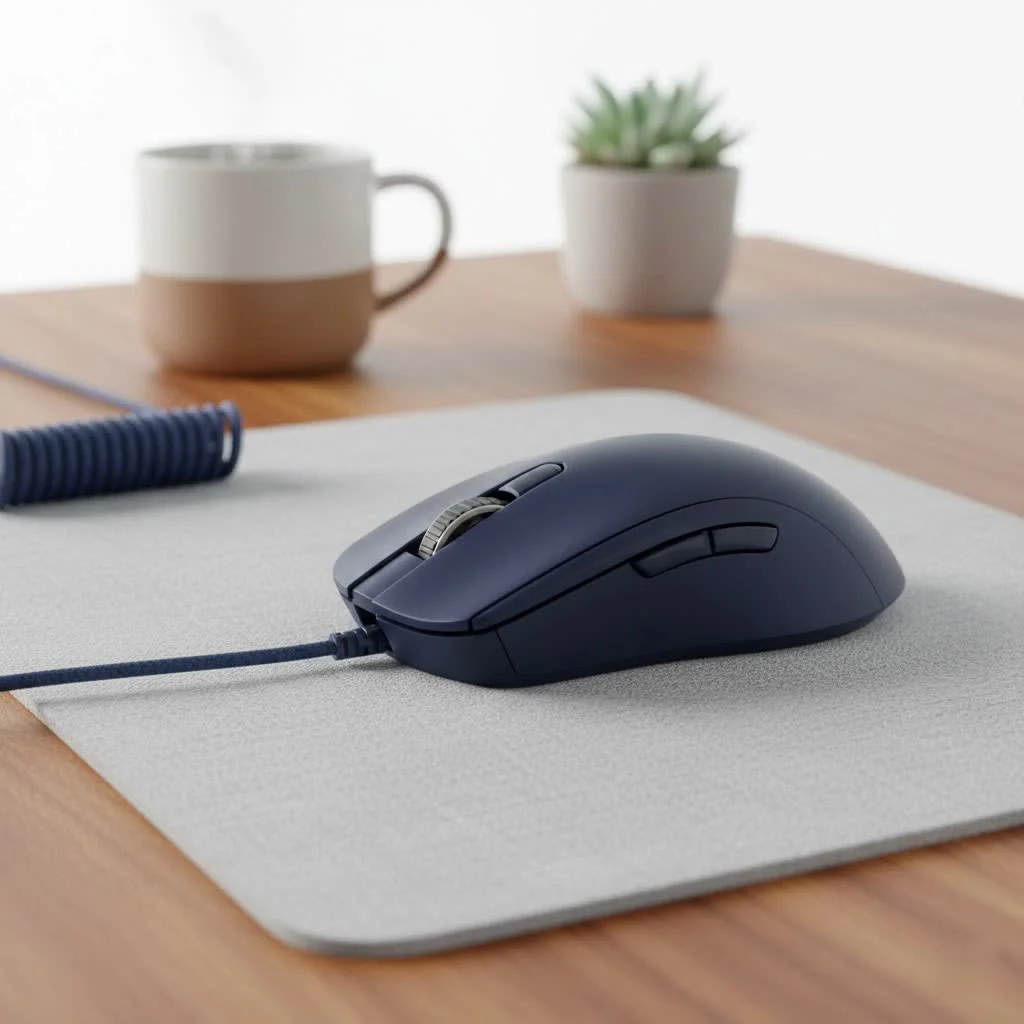
At its core, a gaming mouse with side buttons is a high-performance peripheral designed specifically for the rigors of gaming. While a standard mouse has a left button, a right button, and a scroll wheel, these specialized mice feature additional, programmable buttons located on the side, typically where your thumb rests. The number and layout of these buttons can vary dramatically, from a simple pair of buttons to a complex grid of 12 or more, each designed to give you instant access to in-game commands.
These aren’t just extra buttons; they are gateways to faster actions. Instead of fumbling with your keyboard for a specific ability, weapon switch, or macro, you can execute commands with a simple flick of your thumb. This intuitive design keeps your focus on the screen and your reactions sharp.
The Undeniable Benefits of Side Buttons
Upgrading to a gaming mouse with side buttons isn’t just about having more-of-the-same. It’s about fundamentally changing how you interact with your games, unlocking new levels of efficiency and performance.
Lightning-Fast Reaction Times
In a fast-paced shooter or a chaotic team fight, the time it takes to move your fingers from your movement keys (WASD) to an ability key can be the difference between victory and defeat. Side buttons eliminate this delay. Your most crucial actions—like throwing a grenade, using a healing potion, or activating an ultimate ability—are placed directly under your thumb. This seamless access allows you to react instantly to changing situations without ever compromising your movement.
Unmatched Customization and Control
The true power of a gaming mouse with side buttons lies in its programmability. Using dedicated software from manufacturers like Razer, Logitech, or Corsair, you can assign virtually any function to these buttons.
- Simple Keybinds: Map a single keyboard press, like “R” for reloading or “G” for a grenade.
- Complex Macros: Record a sequence of actions and assign them to a single button press. Imagine casting a complex spell rotation in an MMO or executing a rapid-building sequence in a battle royale with just one click.
- DPI Shifting: Assign a button to temporarily lower your mouse’s DPI (Dots Per Inch) for precise sniper shots, then release it to return to high-speed movement.
- System Functions: Control your music, mute your microphone, or launch applications without ever leaving your game.
This level of personalization allows you to tailor your mouse to your exact playstyle and the specific demands of each game you play.
Superior Ergonomics and Comfort
|
Our Picks for the Best Gaming Mouse in 2026
As an Amazon Associate I earn from qualifying purchases.
|
||
| Num | Product | Action |
|---|---|---|
| 1 | Logitech G703 Lightspeed Wireless Gaming Mouse W/Hero 25K Sensor, PowerPlay Compatible, Lightsync RGB, Lightweight 95G+10G Optional, 100-25, 600 DPI, Rubber Side Grips - Black |

|
| 2 | Razer Basilisk V3 Customizable Ergonomic Gaming Mouse: Fastest Gaming Mouse Switch - Chroma RGB Lighting - 26K DPI Optical Sensor - 11 Programmable Buttons - HyperScroll Tilt Wheel - Classic Black |
|
| 3 | Logitech G502 Lightspeed Wireless Gaming Mouse with Hero 25K Sensor, PowerPlay Compatible, Tunable Weights and Lightsync RGB - Black |
|
| 4 | Razer Basilisk V3 X HyperSpeed Customizable Wireless Gaming Mouse: Mechanical Switches Gen-2-5G Advanced 18K Optical Sensor - Chroma RGB 9 Programmable Controls 535 Hr Battery Classic Black |
|
| 5 | Razer Naga V2 HyperSpeed Wireless MMO Gaming Mouse: 19 Programmable Buttons - HyperScroll Technology - Focus Pro 30K Optical Sensor - Mechanical Mouse Switches Gen-2 - Up to 400 Hr Battery Life |
|
| 6 | Razer DeathAdder Essential Gaming Mouse: 6400 DPI Optical Sensor - 5 Programmable Buttons - Mechanical Switches - Rubber Side Grips - Classic Black |
|
| 7 | Logitech G PRO X SUPERLIGHT Wireless Gaming Mouse, Ultra-Lightweight, HERO 25K Sensor, 25,600 DPI, 5 Programmable Buttons, Long Battery Life, Compatible with PC / Mac - Black |
|
| 8 | Razer Viper V3 HyperSpeed Wireless Esports Gaming Mouse: 82g Lightweight - Up to 280 Hr Battery - 30K DPI Optical Sensor - Gen-2 Mechanical Switches - 8 Programmable Controls - Classic Black |
|
| 9 | Logitech G502 X Plus Wireless Gaming Mouse - LIGHTSPEED Optical, LIGHTFORCE Switches, LIGHTSYNC RGB, HERO 25K Sensor for PC/Mac - Black |
|
| 10 | Razer Viper V3 Pro Wireless Esports Gaming Mouse: Symmetrical - 54g Lightweight - 8K Polling - 35K DPI Optical Sensor - Gen3 Optical Switches - 8 Programmable Buttons - 95 Hr Battery - Black |
|
Competitive gaming often involves marathon sessions, and discomfort can quickly lead to poor performance. Manufacturers invest heavily in the ergonomic design of these mice. They are sculpted to fit naturally in your hand, reducing strain on your wrist and fingers over extended periods. The placement of the side buttons is meticulously planned to be easily accessible without requiring awkward hand contortions.
As our in-house hardware analyst and former esports pro, Alex ‘Viper’ Chen, often says, “A comfortable gamer is a focused gamer. The best gaming mice feel like an extension of your own hand, not a tool you’re fighting against. The side buttons should be right where your thumb expects them to be.”
Finding Your Perfect Side Button Layout
Not all gaming mice with side buttons are created equal. The ideal configuration for you depends heavily on the types of games you play most often.
The FPS & Battle Royale Standard (2-4 Buttons)
For games like Valorant, Call of Duty, or Apex Legends, speed and simplicity are key. A mouse with two to four side buttons is typically perfect. This layout provides enough extra inputs for essential commands like melee attacks, push-to-talk, grenades, or a specific ability, without overwhelming you with too many options. The focus is on quick, decisive actions.
The MMO & MOBA Powerhouse (6-12+ Buttons)
In Massively Multiplayer Online games (World of Warcraft, Final Fantasy XIV) or MOBAs (League of Legends, Dota 2), you have a vast array of spells, items, and abilities to manage. A gaming mouse with side buttons featuring a 12-button grid is a game-changer. This design allows you to map your entire action bar to your thumb, freeing up your keyboard hand to focus solely on movement and modifiers. It dramatically increases your Actions Per Minute (APM) and streamlines complex ability rotations.
The Versatile Hybrid (3-6 Buttons)
If you’re an all-around gamer who enjoys a variety of genres, a hybrid design might be your best bet. These mice often feature three to six side buttons in a more spaced-out or uniquely shaped configuration. Some even have modular, swappable side panels, allowing you to switch between a 2-button layout for FPS and a 7-button layout for MOBAs, offering the best of both worlds.
A Quick Look at Top Contenders
To give you an idea of what’s out there, here’s a brief comparison of some of the most popular models that showcase different side button philosophies.
| Model | Ideal Genre | Key Feature |
|---|---|---|
| Razer Naga V2 Pro | MMO/MOBA | Swappable side plates (2, 6, or 12 buttons) |
| Logitech G502 X Plus | All-Around/FPS | Iconic shape, DPI-shift button, balanced features |
| Corsair Scimitar Elite | MMO/MOBA | Patented Key Slider™ 12-button grid for custom positioning |
| SteelSeries Aerox 5 | FPS/Hybrid | Ultra-lightweight design with a 5-button side panel |
This is just a starting point, and we at Cyexx encourage you to research each model to see which fits your hand size, grip style, and feature preferences.
Frequently Asked Questions (FAQ)
Are mice with side buttons only useful for MMOs?
Absolutely not. While MMO mice have the most buttons, almost every PC gamer can benefit from at least two side buttons for core functions like push-to-talk, melee, or grenade throws in FPS, or for productivity shortcuts during daily use.
How do you avoid accidentally clicking the side buttons?
This is a common concern, but it’s rarely an issue in practice. Gaming mice are ergonomically designed to prevent accidental clicks. The buttons require a deliberate amount of force to actuate, and after a short adjustment period, your muscle memory will take over.
Can I use a gaming mouse with side buttons for work?
Yes, and it’s incredibly efficient! You can program the side buttons for productivity shortcuts like copy, paste, undo, opening a new tab, or launching specific applications. It can significantly speed up your workflow in video editing, graphic design, and even everyday office tasks.
Is a lighter mouse with side buttons always better?
Not necessarily. While lightweight mice are a major trend, especially in the FPS scene for easier flick shots, weight preference is personal. Some players prefer the more stable and planted feel of a heavier mouse. The key is to find a weight that feels balanced and comfortable for you.
How complicated is it to set up the side buttons?
It’s very straightforward. All major brands provide intuitive software that makes programming your buttons easy. You simply select the button you want to configure from a visual layout of the mouse and choose the function you want to assign from a dropdown menu. You can even create and save different profiles for each game you play.
The Final Verdict
A gaming mouse with side buttons is no longer a niche product for MMO enthusiasts; it’s a fundamental upgrade for any serious PC gamer. By moving critical commands from your keyboard to your thumb, you unlock faster reaction times, a more streamlined workflow, and a higher level of control over your game. It reduces hand strain, improves your in-game performance, and provides a level of customization that can be adapted to any genre. Making the switch is one of the most impactful and cost-effective upgrades you can make to your setup. Take the time to find the right one, and you’ll wonder how you ever gamed without it.
Get our weekly buyer guide
Practical specs, not advice. Unsubscribe anytime.

I got the Logitech G600 because I heard it was good for MOBAs. While the extra buttons are useful for item activation, I found the mouse itself a bit too heavy for my liking. My wrist started to feel a bit fatigued after longer sessions. It’s a decent mouse, but I might look for something lighter next time.
I’ve been using the Razer Naga X for a few months now, and it’s been a game-changer for my MMOs. Being able to bind all my spells to the side buttons means I don’t have to take my fingers off WASD, which is huge for reaction time. It felt a little weird at first, but now I can’t imagine going back to a regular mouse. Definitely worth the investment if you’re serious about your gaming.
The customization options on these mice are insane! I love being able to create different profiles for different games. For my FPS games, I map grenades and melee attacks to the side buttons, which gives me a huge advantage in close-quarters combat. It really does feel like a critical piece of my arsenal, just like it said.
I picked up a Corsair Scimitar RGB Elite after reading about how much it helps with productivity tasks too, not just gaming. I use the side buttons for copy/paste and opening frequently used apps, which has sped up my workflow considerably. For gaming, it’s solid, though I wish the buttons had a slightly more tactile click. Still, a great all-around mouse.