The Razer DeathAdder Essential gaming mouse remains a top budget choice for PC gamers due to its iconic ergonomic design, reliable 6,400 DPI optical sensor, and durable mechanical switches. Priced affordably, it delivers core gaming performance and exceptional comfort for right-handed users, making it a worthy addition to any gaming setup despite newer, feature-packed competitors.
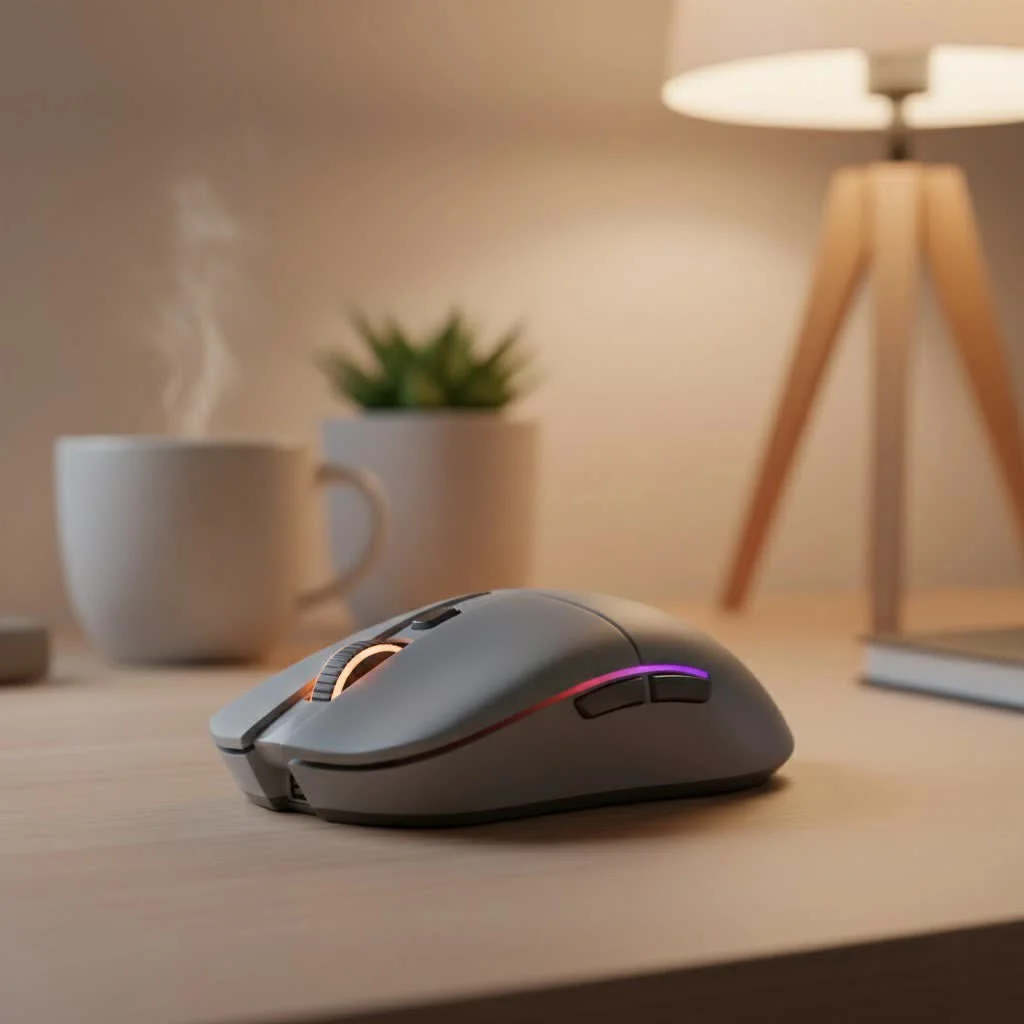
This mouse carries a legacy, promising the world-renowned ergonomic design that has won countless awards, paired with the core performance needed for competitive playLet’s dive deep and find out if these essentials are enough.
The Iconic Ergonomics: Comfort for Hours
The first thing you’ll notice about the DeathAdder Essential is its shape. It’s the classic, right-handed ergonomic design that has been praised by gamers for years. This mouse feels like it was molded for the human hand, providing exceptional comfort and support, especially for palm and claw grip users.
Unlike ambidextrous mice that often feel like a compromise, the DeathAdder’s distinct curves, sloping front, and wide flared buttons create a natural resting place for your hand. This design philosophy is crucial for long gaming sessions, as it helps to reduce strain and fatigue on your wrist and fingers. It’s a shows the idea that if a design isn’t broken, you don’t need to fix it.
Who is this design best for?
- Palm Grippers: The large body and high arch offer excellent palm support, making it ideal for those who like to rest their entire hand on the mouse.
- Claw Grippers: The spacious primary buttons provide ample room for a secure and comfortable claw grip.
- Medium to Large Hands: Gamers with larger hands will find the size and shape to be particularly accommodating. Those with smaller hands might find it a bit cumbersome.
Core Performance: Under the Hood
A comfortable shape means nothing if the performance isn’t there to back it up. Razer equipped the DeathAdder Essential with solid, no-frills hardware focused purely on gaming.
True 6,400 DPI Optical Sensor
The mouse features a true 6,400 DPI optical sensor. While this number might seem low compared to the 20,000+ DPI sensors found in high-end mice, it’s more than enough for the vast majority of gamers, including competitive players. DPI is more about marketing than practical application for most users, who typically play in the 400 to 1600 DPI range.
What matters more is tracking accuracy, and this sensor delivers. It provides reliable, pixel-precise tracking with no spin-outs, ensuring your quick flicks and precise adjustments are registered flawlessly. It’s a workhorse sensor built for consistency.
Durable Mechanical Switches
|
Our Picks for the Best Gaming Mouse in 2026
As an Amazon Associate I earn from qualifying purchases.
|
||
| Num | Product | Action |
|---|---|---|
| 1 | Logitech G502 Lightspeed Wireless Gaming Mouse with Hero 25K Sensor, PowerPlay Compatible, Tunable Weights and Lightsync RGB - Black |

|
| 2 | Razer Basilisk V3 X HyperSpeed Customizable Wireless Gaming Mouse: Mechanical Switches Gen-2-5G Advanced 18K Optical Sensor - Chroma RGB 9 Programmable Controls 535 Hr Battery Classic Black |
|
| 3 | Razer Viper V3 Pro Wireless Esports Gaming Mouse: Symmetrical - 54g Lightweight - 8K Polling - 35K DPI Optical Sensor - Gen3 Optical Switches - 8 Programmable Buttons - 95 Hr Battery - Black |
|
| 4 | Logitech G502 X Plus Wireless Gaming Mouse - LIGHTSPEED Optical, LIGHTFORCE Switches, LIGHTSYNC RGB, HERO 25K Sensor for PC/Mac - Black |
|
| 5 | Razer Basilisk V3 Customizable Ergonomic Gaming Mouse: Fastest Gaming Mouse Switch - Chroma RGB Lighting - 26K DPI Optical Sensor - 11 Programmable Buttons - HyperScroll Tilt Wheel - Classic Black |
|
| 6 | Logitech G703 Lightspeed Wireless Gaming Mouse W/Hero 25K Sensor, PowerPlay Compatible, Lightsync RGB, Lightweight 95G+10G Optional, 100-25, 600 DPI, Rubber Side Grips - Black |
|
| 7 | Razer DeathAdder Essential Gaming Mouse: 6400 DPI Optical Sensor - 5 Programmable Buttons - Mechanical Switches - Rubber Side Grips - Classic Black |
|
| 8 | Razer Naga V2 HyperSpeed Wireless MMO Gaming Mouse: 19 Programmable Buttons - HyperScroll Technology - Focus Pro 30K Optical Sensor - Mechanical Mouse Switches Gen-2 - Up to 400 Hr Battery Life |
|
| 9 | Razer Viper V3 HyperSpeed Wireless Esports Gaming Mouse: 82g Lightweight - Up to 280 Hr Battery - 30K DPI Optical Sensor - Gen-2 Mechanical Switches - 8 Programmable Controls - Classic Black |
|
| 10 | Logitech G PRO X SUPERLIGHT Wireless Gaming Mouse, Ultra-Lightweight, HERO 25K Sensor, 25,600 DPI, 5 Programmable Buttons, Long Battery Life, Compatible with PC / Mac - Black |
|
The Razer DeathAdder Essential is outfitted with Razer’s own Mechanical Mouse Switches, co-developed with Omron. These switches are built for durability, rated for up to 10 million clicks. They provide a satisfyingly crisp, tactile feedback with every press, which is crucial for fast-paced genres like FPS and MOBA games where every click counts. The responsiveness is immediate, giving you the confidence that your actions are being executed without delay.
As our lead hardware analyst, Alex “Cy” Morgan, often says, “A gaming mouse lives and dies by its clicks. The DeathAdder Essential provides that reliable, tactile feel that gamers have trusted for years. It’s consistent, and in a competitive match, consistency is everything.”
Is the Razer DeathAdder Essential Good for FPS Gaming?
Absolutely. The combination of its time-tested ergonomic shape, accurate sensor, and responsive switches makes the Razer DeathAdder Essential gaming mouse a fantastic choice for FPS titles like Valorant, Counter-Strike, and Apex Legends. The comfortable design allows for stable and controlled movements, while the reliable sensor ensures your aim is never compromised by hardware limitations. The wired connection also guarantees a lag-free experience, which is non-negotiable in competitive shooters.
Software Customization with Razer Synapse
To unlock the full potential of the DeathAdder Essential, you’ll need Razer Synapse 3. This powerful software suite allows you to customize the mouse to your exact preferences. Here’s what you can do:
- Button Remapping: Reassign functions to any of the 5 programmable buttons.
- DPI Adjustment: Set your preferred DPI stages, allowing you to switch between sensitivities on the fly.
- Lighting Control: Customize the single-zone green LED lighting on the Razer logo, choosing between static and breathing effects.
- Profile Saving: Create and save different profiles for various games or productivity tasks.
The software is intuitive and easy to use, giving you a good degree of control over your hardware without being overwhelming.
How Does It Compare to the Competition?
In the budget gaming mouse category, the DeathAdder Essential faces stiff competition, most notably from the Logitech G203 Lightsync.
| Feature | Razer DeathAdder Essential | Logitech G203 Lightsync |
|---|---|---|
| Shape | Right-Handed Ergonomic | Ambidextrous (Symmetrical) |
| Sensor DPI | 6,400 | 8,000 |
| Weight | 96g | 85g |
| Buttons | 5 Programmable | 6 Programmable |
| Lighting | Single-Color (Green) | 3-Zone RGB |
| Best For | Palm/Claw Grip, Medium/Large Hands | Fingertip/Claw Grip, Small/Medium Hands |
The choice often comes down to hand size and preferred grip style. If you prioritize ergonomic comfort for a right-handed palm grip, the DeathAdder Essential is the clear winner. If you prefer a smaller, lighter, ambidextrous mouse with more vibrant RGB lighting, the G203 is a compelling alternative.
The Final Verdict: Is It Still Worth Buying?
In a word, yes. The Razer DeathAdder Essential gaming mouse remains one of the best value propositions in PC gaming. It forgoes flashy gimmicks like ultra-high DPI and extensive RGB zones to focus on what truly matters: a supremely comfortable shape, a reliable sensor, and durable, responsive switches.
It’s the perfect entry point for new PC gamers, a reliable backup for veterans, or a primary mouse for anyone who values ergonomics and performance over superfluous features. It proves that you don’t need to spend a fortune to get a high-quality gaming experience built on a legendary foundation.
Frequently Asked Questions
What is the weight of the Razer DeathAdder Essential gaming mouse?
The Razer DeathAdder Essential weighs approximately 96 grams (0.211 lbs) without the cable. This places it in the medium weight category for gaming mice, offering a balanced feel for most users.
Does the Razer DeathAdder Essential include onboard memory for settings?
No, the DeathAdder Essential does not have onboard memory. Your custom profiles and settings are saved via the cloud through the Razer Synapse 3 software, requiring the software to be installed for personalized configurations.
Can the Razer DeathAdder Essential be used without installing Razer Synapse software?
Yes, the mouse functions as a plug-and-play device and will work out of the box with its default settings, including standard button functions and DPI stages. However, to customize buttons, DPI, or lighting, you will need to install Razer Synapse 3.
What grip styles are most suitable for the Razer DeathAdder Essential's design?
Its ergonomic shape is ideal for palm and claw grip styles, providing excellent support and comfort for extended gaming sessions. Fingertip grip users, especially those with smaller hands, might find its size a bit too large for optimal control.
Is the Razer DeathAdder Essential a good choice for competitive FPS gaming?
Yes, the Razer DeathAdder Essential is an excellent choice for FPS gaming due to its comfortable ergonomic shape, accurate 6,400 DPI sensor, and responsive mechanical switches. Its wired connection ensures a lag-free experience crucial for competitive shooters like Valorant and Counter-Strike.
Get our weekly buyer guide
Practical specs, not advice. Unsubscribe anytime.

This mouse is exactly what I needed! I was looking for something reliable that wouldn’t cost a fortune, and the DeathAdder Essential fits perfectly. The iconic ergonomic design is so comfortable, even after hours of raiding. It’s a no-frills mouse that just works, and the sensor tracks really well. Highly recommend it for anyone looking for a solid budget option.
I’ve been using the DeathAdder Essential for about six months now, and it’s fantastic for the price. The ergonomic design really is a game-changer for long sessions; my hand never cramps up like it used to with my old mouse. The 6,400 DPI sensor is more than enough for the games I play, and it’s super responsive. Definitely a solid choice if you’re on a budget but still want quality.
I picked up the Razer DeathAdder Essential after my old mouse died, and I’m pretty happy with it. The build quality feels really durable, which is a big plus since I tend to be a bit rough on my peripherals. It’s great for competitive play without breaking the bank. For an affordable gaming mouse, it delivers on the core performance you need.
It’s a decent mouse for the money, especially if you’re just getting into PC gaming. The comfort for right-handed users is definitely there, no complaints about the shape. My only real gripe is the mechanical switches; they feel a little less crisp than some higher-end mice I’ve tried. It’s not a dealbreaker, but it’s noticeable if you’re used to something more premium.