Finding the best budget gaming mouse can feel like searching for a needle in a haystack. Many gamers believe you have to spend a fortune to get a competitive edge, but that’s simply not the case anymore. As a gaming hardware expert at Cyexx with over a decade of experience, I’ve tested countless mice, and I’m here to tell you that incredible performance can be found without breaking the bank. The key is knowing what to look for and where to compromise. This guide will break down everything you need to know to find a high-performance, affordable mouse that feels like a premium piece of kit.
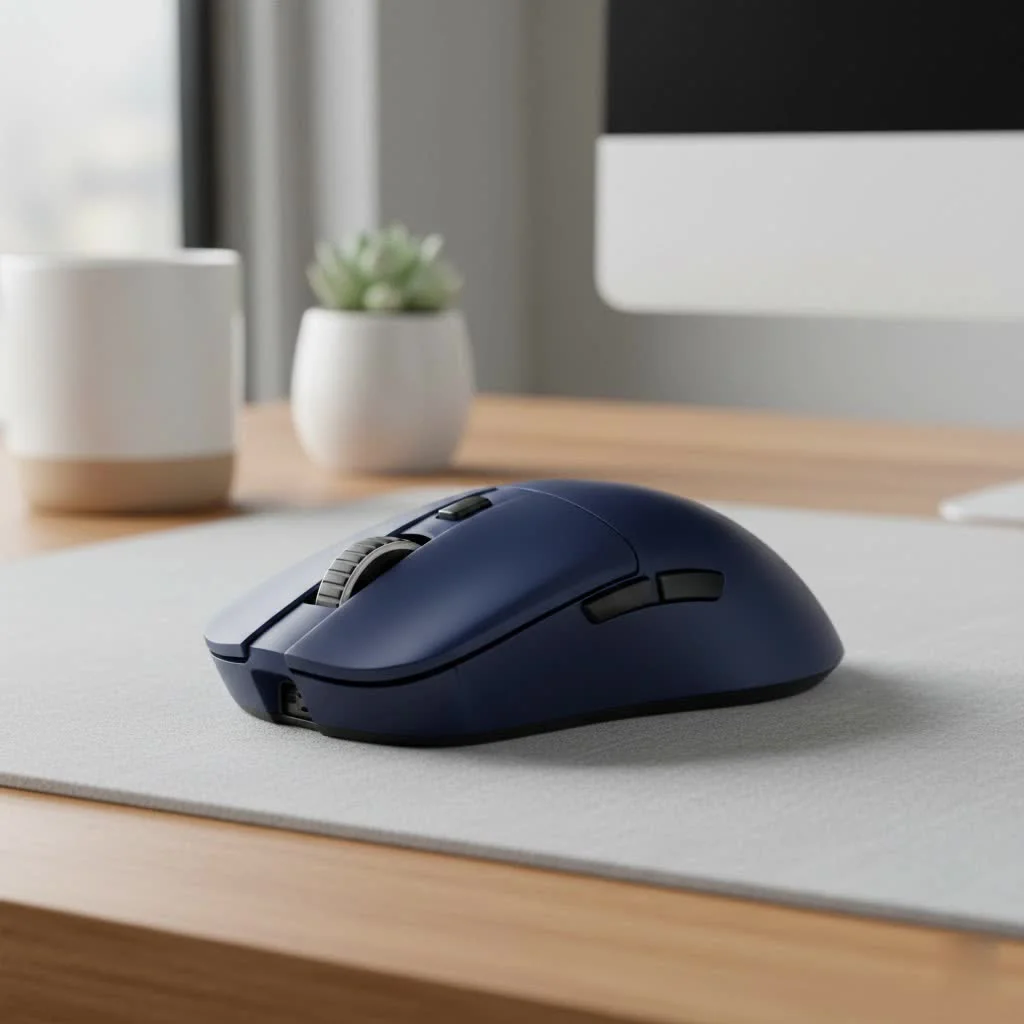
What Really Matters in a Budget Gaming Mouse?
When you’re on a budget, you need to focus on the core features that directly impact gameplay. Flashy RGB lighting and a dozen extra buttons are nice, but they don’t help you click heads. Instead, prioritize these four critical components.
Sensor and DPI: The Engine of Your Mouse
The sensor is the heart of your gaming mouse. It’s what translates your physical hand movements into cursor movement on screen. A good sensor means accurate tracking with no weird acceleration or jitter. DPI, or dots per inch, is a measure of sensitivity. While manufacturers love to advertise massive DPI numbers (upwards of 25,000), most pro players use settings between 400 and 1600 DPI. Don’t get caught up in the marketing hype. Look for a mouse with a reputable sensor—like Logitech’s HERO sensor or a solid PixArt model—and a modest DPI range. A max of 12,000 DPI is more than enough for any gaming scenario.
Polling Rate: Your Mouse’s Reaction Time
Polling rate, measured in Hertz (Hz), is how often your mouse reports its position to your computer. The standard for gaming mice is 1000Hz, meaning it sends an update every millisecond. This is a crucial spec for responsive, lag-free gameplay. Luckily, most modern gaming mice, even budget ones, hit this 1000Hz benchmark. Anything less, and you risk noticeable input delay.
Build Quality and Shape: Comfort is King
A mouse can have the best sensor in the world, but if it feels uncomfortable in your hand, you’ll never play your best. Ergonomics are highly personal and depend on your hand size and grip style (palm, claw, or fingertip). Many budget mice use an ambidextrous shape, which is a safe bet for most users. Pay attention to the materials, too. A mouse with a matte finish will offer a better grip than a glossy one, especially during intense, sweaty gaming sessions.
Wired vs. Wireless: Closing the Gap
|
Our Picks for the Best Gaming Mouse in 2026
As an Amazon Associate I earn from qualifying purchases.
|
||
| Num | Product | Action |
|---|---|---|
| 1 | Razer Naga V2 HyperSpeed Wireless MMO Gaming Mouse: 19 Programmable Buttons - HyperScroll Technology - Focus Pro 30K Optical Sensor - Mechanical Mouse Switches Gen-2 - Up to 400 Hr Battery Life |

|
| 2 | Razer Basilisk V3 Customizable Ergonomic Gaming Mouse: Fastest Gaming Mouse Switch - Chroma RGB Lighting - 26K DPI Optical Sensor - 11 Programmable Buttons - HyperScroll Tilt Wheel - Classic Black |
|
| 3 | Razer Basilisk V3 X HyperSpeed Customizable Wireless Gaming Mouse: Mechanical Switches Gen-2-5G Advanced 18K Optical Sensor - Chroma RGB 9 Programmable Controls 535 Hr Battery Classic Black |
|
| 4 | Logitech G703 Lightspeed Wireless Gaming Mouse W/Hero 25K Sensor, PowerPlay Compatible, Lightsync RGB, Lightweight 95G+10G Optional, 100-25, 600 DPI, Rubber Side Grips - Black |
|
| 5 | Razer Viper V3 HyperSpeed Wireless Esports Gaming Mouse: 82g Lightweight - Up to 280 Hr Battery - 30K DPI Optical Sensor - Gen-2 Mechanical Switches - 8 Programmable Controls - Classic Black |
|
| 6 | Razer Viper V3 Pro Wireless Esports Gaming Mouse: Symmetrical - 54g Lightweight - 8K Polling - 35K DPI Optical Sensor - Gen3 Optical Switches - 8 Programmable Buttons - 95 Hr Battery - Black |
|
| 7 | Logitech G PRO X SUPERLIGHT Wireless Gaming Mouse, Ultra-Lightweight, HERO 25K Sensor, 25,600 DPI, 5 Programmable Buttons, Long Battery Life, Compatible with PC / Mac - Black |
|
| 8 | Logitech G502 Lightspeed Wireless Gaming Mouse with Hero 25K Sensor, PowerPlay Compatible, Tunable Weights and Lightsync RGB - Black |
|
| 9 | Razer DeathAdder Essential Gaming Mouse: 6400 DPI Optical Sensor - 5 Programmable Buttons - Mechanical Switches - Rubber Side Grips - Classic Black |
|
| 10 | Logitech G502 X Plus Wireless Gaming Mouse - LIGHTSPEED Optical, LIGHTFORCE Switches, LIGHTSYNC RGB, HERO 25K Sensor for PC/Mac - Black |
|
A few years ago, wireless gaming mice were a luxury item with noticeable latency. Today, that’s changed. Technologies like Logitech’s LIGHTSPEED have made wireless performance indistinguishable from wired, even at the budget level. A wired mouse, like the Corsair Katar Pro XT, will always offer a reliable connection and no battery anxiety. However, budget wireless kings like the Logitech G305 Lightspeed prove you can cut the cord without sacrificing performance or your wallet.
Our Top Picks for the Best Budget Gaming Mouse
After extensive testing and research, here are the top contenders that deliver outstanding value and performance for gamers on a budget.
Logitech G305 Lightspeed: The Wireless Wonder
For a long time, the Logitech G305 has been the undisputed champion of budget wireless gaming mice, and for good reason. It features Logitech’s flawless HERO 12K DPI sensor and industry-leading Lightspeed wireless technology, offering a 1ms report rate. The classic, egg-shaped design is comfortable for most hand sizes and grip styles. Plus, it runs for an incredible 250 hours on a single AA battery. It’s a no-frills, performance-focused machine that punches far above its weight class.
- Sensor: HERO 12K
- Connectivity: Lightspeed Wireless
- Weight: 99g (with battery)
- Best For: Gamers who want wireless freedom without performance compromises.
Corsair Katar Pro XT: The Lightweight Champion
If you prefer a wired connection and a feather-light feel, the Corsair Katar Pro XT is an exceptional choice. Weighing only 73g, this mouse is incredibly easy to flick around, making it a fantastic option for fast-paced FPS games. Its compact, ambidextrous shape is comfortable, and the paracord cable minimizes drag, making it feel almost wireless. Despite its low price, it’s built to last and provides a snappy, responsive gaming experience.
- Sensor: 18,000 DPI Optical
- Connectivity: Wired (Paracord)
- Weight: 73g
- Best For: FPS players and anyone who prioritizes a lightweight design.
Razer Basilisk V3: The Feature-Packed All-Rounder
While often priced slightly higher than other budget options, the Razer Basilisk V3 frequently goes on sale, placing it firmly in the affordable category. This wired mouse is a fantastic all-rounder. It has a comfortable, right-handed ergonomic shape and an impressive suite of features, including a superb optical sensor and a “smart-reel” scroll wheel that can automatically switch between tactile and free-spin modes. With its versatility, it’s equally at home in a fast-paced shooter or a complex strategy game.
- Sensor: Focus+ 26K
- Connectivity: Wired
- Weight: 99.9g
- Best For: Gamers who play a variety of genres and appreciate extra features.
Frequently Asked Questions (FAQ)
Are cheap gaming mice worth it?
Absolutely. Modern budget gaming mice from reputable brands often use sensors and switches that were considered top-of-the-line just a couple of years ago. You can get a mouse with excellent tracking, low latency, and a comfortable shape for a fraction of the cost of a flagship model.
How much should I spend on a gaming mouse?
You don’t need to spend more than $50 to get a fantastic gaming mouse. The models listed above, like the Logitech G305 and Corsair Katar Pro XT, typically fall within the $30 to $50 range and offer performance that rivals much more expensive mice.
Is a higher DPI better for gaming?
No, a higher DPI does not equal better performance. It’s a measure of sensitivity, and most professional gamers use a relatively low DPI setting (under 1600). Focus on sensor quality and accuracy rather than the maximum DPI number, which is largely a marketing tool.
Should I choose a wired or wireless budget mouse?
This comes down to personal preference. Modern budget wireless mice offer latency-free performance that’s identical to their wired counterparts. If you value a clean desk setup and freedom of movement, go wireless. If you never want to worry about batteries and want the lightest mouse possible for the price, wired is a great option.
The Final Click
Choosing the best budget gaming mouse is about focusing on performance fundamentals over flashy extras. By prioritizing a quality sensor, a comfortable shape, and a reliable connection, you can achieve a pro-level setup without the premium price tag. Whether you opt for the wireless freedom of the Logitech G305 or the lightweight agility of the Corsair Katar Pro XT, you can be confident that you’re getting an incredible tool to help you dominate the competition. Now go out there, find the right mouse for you, and get gaming.
Get our weekly buyer guide
Practical specs, not advice. Unsubscribe anytime.

This was super helpful in narrowing down my options. I focused on the sensor quality as suggested, and it made a huge difference. My only minor complaint is that I wish it had a few more programmable buttons, but for a budget mouse, I can’t really complain too much. Still a solid recommendation for anyone looking to save some cash.
Finally, a guide that gets it! I’ve always believed you don’t need to overspend for a competitive edge. The breakdown of what really matters in a budget gaming mouse, especially the emphasis on sensor and DPI, was spot on. My new mouse is fantastic, and I didn’t have to break the bank.
I appreciate the focus on core features over flashy RGB. I picked up one of the mice mentioned, and while the performance is decent for the price, the scroll wheel feels a little flimsy. It works, but I’m worried about its longevity. Still, it’s hard to argue with the value for money if you’re really on a tight budget.
I was so skeptical about finding a good gaming mouse without spending a ton, but this guide really helped. I ended up getting the recommended mouse with the high DPI sensor, and it’s been a game changer for my FPS games. The responsiveness is incredible, especially for the price. Definitely feels like a premium mouse without the premium cost.