The world of PC gaming is obsessed with speed. We chase higher frame rates, faster refresh rates, and lower response times. For years, this obsession has kept gamers tethered to their desks with wired peripherals. But as technology has evolved, wireless has become a viable option, leading to a crucial question for many: is a bluetooth gaming mouse a worthy contender, or just a compromise? The answer, as you’ll see, isn’t a simple yes or no. It’s about understanding the trade-offs and matching the technology to your needs.
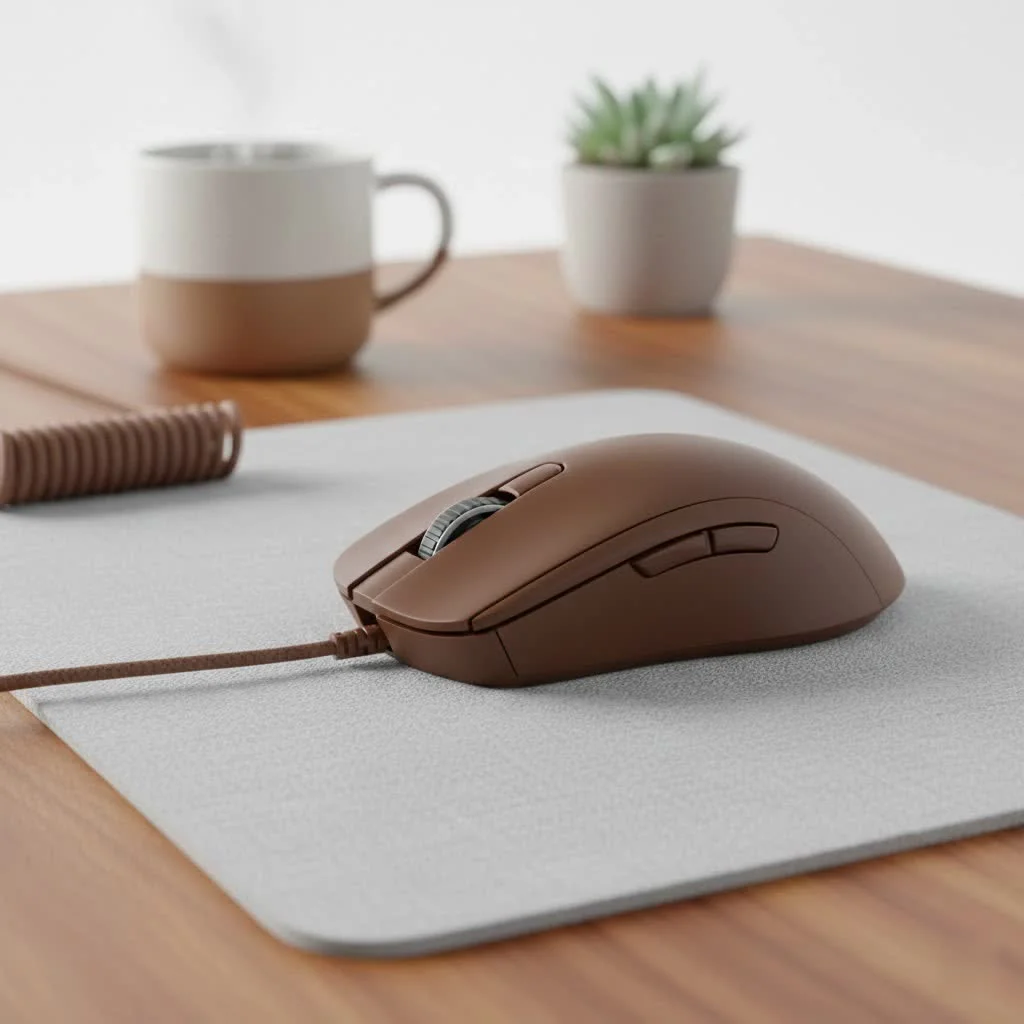
What Defines a Bluetooth Gaming Mouse?
At its core, a Bluetooth mouse is simply a wireless mouse that uses the universal Bluetooth protocol to connect directly to your PC, laptop, or even tablet without needing a dedicated USB dongle. This native connectivity is its greatest strength. Unlike their 2.4GHz wireless counterparts that require a specific receiver, a bluetooth gaming mouse offers seamless pairing with a wide range of devices, making it incredibly versatile. For explore our reviews reviews on this site.
But what makes it a gaming mouse? That’s where the internal hardware comes in. Manufacturers take this convenient Bluetooth connection and pack the mouse with high-performance components:
- High-DPI Sensors: For precise and fast tracking of your movements.
- Durable Switches: Built to withstand millions of clicks in intense gaming sessions.
- Ergonomic Designs: Shaped for comfort and control during long hours of play.
- Programmable Buttons: Allowing for custom macros and keybinds.
Essentially, it’s a high-performance gaming mouse that uses one of the most common wireless standards available today.
The Big Question: Is Bluetooth Good Enough for Gaming?
This is where the debate truly heats up. For years, the consensus was clear: Bluetooth is for office work, not for serious gaming. But technology doesn’t stand still. Let’s break down the modern reality of using a bluetooth gaming mouse for its intended purpose.
The Elephant in the Room: Latency and Polling Rates
The primary concern with Bluetooth for gaming is latency, or input lag. This is the delay between when you move the mouse and when that action is reflected on-screen. Bluetooth, by its nature, has historically had higher latency than a wired or a dedicated 2.4GHz wireless connection.
Furthermore, Bluetooth technology often has a lower polling rate, which is how many times per second the mouse reports its position to the computer. A typical office Bluetooth mouse might have a polling rate of 125Hz (125 reports per second), which can feel laggy or choppy in a fast-paced game. For comparison, most dedicated gaming mice aim for 1000Hz or higher.
“While modern Bluetooth Low Energy (BLE) has made incredible strides in reducing latency, it’s a physical limitation of the protocol. For a professional esports player where a single millisecond can decide a match, the near-instantaneous connection of a 2.4GHz dongle is non-negotiable. But for the vast majority of gamers, that difference is becoming increasingly imperceptible.”
– Alex Chen, Lead Peripheral Analyst at Cyexx.com
However, many modern mice labeled as a bluetooth gaming mouse now offer much-improved polling rates and connectivity, significantly closing the gap. For single-player adventures, strategy games, or casual multiplayer, the convenience often outweighs the slight performance deficit.
The Upside: Unmatched Convenience and Versatility
|
Our Picks for the Best Gaming Mouse in 2026
As an Amazon Associate I earn from qualifying purchases.
|
||
| Num | Product | Action |
|---|---|---|
| 1 | Razer Naga V2 HyperSpeed Wireless MMO Gaming Mouse: 19 Programmable Buttons - HyperScroll Technology - Focus Pro 30K Optical Sensor - Mechanical Mouse Switches Gen-2 - Up to 400 Hr Battery Life |

|
| 2 | Razer DeathAdder Essential Gaming Mouse: 6400 DPI Optical Sensor - 5 Programmable Buttons - Mechanical Switches - Rubber Side Grips - Classic Black |
|
| 3 | Logitech G PRO X SUPERLIGHT Wireless Gaming Mouse, Ultra-Lightweight, HERO 25K Sensor, 25,600 DPI, 5 Programmable Buttons, Long Battery Life, Compatible with PC / Mac - Black |
|
| 4 | Razer Basilisk V3 Customizable Ergonomic Gaming Mouse: Fastest Gaming Mouse Switch - Chroma RGB Lighting - 26K DPI Optical Sensor - 11 Programmable Buttons - HyperScroll Tilt Wheel - Classic Black |
|
| 5 | Razer Viper V3 Pro Wireless Esports Gaming Mouse: Symmetrical - 54g Lightweight - 8K Polling - 35K DPI Optical Sensor - Gen3 Optical Switches - 8 Programmable Buttons - 95 Hr Battery - Black |
|
| 6 | Razer Viper V3 HyperSpeed Wireless Esports Gaming Mouse: 82g Lightweight - Up to 280 Hr Battery - 30K DPI Optical Sensor - Gen-2 Mechanical Switches - 8 Programmable Controls - Classic Black |
|
| 7 | Logitech G502 Lightspeed Wireless Gaming Mouse with Hero 25K Sensor, PowerPlay Compatible, Tunable Weights and Lightsync RGB - Black |
|
| 8 | Razer Basilisk V3 X HyperSpeed Customizable Wireless Gaming Mouse: Mechanical Switches Gen-2-5G Advanced 18K Optical Sensor - Chroma RGB 9 Programmable Controls 535 Hr Battery Classic Black |
|
| 9 | Logitech G703 Lightspeed Wireless Gaming Mouse W/Hero 25K Sensor, PowerPlay Compatible, Lightsync RGB, Lightweight 95G+10G Optional, 100-25, 600 DPI, Rubber Side Grips - Black |
|
| 10 | Logitech G502 X Plus Wireless Gaming Mouse - LIGHTSPEED Optical, LIGHTFORCE Switches, LIGHTSYNC RGB, HERO 25K Sensor for PC/Mac - Black |
|
The single biggest reason to choose a bluetooth gaming mouse is its incredible versatility. Because it doesn’t require a USB dongle, you can:
- Free Up USB Ports: This is a huge plus for laptop users who often have a limited number of ports.
- Connect to Multiple Devices: Many models support multi-device pairing, allowing you to switch between your gaming laptop, your work tablet, and your desktop PC with the press of a button.
- Game on the Go: It’s the perfect travel companion for laptop or even mobile gaming, as you don’t have to worry about losing a tiny USB receiver.
This “connect-to-anything” freedom is something that other types of gaming mice simply cannot offer.
Bluetooth vs. 2.4GHz Wireless: What’s the Real Difference?
Most high-end wireless gaming mice today are not purely Bluetooth; they are dual-mode, offering both Bluetooth and a high-speed 2.4GHz connection via a USB dongle. This gives you the best of both worlds.
Here’s a simple breakdown to help you choose:
| Feature | Bluetooth Connection | 2.4GHz Wireless (via Dongle) |
|---|---|---|
| Performance | Good, but generally higher latency and lower polling rate. | Excellent, near-wired performance with ultra-low latency. |
| Connection Method | Direct to device, no dongle required. | Requires a dedicated USB dongle. |
| Versatility | High. Connects to almost any Bluetooth-enabled device. | Low. Only connects to the device the dongle is plugged into. |
| Battery Life | Generally longer due to Bluetooth Low Energy (BLE). | Can be shorter due to higher performance demands. |
| Best For | Casual gaming, productivity, multi-device use, travel. | Competitive gaming, esports, lowest possible input lag. |
If you see a mouse advertised with “dual-mode wireless,” it means you can use the 2.4GHz dongle for serious gaming sessions at home and then switch to Bluetooth when you take your laptop on the road.
Who Should Buy a Bluetooth Gaming Mouse?
This technology isn’t for everyone, but it’s the perfect solution for a specific type of user. You should strongly consider a bluetooth gaming mouse if you:
- Are a Casual or Hybrid Gamer: You love playing games but also use your computer for work or school. The ability to switch between devices seamlessly is a major quality-of-life improvement.
- Game Primarily on a Laptop: Portability and freeing up limited USB ports are your main priorities.
- Play a Variety of Genres: If you’re more into RPGs, strategy games, or single-player titles, the minuscule latency difference will be unnoticeable, and the convenience will be a huge benefit.
- Value a Clean, Minimalist Desk Setup: No dongle means one less thing cluttering your space.
However, if you are a highly competitive FPS or MOBA player seeking every possible advantage, a mouse with a dedicated 2.4GHz connection (or a wired mouse) is still the recommended choice.
Frequently Asked Questions (FAQ)
Q: Can you be competitive with a bluetooth gaming mouse?
A: For most players up to a high-intermediate level, absolutely. The technology has improved so much that the average gamer is unlikely to be held back by it. However, at the professional or semi-professional level, the stability and lower latency of a 2.4GHz connection are preferred.
Q: Do all bluetooth gaming mice have high latency?
A: No. While Bluetooth technology inherently has more potential for latency than a dedicated 2.4GHz signal, manufacturers have optimized their firmware and hardware to minimize this. Always check reviews for specific latency performance of the model you are considering.
Q: Will a bluetooth gaming mouse work with my iPad or Android tablet?
A: Yes! This is one of the key advantages. Most modern tablets and smartphones support Bluetooth mice, making them fantastic for mobile gaming or productivity on the go.
Q: Is the battery life better or worse with Bluetooth?
A: It’s generally better. Most mice use Bluetooth Low Energy (BLE), which is designed for power efficiency. When using the same mouse in 2.4GHz mode, you’ll often see the battery drain faster because the connection is prioritized for performance over efficiency.
Q: Do I need to install special drivers for a bluetooth gaming mouse?
A: For basic functionality, no. Your operating system’s built-in Bluetooth support will handle the connection. However, to access advanced features like custom button mapping, RGB lighting control, and DPI settings, you will need to install the manufacturer’s specific software.
The Final Verdict
The bluetooth gaming mouse has successfully shed its reputation as a laggy, office-only device. Today, it represents a fantastic compromise between performance and unparalleled convenience. It’s the ultimate multi-tool for the modern user who games, works, and travels with the same set of devices.
While it may not be the top choice for the esports professional chasing prize money, it is an excellent and increasingly popular choice for the millions of gamers who value versatility, a clean setup, and performance that is more than capable of handling their favorite games. So, the next time you’re shopping for a new mouse, don’t dismiss the Bluetooth option—it might just be the perfect fit for your setup.
Get our weekly buyer guide
Practical specs, not advice. Unsubscribe anytime.

I picked up a Bluetooth gaming mouse hoping to declutter my desk, and while it mostly works, the battery life isn’t as good as I’d hoped. I find myself charging it more often than my old 2.4GHz wireless mouse. It’s not a dealbreaker, but it’s a minor annoyance when I’m in the middle of a long session and it dies. Performance-wise, it’s decent for strategy games.
Honestly, I was skeptical about a Bluetooth mouse for gaming, thinking it would be too slow. But after trying one out, I’m a convert! The native connectivity is a huge plus, and I haven’t experienced any noticeable input lag in the games I play. It’s fantastic for my setup since I switch between my PC and my tablet often. Definitely recommend giving it a shot if you’re on the fence.
I’ve been experimenting with different wireless setups, and the Bluetooth option is surprisingly robust. I appreciate not needing a dedicated USB dongle, which frees up a port for other peripherals. While I still prefer a wired connection for competitive play, for everyday use and less demanding games, a Bluetooth gaming mouse holds its own. It’s a solid choice for convenience.
I’ve been using a Bluetooth gaming mouse for a few months now, and it’s been pretty solid. I love not having to worry about a USB dongle taking up a port, especially on my laptop when I’m traveling. The response time is surprisingly good for casual gaming, but I do notice a tiny bit of lag in really fast-paced FPS games compared to my old wired mouse. Still, for the convenience, it’s a great trade-off.