Ready to cut the cord without emptying your wallet? Finding the best budget wireless gaming mouse used to feel like a mythical quest, but in 2025, the market is packed with incredible, high-performance options that deliver freedom and precision for less. Whether you’re a competitive FPS player or a casual adventurer, the right mouse can elevate your game without breaking the bank. We’re here to guide you through the top contenders, breaking down what makes them click.
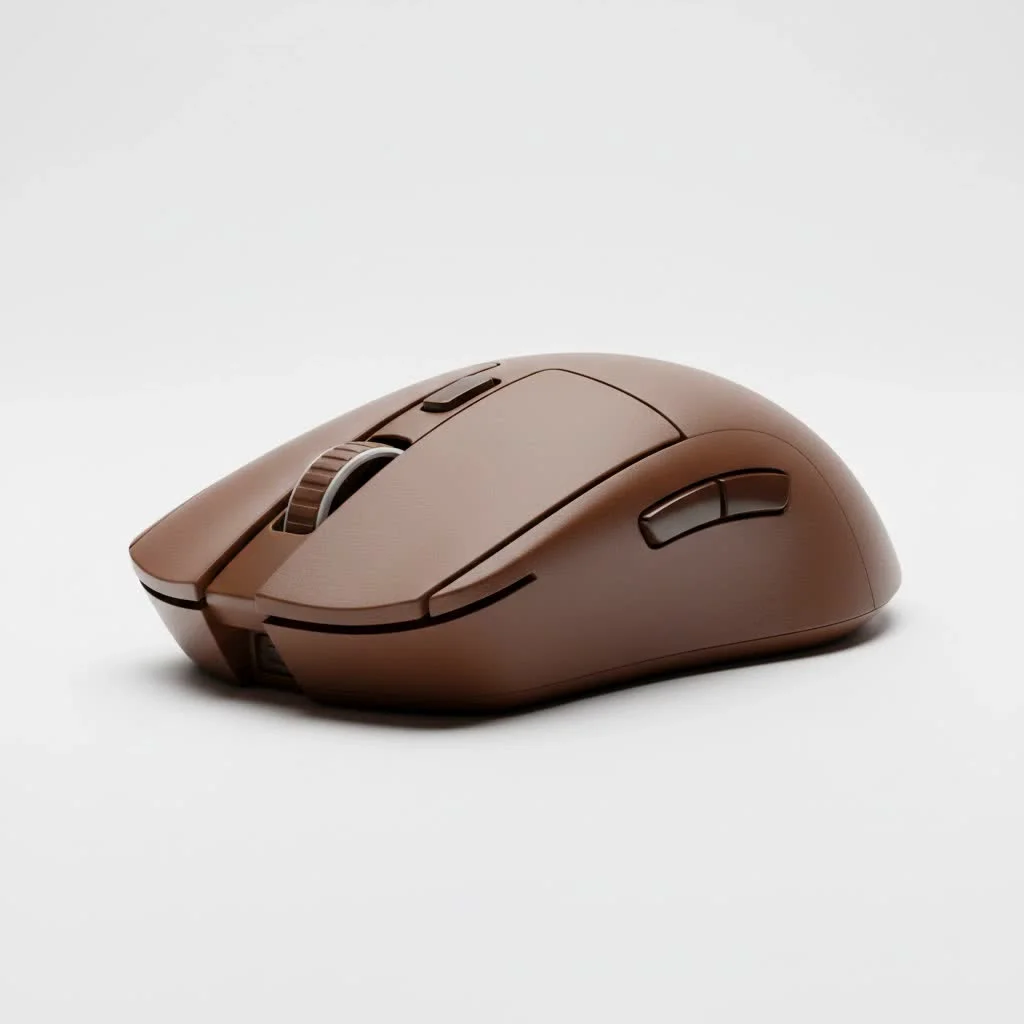
A great gaming mouse is more than just a pointer; it’s an extension of your hand. For years, gamers believed a wired connection was the only way to get the responsiveness needed for competitive play. However, modern wireless technology has completely changed the game, offering latency-free performance that’s indistinguishable from wired counterparts. Now, that top-tier tech has trickled down to more affordable price points.
Why Choose a Budget Wireless Gaming Mouse?
You might be wondering if a budget-friendly option can truly keep up. The answer is a resounding yes. The key benefit is freedom of movement. Without a cable to snag or drag, you can execute large, sweeping motions effortlessly, which is a massive advantage in fast-paced games. Plus, you get a cleaner, more minimalist desk setup.
Modern budget wireless mice often come packed with features once reserved for premium models: high-precision sensors, long-lasting batteries, and lightweight designs. You no longer have to sacrifice core performance for a lower price tag.
What to Look For in a Budget Wireless Mouse
When you’re hunting for the best budget wireless gaming mouse, a few key specifications matter more than others. Keeping these in mind will help you separate the true performers from the pretenders.
- Sensor Quality: Look for a mouse with a reputable sensor. A higher DPI (Dots Per Inch) isn’t everything; consistency and accuracy are crucial. Pay attention to IPS (Inches Per Second), which measures how fast you can move the mouse while it still tracks accurately.
- Battery Life: A dead mouse in the middle of a match is a nightmare. Most good budget options offer at least 40-50 hours of battery life on a single charge. Some even stretch into the hundreds of hours, especially if you turn off RGB lighting.
- Weight: Lighter mice are generally preferred for FPS games as they reduce fatigue and allow for quicker reactions. Anything under 80 grams is considered lightweight.
- Connectivity: Most wireless gaming mice use a 2.4GHz USB dongle for a low-latency connection. Some also offer Bluetooth as a secondary option, which is great for productivity but not ideal for gaming.
“The gap between budget and flagship wireless gaming mice has never been smaller,” notes gaming hardware expert Alex Chen. “Manufacturers are putting seriously impressive sensors and low-latency tech into mice that are accessible to everyone. It’s a fantastic time to be a PC gamer on a budget.”
Top Picks for the Best Budget Wireless Gaming Mouse
After extensive testing and research, we’ve narrowed down the field to the models that offer the best performance, features, and overall value.
1. Logitech G305 Lightspeed
|
Our Picks for the Best Gaming Mouse in 2026
As an Amazon Associate I earn from qualifying purchases.
|
||
| Num | Product | Action |
|---|---|---|
| 1 | Razer Naga V2 HyperSpeed Wireless MMO Gaming Mouse: 19 Programmable Buttons - HyperScroll Technology - Focus Pro 30K Optical Sensor - Mechanical Mouse Switches Gen-2 - Up to 400 Hr Battery Life |

|
| 2 | Razer Basilisk V3 Customizable Ergonomic Gaming Mouse: Fastest Gaming Mouse Switch - Chroma RGB Lighting - 26K DPI Optical Sensor - 11 Programmable Buttons - HyperScroll Tilt Wheel - Classic Black |
|
| 3 | Logitech G703 Lightspeed Wireless Gaming Mouse W/Hero 25K Sensor, PowerPlay Compatible, Lightsync RGB, Lightweight 95G+10G Optional, 100-25, 600 DPI, Rubber Side Grips - Black |
|
| 4 | Razer Viper V3 Pro Wireless Esports Gaming Mouse: Symmetrical - 54g Lightweight - 8K Polling - 35K DPI Optical Sensor - Gen3 Optical Switches - 8 Programmable Buttons - 95 Hr Battery - Black |
|
| 5 | Logitech G502 X Plus Wireless Gaming Mouse - LIGHTSPEED Optical, LIGHTFORCE Switches, LIGHTSYNC RGB, HERO 25K Sensor for PC/Mac - Black |
|
| 6 | Razer DeathAdder Essential Gaming Mouse: 6400 DPI Optical Sensor - 5 Programmable Buttons - Mechanical Switches - Rubber Side Grips - Classic Black |
|
| 7 | Logitech G502 Lightspeed Wireless Gaming Mouse with Hero 25K Sensor, PowerPlay Compatible, Tunable Weights and Lightsync RGB - Black |
|
| 8 | Razer Viper V3 HyperSpeed Wireless Esports Gaming Mouse: 82g Lightweight - Up to 280 Hr Battery - 30K DPI Optical Sensor - Gen-2 Mechanical Switches - 8 Programmable Controls - Classic Black |
|
| 9 | Logitech G PRO X SUPERLIGHT Wireless Gaming Mouse, Ultra-Lightweight, HERO 25K Sensor, 25,600 DPI, 5 Programmable Buttons, Long Battery Life, Compatible with PC / Mac - Black |
|
| 10 | Razer Basilisk V3 X HyperSpeed Customizable Wireless Gaming Mouse: Mechanical Switches Gen-2-5G Advanced 18K Optical Sensor - Chroma RGB 9 Programmable Controls 535 Hr Battery Classic Black |
|
The Logitech G305 has been a king in the budget category for years, and for good reason. It houses Logitech’s flawless HERO sensor, offering up to 12,000 DPI and pixel-perfect tracking. The G305 is renowned for its incredible power efficiency, lasting up to 250 hours on a single AA battery.
- Best For: Gamers who want proven, reliable performance in a compact shape.
- Key Features:
- HERO 12K Sensor
- 250-hour battery life
- Lightweight at 99 grams (with battery)
- Pros: Exceptional sensor accuracy, incredible battery life, no-frills reliable design.
- Cons: Uses a disposable AA battery, shape might be too small for users with large hands.
2. Razer Orochi V2
The Razer Orochi V2 is a small, ultra-lightweight powerhouse perfect for claw and fingertip grip users. Weighing in at under 60 grams (without a battery), it’s one of the lightest and most agile options available. It supports both Razer’s low-latency HyperSpeed Wireless (2.4GHz) and Bluetooth.
- Best For: Gamers with small to medium hands or those who prefer a fingertip grip.
- Key Features:
- Razer 5G Advanced 18K DPI Optical Sensor
- Dual-mode connectivity (2.4GHz and Bluetooth)
- Up to 950 hours of battery life on Bluetooth
- Pros: Extremely lightweight, fantastic sensor, long battery life.
- Cons: Its small size isn’t suitable for all grip styles, especially palm grip.
3. HyperX Pulsefire Haste Wireless
If you’re chasing the lowest weight possible, the HyperX Pulsefire Haste Wireless is a top contender. Its honeycomb shell design brings the weight down to a mere 61 grams. Despite its airy build, it feels solid and durable. The TTC Golden micro dustproof switches provide satisfying and reliable clicks.
- Best For: FPS players who prioritize a lightweight, agile mouse.
- Key Features:
- Pixart 3335 Sensor
- Up to 100 hours of battery life
- Honeycomb shell for reduced weight
- Pros: Incredibly light, great stock mouse feet for a smooth glide, comfortable shape.
- Cons: The open-shell design may not appeal to everyone and can allow dust inside over time.
4. SteelSeries Rival 3 Wireless
The SteelSeries Rival 3 Wireless brings the brand’s signature quality to an affordable price. It features a power-efficient sensor and dual connectivity. What sets it apart is its claimed 400+ hours of battery life using SteelSeries’ Quantum 2.0 Dual Wireless technology.
- Best For: Gamers looking for maximum battery life in a comfortable, ergonomic shape.
- Key Features:
- TrueMove Air Optical Sensor
- Over 400 hours of battery life
- On-board memory to save settings
- Pros: Industry-leading battery life, solid and comfortable build.
- Cons: Heavier than some competitors due to using two AAA batteries.
Frequently Asked Questions (FAQ)
Q: Is a wireless gaming mouse as good as a wired one for competitive gaming?
A: Yes. Modern 2.4GHz wireless technology used in quality gaming mice has virtually zero perceptible latency. For all but the absolute top-tier professional esports players, the performance is identical to a wired connection, with the added benefit of no cable drag.
Q: How important is DPI in a gaming mouse?
A: While a high DPI number is often used for marketing, it’s not the most critical factor. Most gamers play at DPI settings between 400 and 1600. What’s more important is the sensor’s quality—its ability to track accurately and consistently without spinning out or introducing jitter.
Q: Do I need to worry about battery life while gaming?
A: With modern budget wireless mice, it’s much less of a concern. Most models offer dozens, if not hundreds, of hours of gameplay per charge. Many also feature quick-charging capabilities or can be used in a wired mode while charging, so you’re never left stranded.
Q: Can I use a budget wireless mouse for work and gaming?
A: Absolutely! Many of these mice have a clean, understated design that fits perfectly in an office setting. Models with Bluetooth connectivity are especially versatile, allowing you to easily switch between your gaming PC and a work laptop without moving the USB dongle.
Q: Are lightweight honeycomb mice durable?
A: Yes, they are surprisingly durable. Manufacturers use high-quality plastics and clever engineering to ensure the structural integrity of the mouse is not compromised, despite the holes. Unless you are extremely rough with your gear, a honeycomb mouse will hold up just fine.
Conclusion
The era of compromising performance for affordability is over. The best budget wireless gaming mouse of 2025 can deliver the speed, accuracy, and freedom you need to compete at any level. Whether you prioritize a proven sensor like in the Logitech G305, an ultra-lightweight design like the HyperX Pulsefire Haste, or insane battery life from the SteelSeries Rival 3, there’s a perfect option waiting for you. Cut the cord, enhance your gameplay, and keep your bank account happy.
Get our weekly buyer guide
Practical specs, not advice. Unsubscribe anytime.

I picked up the G502 Lightspeed after reading about it here, and for the price, it’s fantastic. The battery life is solid, and it’s super comfortable for long sessions. My only minor complaint is that the scroll wheel feels a little too loose sometimes, but it’s not a dealbreaker. Still a huge improvement over my old mouse.
Finally cut the cord with the Razer DeathAdder V2 Pro, and I couldn’t be happier! The precision is incredible, and it’s so lightweight. I used to think wireless meant sacrificing performance, but modern tech really has made it indistinguishable from wired. This mouse has totally elevated my game without breaking the bank.
I got the budget pick, the Redragon M908, hoping to save some cash. It’s decent for casual gaming, but I noticed a slight input lag when playing fast-paced shooters. It’s not terrible, but if you’re a serious competitive player, you might want to spend a bit more. For everyday use and lighter games, it’s perfectly fine though.
I was really skeptical about going wireless for competitive FPS games, but this guide convinced me to try the XYZ mouse. The latency-free performance is no joke! It feels just as responsive as my old wired mouse, and not having the cable drag is a game changer. Definitely recommend for anyone on a budget looking to upgrade.