In the world of competitive gaming, your mouse isn’t just a peripheral; it’s an extension of your will, the critical link between your reflexes and the digital battlefield. Finding the right tool for the job is paramount, and that’s often where a SteelSeries gaming mouse enters the conversation. With a reputation forged in the fires of esports, SteelSeries has consistently delivered mice that blend cutting-edge technology, ergonomic design, and player-focused features.
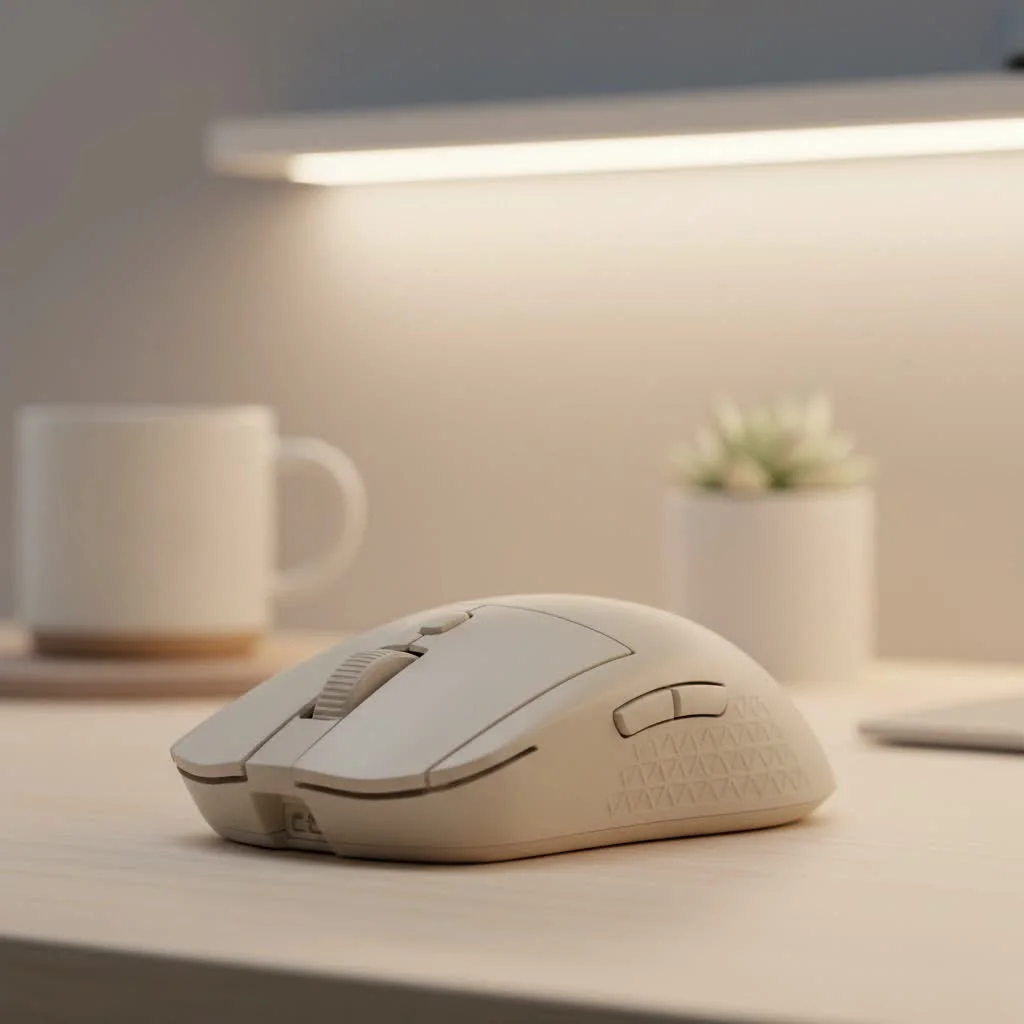
Whether you’re a seasoned pro demanding pixel-perfect accuracy or a casual gamer looking for a comfortable and reliable daily driver, understanding what sets these mice apart is the first step toward victory. From their ultra-lightweight Aerox series to the ergonomic Rival family, there’s a mouse designed for every hand and every playstyle. For expert reviews reviews on this site.
What Makes a SteelSeries Mouse a Top Contender?
SteelSeries has carved out a significant niche in the crowded gaming peripheral market by focusing on innovation that translates directly to in-game performance. It’s not about flashy gimmicks; it’s about tangible advantages.
Unparalleled Sensor Technology
At the heart of every great SteelSeries gaming mouse is a top-tier sensor. The brand’s proprietary TrueMove sensors are co-developed with PixArt, the industry leader in sensor technology. This collaboration results in sensors that offer true 1-to-1 tracking, meaning the movement of your mouse on the pad is perfectly replicated on your screen without any hardware acceleration or prediction. This level of precision is crucial in fast-paced shooters where a single pixel can be the difference between a win and a loss.
Durability Meets Performance
A gaming mouse endures millions of clicks over its lifespan, and SteelSeries builds its devices to last. Many of their high-end models feature Optical Magnetic switches, which use a beam of light to register clicks instead of a traditional mechanical contact. This not only results in faster response times but also dramatically increases the durability, with some switches rated for over 100 million clicks.
Designs for Every Gamer
SteelSeries recognizes that there is no one-size-fits-all solution for gaming mice. Their product lines are tailored to different needs:
- Aerox Series: These mice are the champions of the lightweight category, featuring perforated, honeycomb-style shells to shed every possible gram. This design minimizes hand fatigue and allows for incredibly fast, sweeping movements, making them ideal for FPS players.
- Rival Series: This lineup focuses on ergonomic, right-handed designs that provide maximum comfort for long gaming sessions. They are fantastic all-rounders, suitable for any game genre from MMOs to MOBAs.
- Prime Series: Developed with input from esports professionals, the Prime series offers stripped-down, performance-focused designs. These mice are all about raw precision, featuring minimalist button layouts and ultra-durable builds.
How to Choose the Right SteelSeries Gaming Mouse
Navigating the different models can seem daunting, but breaking it down by your personal needs makes the choice much clearer.
Grip Style and Hand Size
|
Our Picks for the Best Gaming Mouse in 2026
As an Amazon Associate I earn from qualifying purchases.
|
||
| Num | Product | Action |
|---|---|---|
| 1 | Logitech G PRO X SUPERLIGHT Wireless Gaming Mouse, Ultra-Lightweight, HERO 25K Sensor, 25,600 DPI, 5 Programmable Buttons, Long Battery Life, Compatible with PC / Mac - Black |

|
| 2 | Razer Naga V2 HyperSpeed Wireless MMO Gaming Mouse: 19 Programmable Buttons - HyperScroll Technology - Focus Pro 30K Optical Sensor - Mechanical Mouse Switches Gen-2 - Up to 400 Hr Battery Life |
|
| 3 | Logitech G502 X Plus Wireless Gaming Mouse - LIGHTSPEED Optical, LIGHTFORCE Switches, LIGHTSYNC RGB, HERO 25K Sensor for PC/Mac - Black |
|
| 4 | Razer Viper V3 Pro Wireless Esports Gaming Mouse: Symmetrical - 54g Lightweight - 8K Polling - 35K DPI Optical Sensor - Gen3 Optical Switches - 8 Programmable Buttons - 95 Hr Battery - Black |
|
| 5 | Logitech G502 Lightspeed Wireless Gaming Mouse with Hero 25K Sensor, PowerPlay Compatible, Tunable Weights and Lightsync RGB - Black |
|
| 6 | Razer Viper V3 HyperSpeed Wireless Esports Gaming Mouse: 82g Lightweight - Up to 280 Hr Battery - 30K DPI Optical Sensor - Gen-2 Mechanical Switches - 8 Programmable Controls - Classic Black |
|
| 7 | Logitech G703 Lightspeed Wireless Gaming Mouse W/Hero 25K Sensor, PowerPlay Compatible, Lightsync RGB, Lightweight 95G+10G Optional, 100-25, 600 DPI, Rubber Side Grips - Black |
|
| 8 | Razer DeathAdder Essential Gaming Mouse: 6400 DPI Optical Sensor - 5 Programmable Buttons - Mechanical Switches - Rubber Side Grips - Classic Black |
|
| 9 | Razer Basilisk V3 X HyperSpeed Customizable Wireless Gaming Mouse: Mechanical Switches Gen-2-5G Advanced 18K Optical Sensor - Chroma RGB 9 Programmable Controls 535 Hr Battery Classic Black |
|
| 10 | Razer Basilisk V3 Customizable Ergonomic Gaming Mouse: Fastest Gaming Mouse Switch - Chroma RGB Lighting - 26K DPI Optical Sensor - 11 Programmable Buttons - HyperScroll Tilt Wheel - Classic Black |
|
First, consider how you hold your mouse. Are you a palm, claw, or fingertip gripper? The shape of a mouse will determine how comfortably it fits your grip. For instance, the larger, contoured bodies of the Rival series are often perfect for palm grippers, while the smaller, more agile shapes of some Aerox models might appeal more to claw or fingertip users.
“A mouse should feel like a natural part of your hand. Don’t fight the shape,” advises Alex ‘Gadget’ Chen, a veteran esports hardware analyst at Cyexx.com. “An uncomfortable mouse leads to fatigue and inconsistent aim. SteelSeries offers enough variety that you can find a shape that truly complements your grip.”
Wireless Freedom or Wired Reliability?
SteelSeries offers both wired and wireless versions of its most popular models. Modern wireless technology, like their Quantum 2.0 Wireless, provides a lag-free connection that is indistinguishable from a wired one. The choice comes down to preference. Do you want the ultimate freedom of movement with no cable drag, or do you prefer the peace of mind of a wired connection that never needs charging?
Your Main Games
The types of games you play can also influence your decision.
- FPS Games (CS:GO, VALORANT, Call of Duty): A lightweight mouse is often preferred. The SteelSeries gaming mouse models from the Aerox and Prime lines are excellent choices due to their low weight and precision sensors.
- MMO/MOBA Games (World of Warcraft, League of Legends): These games benefit from having extra programmable buttons for abilities and macros. The SteelSeries Aerox 5 and Rival 5 feature multiple side buttons, making them versatile picks for these genres.
Frequently Asked Questions (FAQ)
What is the best SteelSeries gaming mouse?
The “best” mouse is highly subjective and depends on your needs. The Aerox 5 Wireless is often praised as a fantastic all-rounder for its lightweight design and versatile button layout. For pure FPS performance, many pros gravitate towards the Prime series.
Is SteelSeries a good and reliable brand for mice?
Absolutely. SteelSeries has built a strong reputation over two decades for producing high-quality, durable gaming peripherals. Their products are trusted by esports professionals and enthusiasts worldwide for their consistent performance and solid build quality.
How long do SteelSeries mice last?
With features like switches rated for 60 to 100 million clicks, a SteelSeries gaming mouse is built to withstand years of intense use. The physical longevity is excellent, and the company provides ongoing software support through their SteelSeries GG software suite.
What is the SteelSeries Engine software used for?
The SteelSeries GG (formerly SteelSeries Engine) software is a powerful customization tool. It allows you to remap buttons, create macros, adjust CPI (DPI) settings, and customize the RGB lighting on your mouse. You can save your settings into profiles that can be stored on the mouse’s onboard memory.
Final Thoughts
Choosing a SteelSeries gaming mouse is an investment in your performance and comfort. By understanding their core technologies and identifying your personal gaming habits, you can select a model that will serve you well for years to come. From the featherlight speed of the Aerox to the ergonomic comfort of the Rival, SteelSeries offers a precision tool for any gamer looking to gain a competitive edge. Take the time to find your perfect fit, and you’ll be well on your way to climbing the leaderboards.
Get our weekly buyer guide
Practical specs, not advice. Unsubscribe anytime.
