The best PC gaming mouse for peak performance depends on individual needs, but top contenders like the Razer Viper V3 Pro (54g, wireless) excel for competitive FPS players, while the Logitech G Pro X Superlight 2 (60g, wireless) offers versatile all-around gaming excellence. Key factors include sensor accuracy (DPI, polling rate), connectivity (wired vs. wireless), weight, ergonomics, and grip style (palm, claw, fingertip).
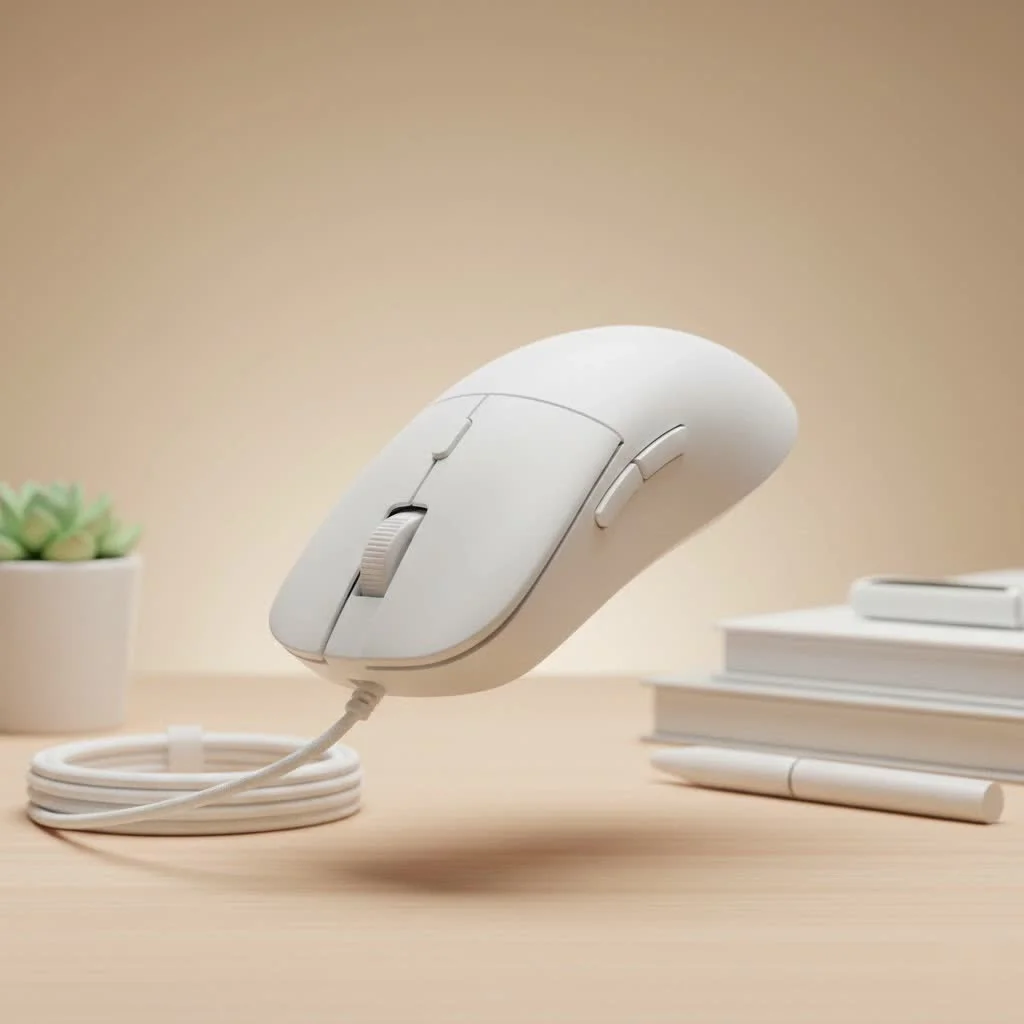
As a professional with over a decade of experience testing gaming peripherals, I’ve observed significant market shifts. Today’s mice are engineering marvels, packed with technology to provide a competitive edge. This guide simplifies complex specifications to help you find the ideal mouse for your grip, playstyle, and budget.
How to Choose the Best PC Gaming Mouse for You
Before exploring top models, it’s crucial to understand what defines a great gaming mouse. The “best” mouse is subjective and entirely dependent on your personal requirements. Let’s break down the core factors to consider.
Understanding Key Specs: DPI, Polling Rate, and Sensors
A mouse sensor acts as the engine, dictating performance. DPI (Dots Per Inch) measures mouse sensitivity to movement. While manufacturers advertise numbers up to 30,000 DPI, most professional players use settings between 400 and 1600 DPI for more controlled aim. A high maximum DPI indicates a capable sensor but isn’t the most critical metric for most users.
Polling Rate, measured in Hz, indicates how often the mouse reports its position to your PC. The standard for gaming mice is 1000Hz (1000 times per second). Many modern mice now offer polling rates of 4000Hz or even 8000Hz for smoother, more responsive tracking, though the real-world benefit can be subtle for casual players.
Wired vs. Wireless: The Great Debate
Historically, professional gamers exclusively used wired mice to avoid latency. Today, modern wireless technologies from brands like Logitech (LIGHTSPEED) and Razer (HyperSpeed) offer performance indistinguishable from their wired counterparts.
- Wireless: Provides freedom of movement without cable drag, ideal for clean setups and dynamic motions. The primary drawback is the need to recharge, though modern mice often boast 70+ hours of battery life.
- Wired: Guarantees a stable connection and never requires charging. These mice are often slightly lighter and more affordable than their wireless equivalents.
Weight and Ergonomics: Finding Your Perfect Fit
The trend in competitive gaming has shifted significantly towards ultra-lightweight mice. A lighter mouse (typically under 70 grams) is easier to move quickly and can reduce wrist fatigue during extended sessions. However, some players prefer the heft and planted feel of a heavier mouse for more deliberate movements.
Ergonomics refers to the mouse’s shape and comfort. A mouse that perfectly fits your hand will feel like a natural extension of your arm. Shapes are often designed for right-handed, left-handed, or ambidextrous users.
Grip Style Matters: Palm, Claw, or Fingertip?
|
Our Picks for the Best Gaming Mouse in 2026
As an Amazon Associate I earn from qualifying purchases.
|
||
| Num | Product | Action |
|---|---|---|
| 1 | Logitech G502 X Plus Wireless Gaming Mouse - LIGHTSPEED Optical, LIGHTFORCE Switches, LIGHTSYNC RGB, HERO 25K Sensor for PC/Mac - Black |

|
| 2 | Razer Basilisk V3 Customizable Ergonomic Gaming Mouse: Fastest Gaming Mouse Switch - Chroma RGB Lighting - 26K DPI Optical Sensor - 11 Programmable Buttons - HyperScroll Tilt Wheel - Classic Black |
|
| 3 | Logitech G PRO X SUPERLIGHT Wireless Gaming Mouse, Ultra-Lightweight, HERO 25K Sensor, 25,600 DPI, 5 Programmable Buttons, Long Battery Life, Compatible with PC / Mac - Black |
|
| 4 | Logitech G703 Lightspeed Wireless Gaming Mouse W/Hero 25K Sensor, PowerPlay Compatible, Lightsync RGB, Lightweight 95G+10G Optional, 100-25, 600 DPI, Rubber Side Grips - Black |
|
| 5 | Logitech G502 Lightspeed Wireless Gaming Mouse with Hero 25K Sensor, PowerPlay Compatible, Tunable Weights and Lightsync RGB - Black |
|
| 6 | Razer Viper V3 HyperSpeed Wireless Esports Gaming Mouse: 82g Lightweight - Up to 280 Hr Battery - 30K DPI Optical Sensor - Gen-2 Mechanical Switches - 8 Programmable Controls - Classic Black |
|
| 7 | Razer Viper V3 Pro Wireless Esports Gaming Mouse: Symmetrical - 54g Lightweight - 8K Polling - 35K DPI Optical Sensor - Gen3 Optical Switches - 8 Programmable Buttons - 95 Hr Battery - Black |
|
| 8 | Razer Basilisk V3 X HyperSpeed Customizable Wireless Gaming Mouse: Mechanical Switches Gen-2-5G Advanced 18K Optical Sensor - Chroma RGB 9 Programmable Controls 535 Hr Battery Classic Black |
|
| 9 | Razer Naga V2 HyperSpeed Wireless MMO Gaming Mouse: 19 Programmable Buttons - HyperScroll Technology - Focus Pro 30K Optical Sensor - Mechanical Mouse Switches Gen-2 - Up to 400 Hr Battery Life |
|
| 10 | Razer DeathAdder Essential Gaming Mouse: 6400 DPI Optical Sensor - 5 Programmable Buttons - Mechanical Switches - Rubber Side Grips - Classic Black |
|
How you hold your mouse is a critical factor in your choice. There are three main grip styles:
- Palm Grip: Your entire hand rests on the mouse. This grip is comfortable for long sessions and best suited for larger, ergonomic mice.
- Claw Grip: Your wrist is planted on the mousepad, and your fingers are arched in a claw-like shape. This allows for quick, precise micro-adjustments and works well with medium-sized, often ambidextrous mice.
- Fingertip Grip: Only your fingertips touch the mouse, with your palm not making contact. This style offers the fastest movement and is ideal for small, ultra-lightweight mice.
Our Top Picks for the Best PC Gaming Mouse
After extensive testing and analysis, here are the best gaming mice that stand out from the competition.
Razer Viper V3 Pro: The Esports Champion
For competitive players demanding the best, the Razer Viper V3 Pro is a top choice. Building on its predecessors’ legacy, this mouse focuses purely on performance. Its simple, safe, and incredibly lightweight design makes it a favorite among esports athletes. The Focus Pro 35K optical sensor is one of the most accurate on the market, ensuring every movement is translated perfectly on screen. It’s an ambidextrous powerhouse built for winning.
- Best For: Competitive FPS players, Claw and Fingertip Grips
- Weight: 54g
- Connectivity: Wireless
Logitech G Pro X Superlight 2: The Lightweight All-Rounder
The Logitech G Pro X Superlight 2 is a reliable workhorse, continuing its iconic predecessor’s legacy with a simple, comfortable shape that fits various hand sizes and grip styles. At just 60 grams, it feels incredibly nimble, allowing for effortless flicks and tracking in fast-paced games. Logitech’s HERO 2 sensor delivers flawless performance, while the new LIGHTFORCE hybrid optical-mechanical switches provide a crisp, satisfying click. It’s a no-frills, performance-first mouse that excels in every aspect.
- Best For: All-around gaming, FPS enthusiasts, Palm and Claw Grips
- Weight: 60g
- Connectivity: Wireless
Razer DeathAdder V3 Pro: The Ergonomic King
The DeathAdder line is legendary for comfort, and the V3 Pro represents the pinnacle of that ergonomic design. Its shape is masterfully sculpted to fit the natural contour of a right hand, making it exceptionally comfortable for palm grippers during marathon gaming sessions. Despite its comfort, this mouse is a top-tier performer, featuring the same flawless sensor as the Viper V3 Pro and a feather-light design that belies its size. It combines comfort with competitive performance.
- Best For: Palm Grippers, Ergonomics Seekers, a variety of game genres
- Weight: 63g
- Connectivity: Wireless
SteelSeries Aerox 5 Wireless: The Versatile Lightweight
If you play various genres, the SteelSeries Aerox 5 Wireless might be ideal. It combines a lightweight, holey-shell design with a versatile button layout, including a handy “sniper” button and a multi-function side-paddle. This adaptability suits everything from fast-paced FPS action to complex MMO or MOBA ability rotations. It’s the Swiss Army knife of lightweight gaming mice, offering flexibility without compromising core performance.
- Best For: Gamers who play multiple genres, users wanting extra buttons
- Weight: 74g
- Connectivity: Wireless (2.4GHz and Bluetooth)
Corsair Scimitar RGB Elite: The MMO/MOBA Master
For massively multiplayer online games, more buttons offer a significant advantage. The Corsair Scimitar RGB Elite is specifically designed for this purpose. Its signature feature is the patented Key Slider control system, allowing you to reposition a 12-button side panel to perfectly fit your thumb. This provides instant access to all your abilities and macros without needing to reach for your keyboard. It’s a specialized tool unmatched in its category.
- Best For: MMO and MOBA players
- Weight: 122g
- Connectivity: Wired
What Do the Experts Say?
To provide additional insight, I spoke with Alex “Vector” Chen, a former professional esports coach and peripheral analyst.
“Players often get fixated on a single spec, like DPI,” Alex explains. “But the reality of pro-level performance is in the synergy of features. A lightweight design is useless if the shape gives you cramps. A high polling rate won’t help if the sensor is inconsistent. The best PC gaming mouse is the one that disappears in your hand, allowing you to focus completely on the game.”
Conclusion
Choosing the best PC gaming mouse is a deeply personal journey influenced by your hand size, grip style, and preferred game genres. Whether you prioritize the raw competitive edge of the Razer Viper V3 Pro, the ergonomic comfort of the DeathAdder V3 Pro, or the balanced excellence of the Logitech G Pro X Superlight 2, a perfect mouse awaits you.
Focus on the fundamentals: a comfortable shape, a flawless sensor, and a weight that feels right for you. Investing in a quality gaming mouse is not just buying a peripheral; it’s unlocking a new level of precision and control that can elevate your entire gaming experience.
Frequently Asked Questions
What DPI setting is most effective for competitive gaming?
Most professional FPS players utilize a DPI setting between 400 and 1600. A lower DPI generally offers greater control for precise aiming, which is crucial in competitive scenarios. It's recommended to choose a mouse with a high-quality sensor and then experiment to find your optimal DPI.
Are optical switches superior to mechanical switches in gaming mice?
Optical switches are generally faster and more durable than traditional mechanical switches. They register clicks using a beam of light, eliminating the physical debounce delay common in mechanical switches and preventing potential double-clicking issues over time. For competitive gaming, optical switches offer a technical advantage.
Is a lighter gaming mouse always the better choice for all players?
Not necessarily. While the trend favors lighter mice (under 70 grams) for increased speed and reduced fatigue, mouse weight is ultimately a personal preference. Some players prefer the stability and deliberate feel of a heavier mouse. If your primary games don't demand rapid flicking, a heavier ergonomic mouse might offer more comfort.
What is the typical battery life for modern wireless gaming mice?
Battery life varies by model and usage, especially with RGB lighting enabled. However, most modern high-end wireless gaming mice provide between 70 to 100 hours of continuous use on a single charge. This duration is typically sufficient for several days of intensive gaming before needing a recharge.
Which gaming mice are recommended for users with smaller hands?
For gamers with smaller hands, excellent choices include models like the Razer Viper Mini or the HyperX Pulsefire Haste 2 Mini. These mice offer the same high-end performance and features as their larger counterparts but come in a more compact and manageable form factor, ensuring a comfortable grip.
How to Choose Your Best PC Gaming Mouse
Selecting the ideal PC gaming mouse involves evaluating key specifications, connectivity, weight, ergonomics, and your personal grip style to match your gaming needs.
Familiarize yourself with DPI (Dots Per Inch) and Polling Rate (Hz). While high DPI numbers are advertised, most pros use 400-1600 DPI. A 1000Hz polling rate is standard, with some mice offering 4000Hz or 8000Hz for smoother tracking.
Consider if you prefer the freedom of wireless or the guaranteed stability of wired. Modern wireless mice from brands like Logitech and Razer offer performance comparable to wired, often with 70+ hours of battery life. Wired mice are typically lighter and more affordable.
Determine your preference for mouse weight; ultra-light mice (under 70g) are popular for speed, while heavier mice offer a more planted feel. Choose a shape that fits your hand and grip style for optimal comfort during long gaming sessions.
Recognize if you use a Palm, Claw, or Fingertip grip. Palm grippers benefit from larger, ergonomic mice; Claw grippers often prefer medium-sized, ambidextrous mice; and Fingertip grippers thrive with small, ultra-lightweight models for maximum agility.
Think about the types of games you play. FPS players might prioritize lightweight, accurate sensors, while MMO/MOBA players could benefit from mice with multiple programmable buttons, like the Corsair Scimitar RGB Elite, for ability access.
Get our weekly buyer guide
Practical specs, not advice. Unsubscribe anytime.

I’ve always struggled with finding a mouse that fits my fingertip grip, but the detailed breakdown here was super helpful. I went with one of the lighter wireless options, and it’s made a huge difference. No more wrist strain, and my aim has definitely improved. Highly recommend paying attention to grip style!
I was looking for something in a specific budget range, and while the recommendations were good, the mouse I picked felt a bit too heavy for my liking. The ergonomics are decent, but I prefer a lighter mouse for long sessions. It’s okay, but I might upgrade to something lighter next time.
I finally pulled the trigger on the Razer Viper V3 Pro after reading about its lightweight design for FPS games. It’s a game-changer! My flick shots feel so much more precise, and the wireless connection is flawless. Definitely worth the investment if you’re serious about competitive play.
The guide really helped me understand DPI and polling rate better. I ended up getting the Logitech G Pro X Superlight 2, and it’s been fantastic for my mixed gaming style. It’s super comfortable for my palm grip, and the battery life is surprisingly good. Only wish it had a few more customizable buttons.